Scanner
3
3-32
3.16 Selecting the Image Density
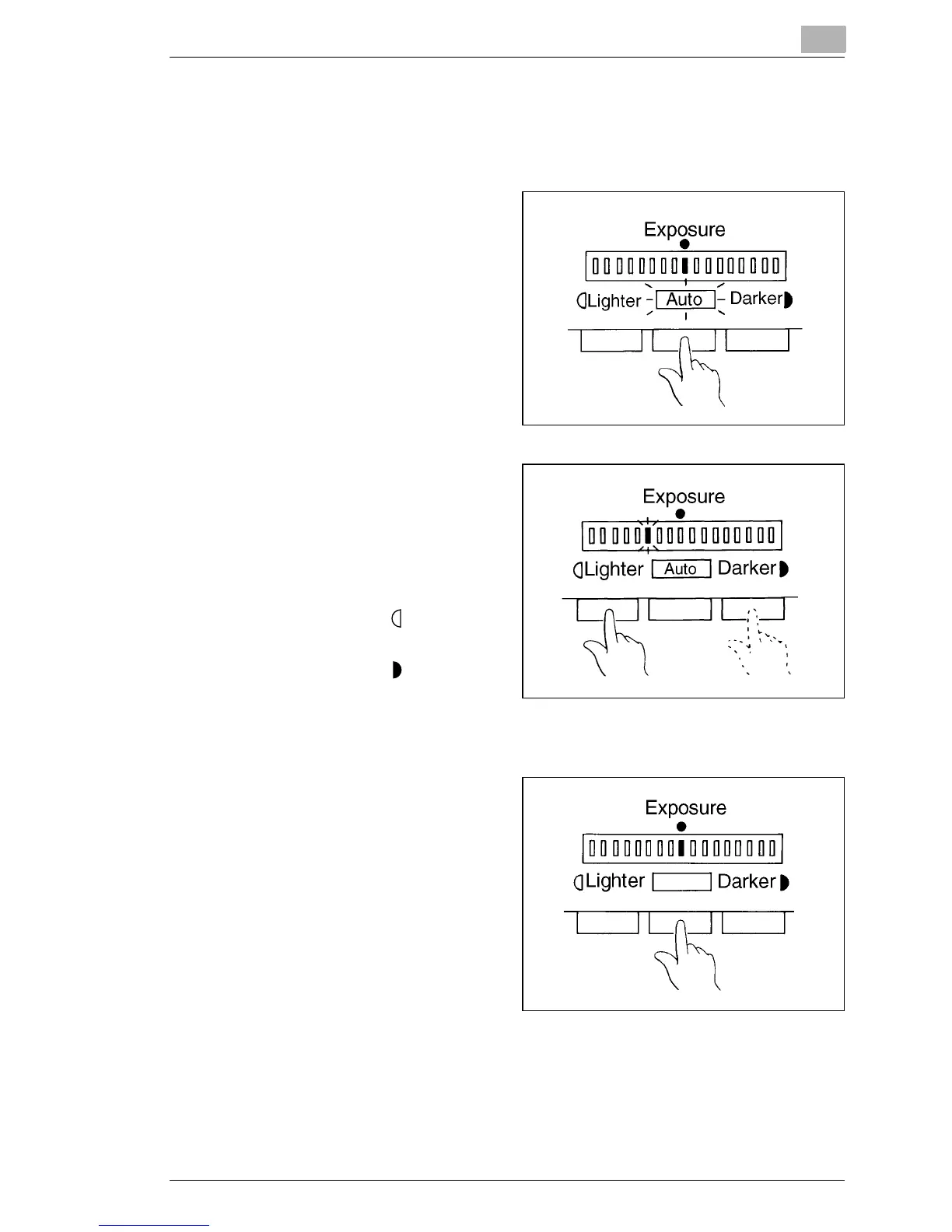
Using Auto Exposure
1
Press the Exposure Mode
key to select the Auto
Exposure mode.
2
If the Auto Exposure setting
is not satisfactory, press the
appropriate Exposure
Adjustment key, either
Lighter or Darker, to set the
desired image density.
Press Lighter
: to make the image lighter.
Press Darker
: to make the image darker.
Using Manual Exposure
1
Press the Exposure Mode
key and select the Manual
Exposure mode.



 To Next Page
 Loading...







