7
Maintenance
7-10
Cleaning the MSP 3000 Printer
CAUTION
§ Use a soft cloth and NEVER use abrasives or corrosive detergents.
1
Before cleaning the Printer, turn OFF the power and unplug the cord
from the power outlet.
2
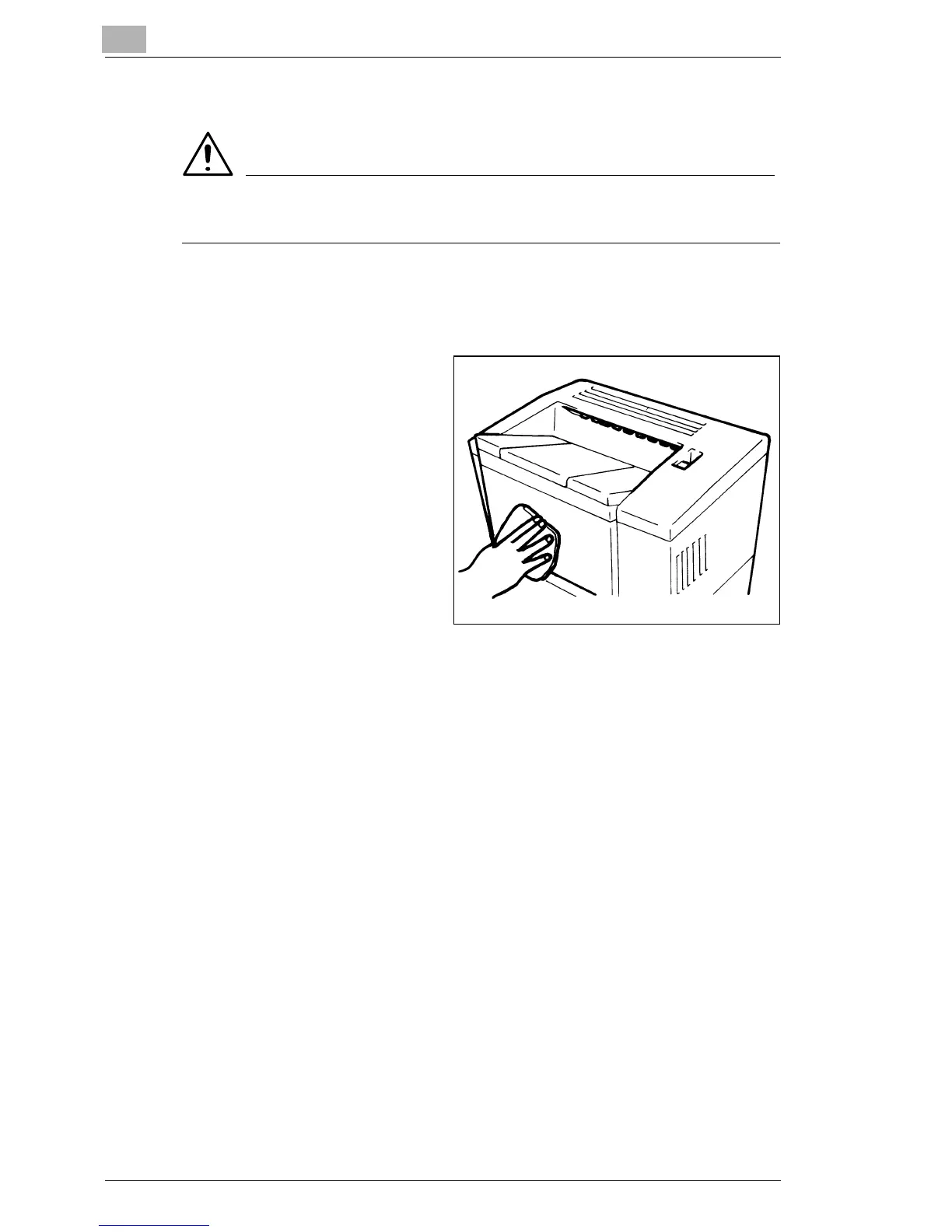
Clean the exterior panels
with a soft, dry cloth.
§ A damp cloth and a mild
home detergent can be
used for heavier cleaning.



 To Next Page
 Loading...







