Scanner
3
3-2
3.2 System Configuration
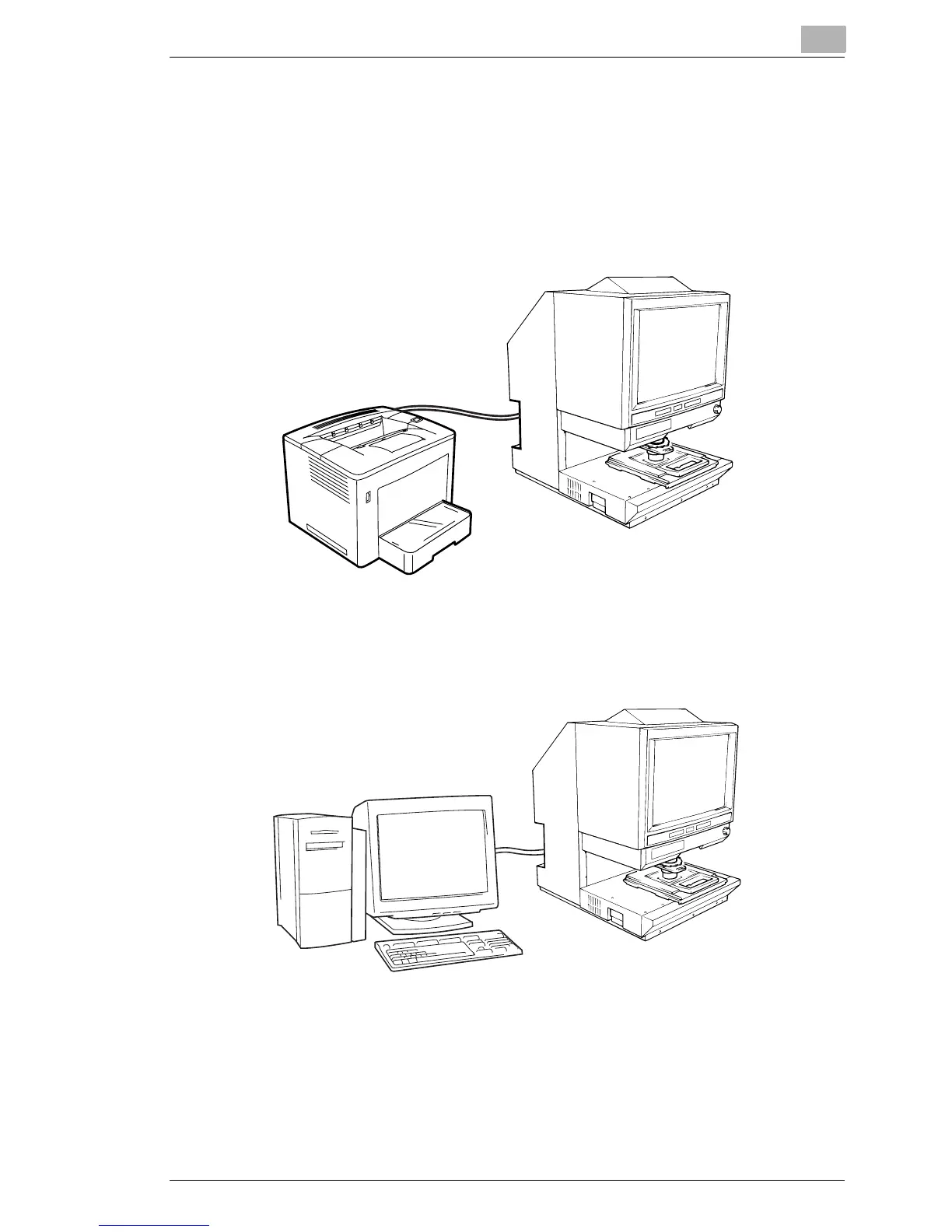
This Scanner is available in the following configurations.
PR Mode (connected to a printer)
The Scanner is connected to a dedicated printer (MSP 3500 or MSP
3000), allowing scanned images to be printed out directly.
PC Mode (connected to a personal computer)
The Scanner is connected to a personal computer and the scanned
images can be
uploaded to the computer.
Connection to a personal computer and printer can be switched using
Control Panel. Refer to "Selecting the Connection Mode" on page
3-45.
For except USA and Canada area:
An optional USB interface kit is required for connection to a Personal
Computer. Contact the authorized dealer for details.



 To Next Page
 Loading...







