3
Scanner
3-45
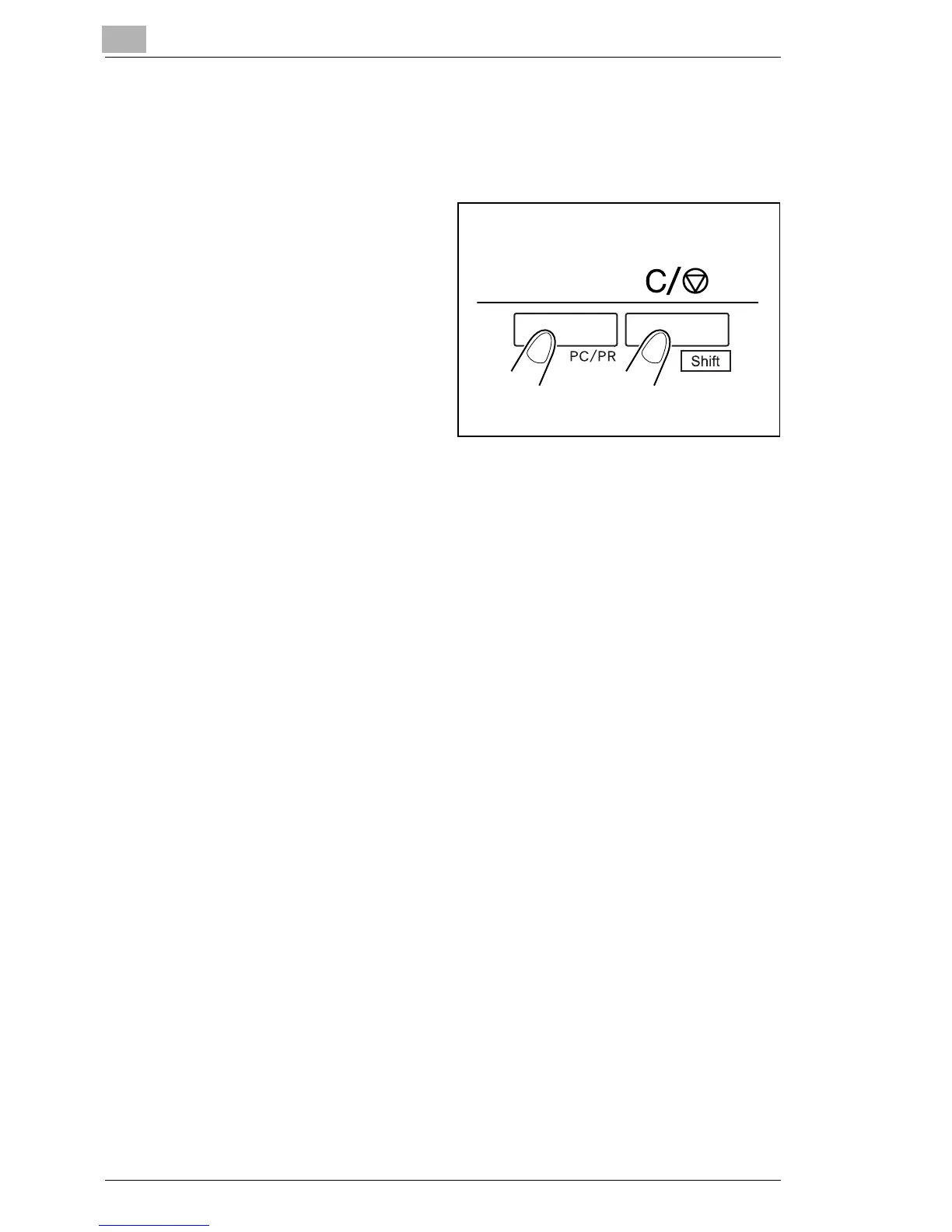
3.23 Selecting the Connection Mode
The Scanner connection can be selected between PR (connection to the
Printer) and PC (connection to the Personal Computer).
1
Hold down the Shift Key and
the PC/PR Key together for
over one second.
1
PC mode:
When the display is switched from Multi-Print to PC, the connection to
the PC is valid.
PR mode:
When the display is switched from PC to Multi-Print, the connection to
the Printer is valid.



 To Next Page
 Loading...







