7
Maintenance
7-4
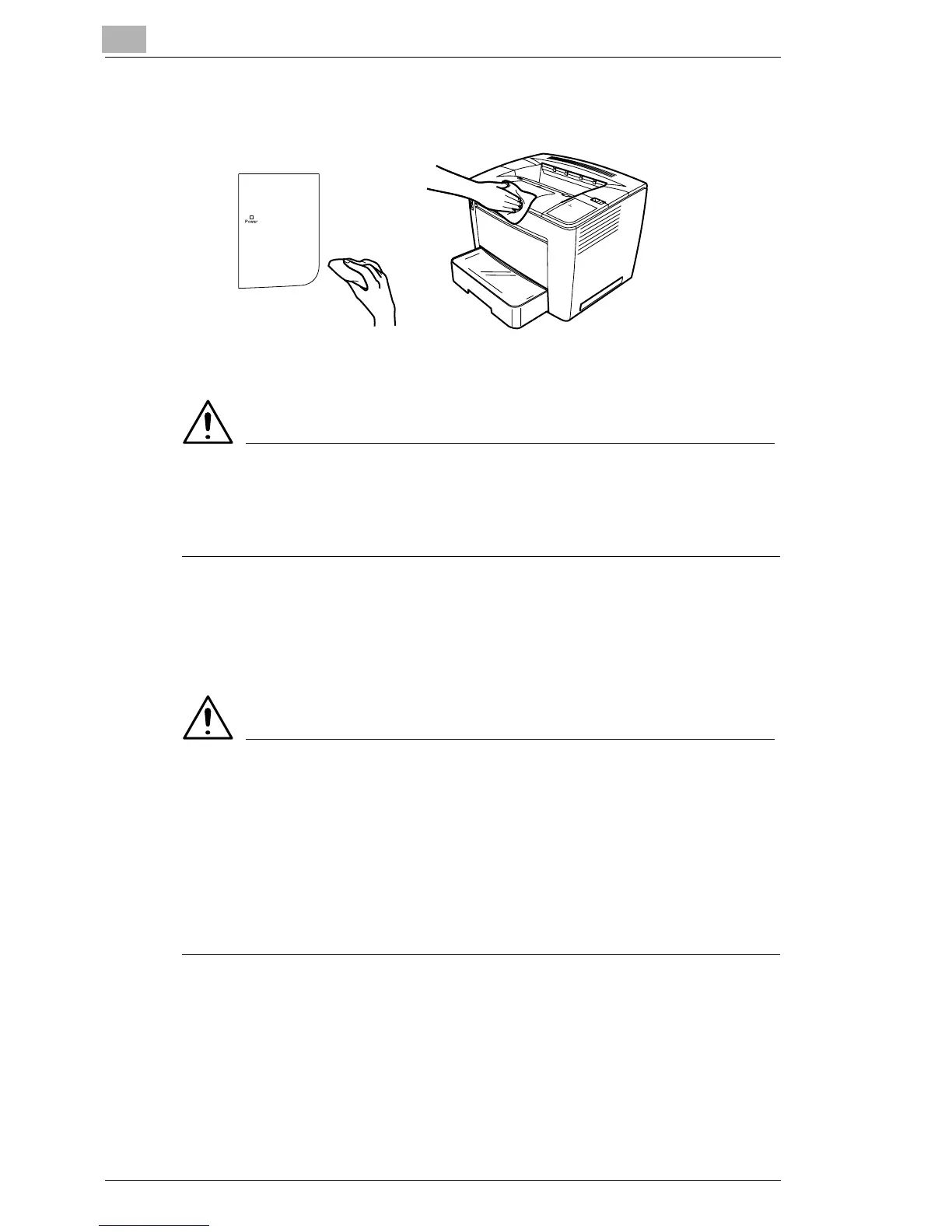
Cleaning the Printer Exterior
ATTENTION
§ Never spray cleaning solution directly on the printer’s surface; the
spray could penetrate through the air vents of the printer and damage
the internal circuits.
Cleaning the Printer Interior
Make sure any parts removed during cleaning are replaced before you
plug in the printer.
WARNING
§ Turn off the printer, unplug the power cord, and disconnect all interface
cables before cleaning.
§ Do not spill water or detergent into the printer; otherwise the printer will
be damaged and an electric shock may occur.
§ Read all caution and warning labels carefully, making sure to follow
any instructions contained in them. These labels are located on the
printer’s interior.



 To Next Page
 Loading...







