Scanner
3
3-48
3.26 Calling the Job Program
The registered Job program can be called.
1
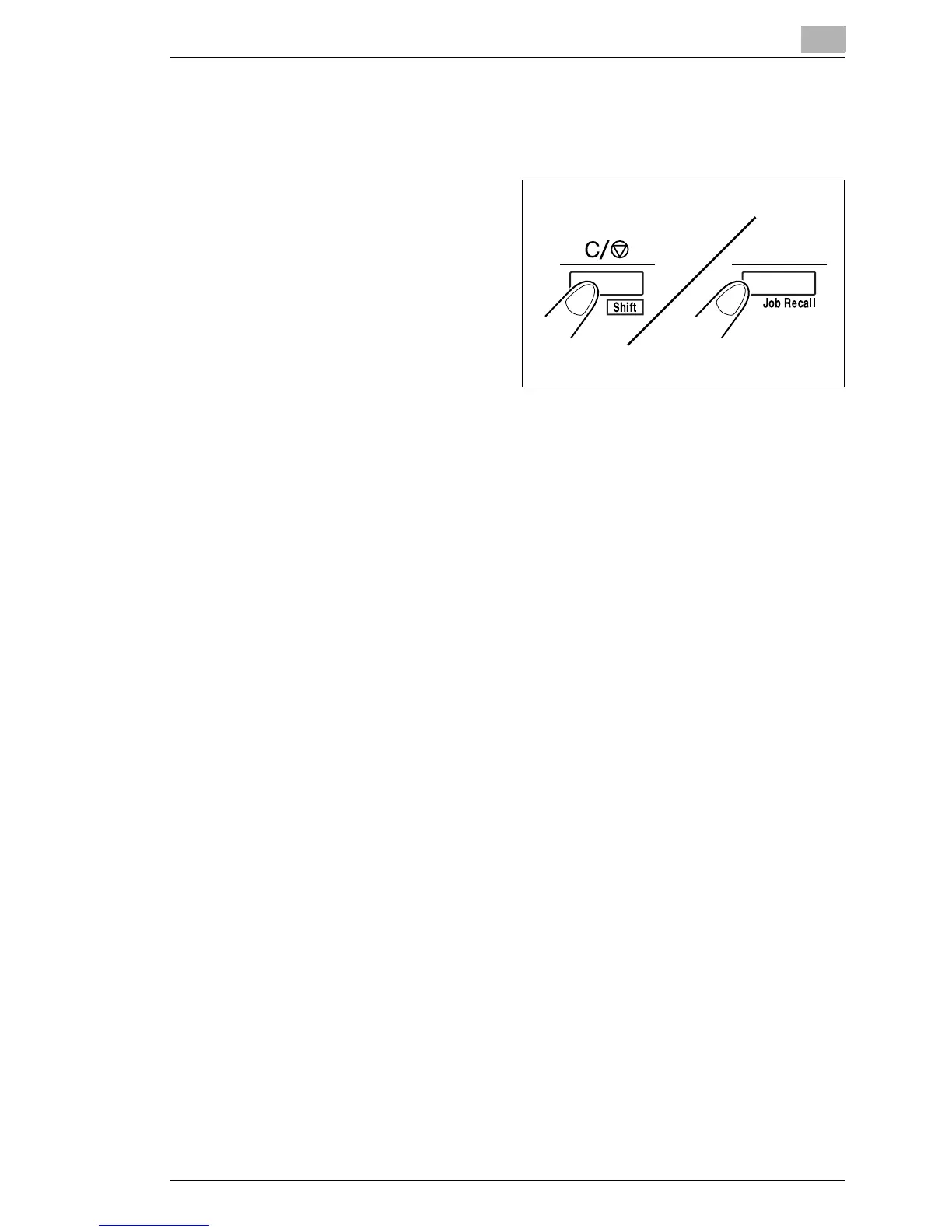
Press the Shift Key and the
Job Recall Key together.
2
Each time the Job Recall Key is pressed while the Shift Key is held
down, the display is switched in order of 1J → 2J → 3J.
3
When the desired setting is displayed, unhand the keys.



 To Next Page
 Loading...







