Scanner
3
3-24
3.11 Positioning the Film Image
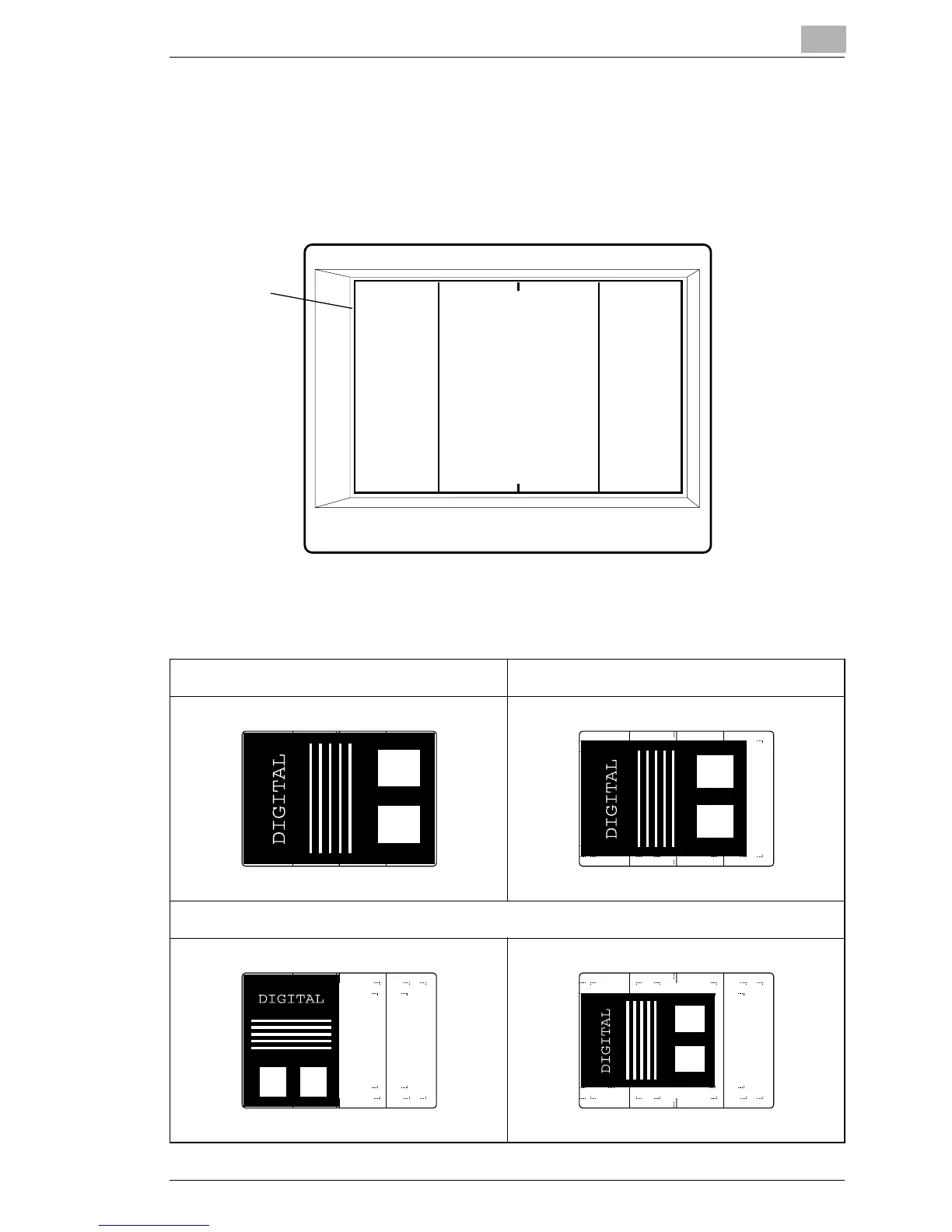
Marked on the Screen are the size frame markers that correspond to the
scanning size. Through zooming and image rotation, and by operating the
Film Carrier mounted on the system, position the image on the Screen so
that the image fits in the scanning size.
Screen
Size Frame
11" x 17" or A3 size 8-1/2" x 14" size
8-1/2" x 11" or A4 size
Vertical Horizontal



 To Next Page
 Loading...







