Maintenance
7
7-1
7 Maintenance
7.1 System Care
The system should be cleaned on a daily basis for optimal operating
conditions.
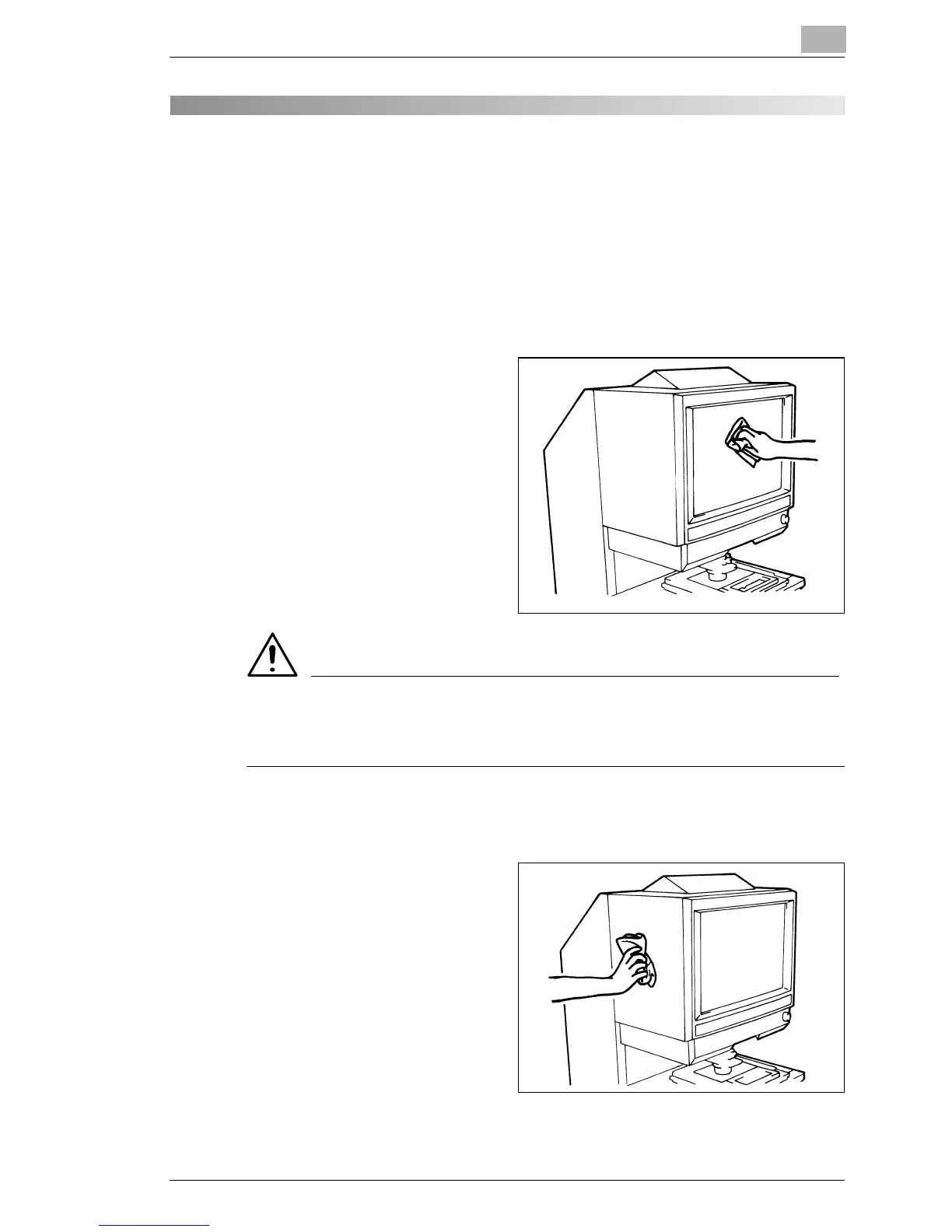
Cleaning the Scanner Screen
1
With a damp cloth, clean
and remove any dust or
debris from the surface of
the Screen.
CAUTION
§ NEVER use alcohol or any other solvent when cleaning to avoid
causing damage to the Screen or erasing the frame size markers.
Outer Covers
1
Dust the exterior panels of
the Scanner with a soft, dry
cloth.



 To Next Page
 Loading...







