Scanner
3
3-38
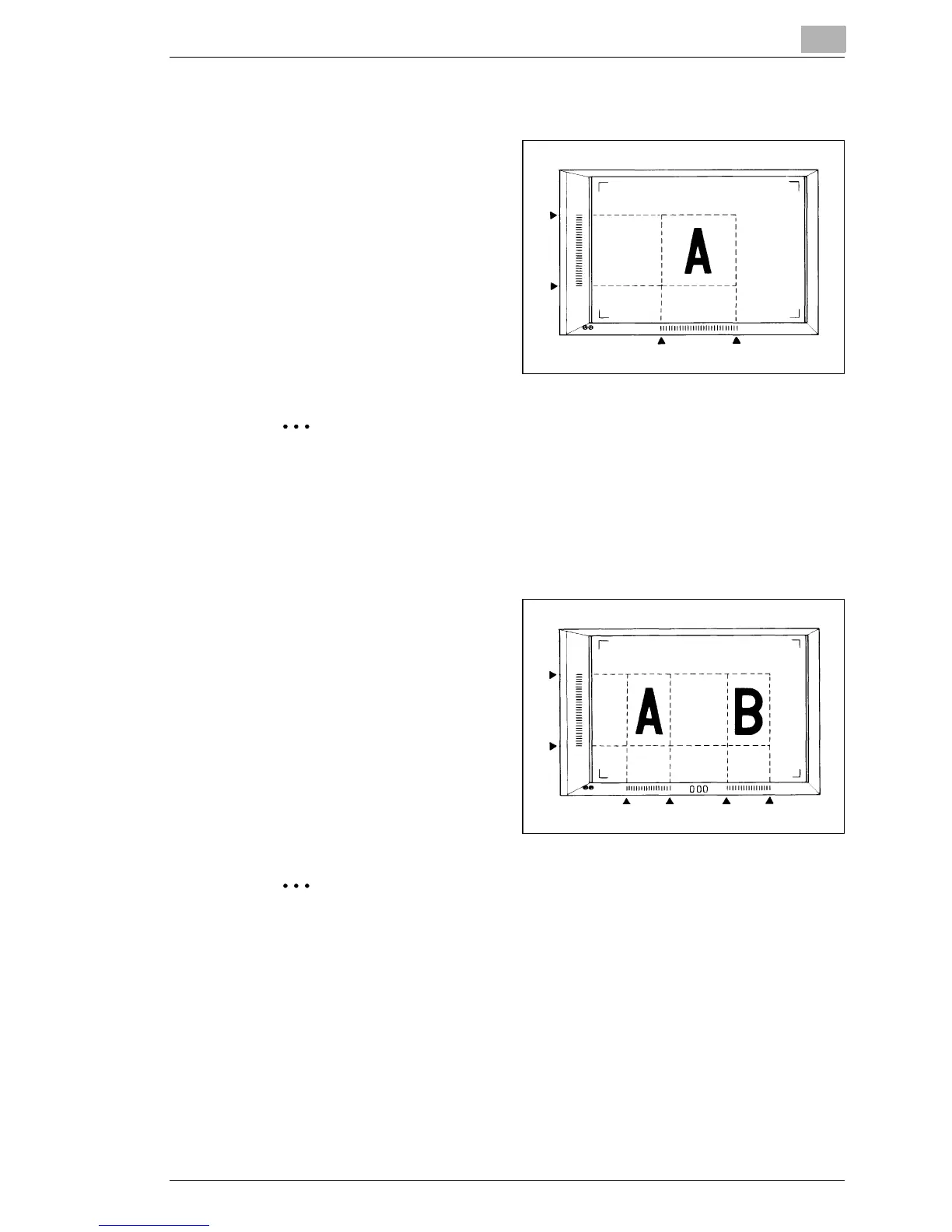
Defining an Area
1
Define the end points for
both the vertical and
horizontal areas of the
image on the screen using
the green lights on the area
indication panels.
1 2
3
4
The points defining the vertical and horizontal area can be
selected in any order.
Blinking lights on the indication panels indicate an improper
entry of the specified area. Specify the area again.
Defining Two Separate Areas
1
Define the areas to print by
specifying the vertical and
horizontal areas as follows:
2 end points for vertical
4 end points for horizontal
2 3
5
6
1 4
When defining the areas, vertical and horizontal indicators 1, 2, 3,
4, 5, and 6 can be pressed in any order.
If the lights start blinking when the Start key is pressed, it
indicates that the print area defined is not available. Specify the
area again.



 To Next Page
 Loading...







