Scanner
3
3-30
The Auto Paper Selection function can be used only for a
combination of 11" x 17" (A3)
and 8-1/2" x 11" (A4) .
The Page-by-Page function cannot be selected when the Auto
Paper Selection capability is being used.
When a 7.5x or 7-7.5x lens is being used, the Auto Paper
Selection function cannot use 11" x 17" (A3) size paper because
of the size of the image area.
When Masking or Trimming has previously been selected, the
system selects 8-1/2" x 11" (A4) if the defined area is less than 8-
1/2" x 11" (A4) size and 11" x 17" (A3) for all other print jobs.
Using the Auto Film Format Selection Function
When the Paper Feeding Tray is loaded with 8-1/2" x 11" (A4) paper
and the Paper Cassette is loaded with 8-1/2" x 11" (A4) paper, this
function can be used to automatically select the appropriate size of paper
for the current print job.
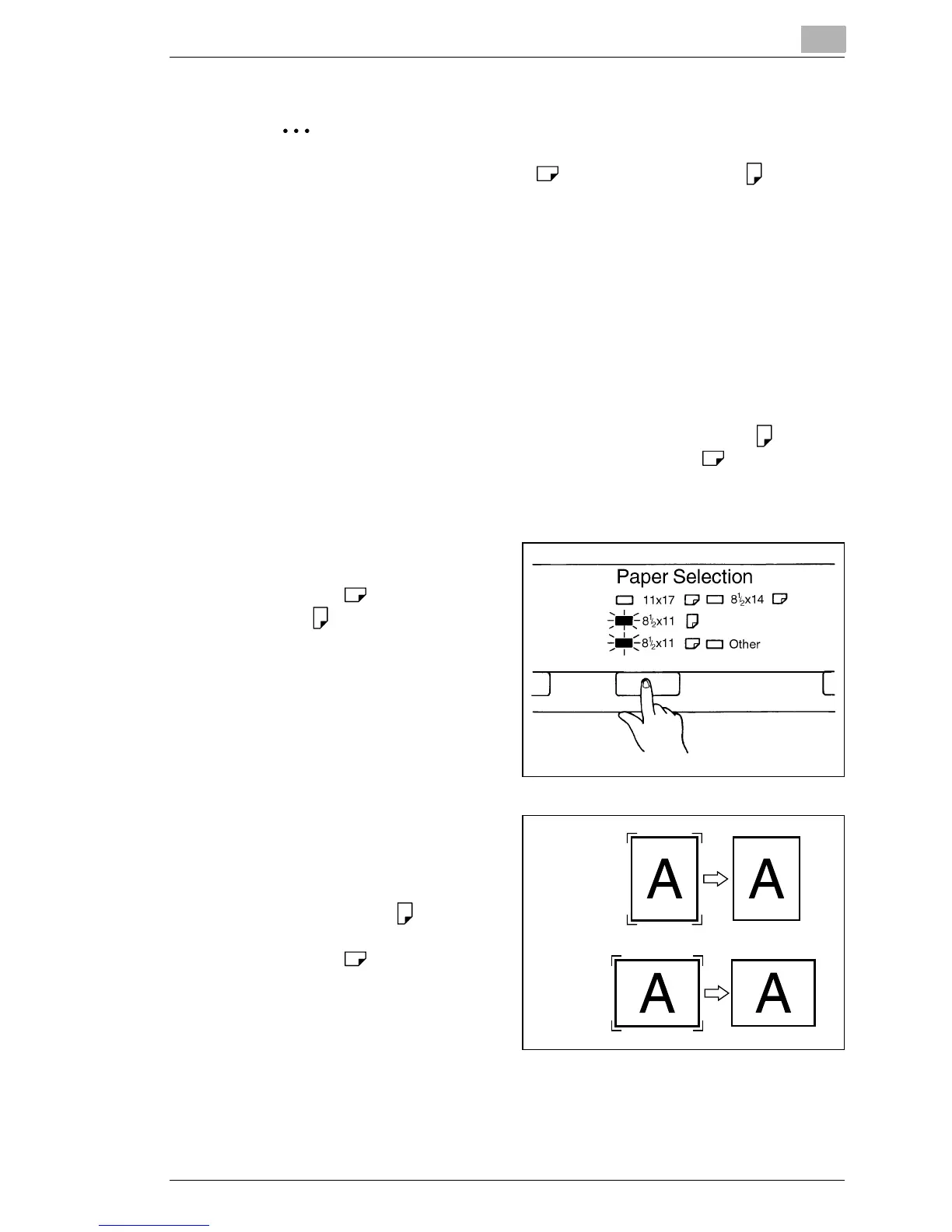
1
Press the Paper Selection
key so that both the 8-1/2" x
11" (A4)
and 8-1/2" x 11"
(A4) LEDs light up.
2
When the Start key is
pressed, the system
automatically detects the
image area and prints on 8-
1/2" x 11" (A4)
paper for
portrait film and on 8-1/2" x
11" (A4)
paper for
landscape film.
Portrait
Landscape



 To Next Page
 Loading...







