Scanner
3
3-18
3.6 Turning the Power On and Off
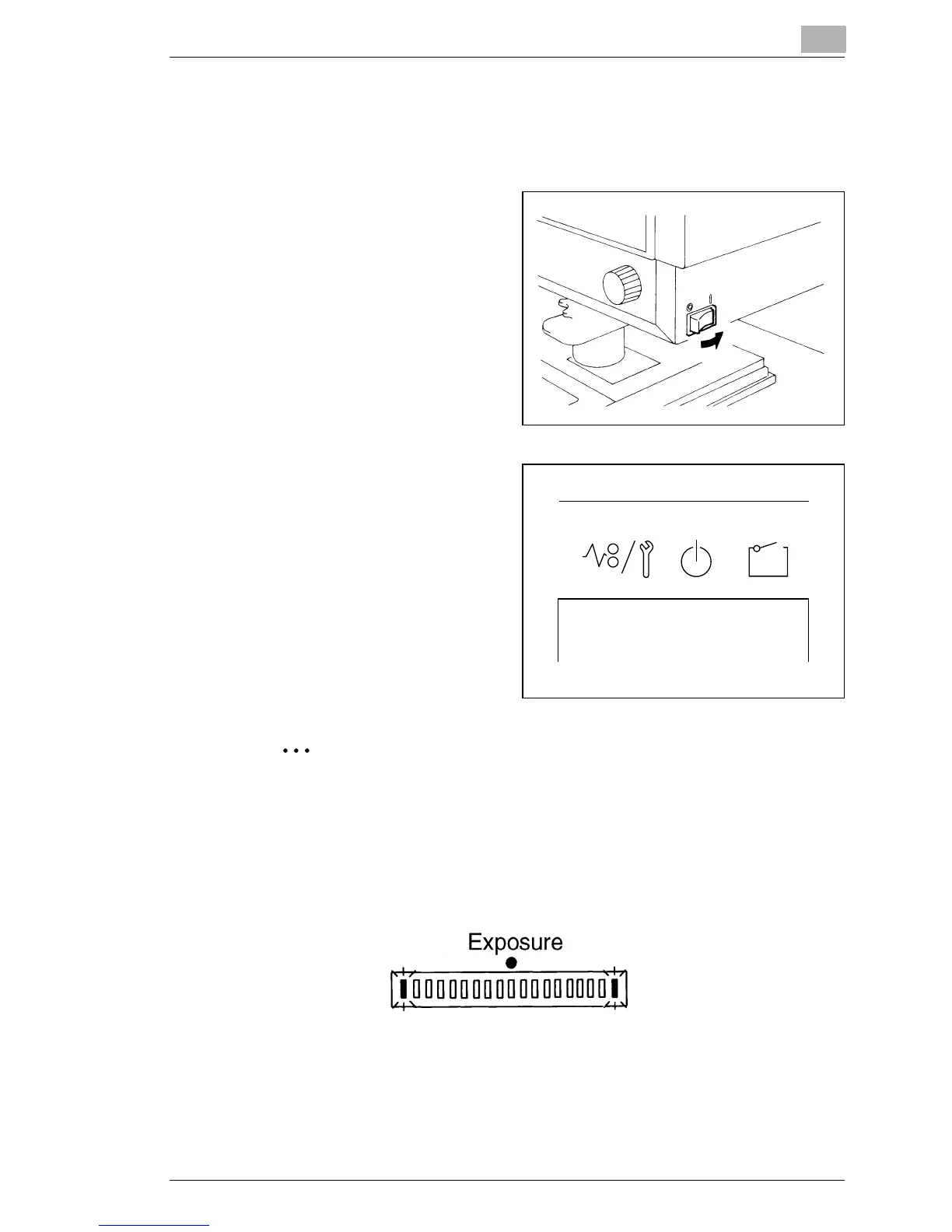
Turning ON
1
Press the Power Switch of
the scanner to the
⏐ (ON)
position.
2
Press the Power Switch of
the printer to the
⏐ (ON)
position.
3
The indicators on Control
Panel 1 light up and the
system starts the
initialization operation.
When the Wait Indicator
goes out, the system is ready
for printing.
If you load the film in the film carrier and press the start button
while the printer is warming up, you can scan and memorize the
film image of about 4 pages (Letter or A4 size/600dpi) into this
system.
And then, printer allows that print process to be started as soon
as the printer completes warming up.
At this time, both ends of Exposure Display blink.
If you want to disable this function, ask the authorized Technical
Representative to make change the system setting.



 To Next Page
 Loading...







