Scanner
3
3-34
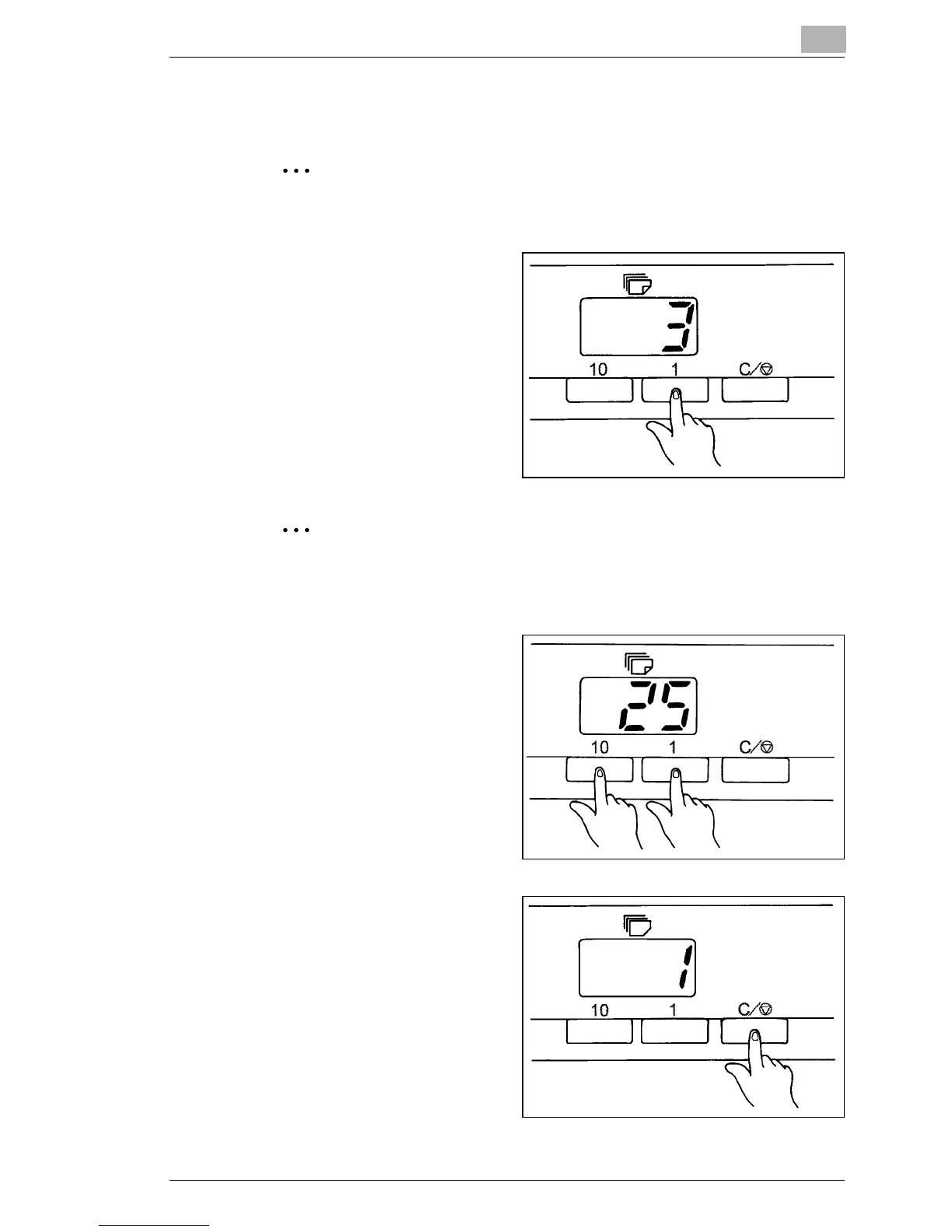
3.17 Entering the Number of Prints to be Made
NOTE:
This function is only available on the PR mode.
1 to 9
1
Enter the desired number of
prints using the Multiprint
Key "1".
If the "1" key is pressed when "9" is shown on the Multi-Print
Display, the number on the display is incremented by one: 10
→
11
→ 12 ...
10 to 99
1
Set the tens digit using the
"10" key.
2
Set the units digit using the
"1" key.
To set "25," press the "10"
key twice and press the "1"
key four times.
Correcting a Number
1
To reset an entry, press the
Clear/Stop key, which resets
the number on the Multi-
Print Display to "1."



 To Next Page
 Loading...







