3
Scanner
3-25
3.12 Zooming, Focusing, and Image Rotation
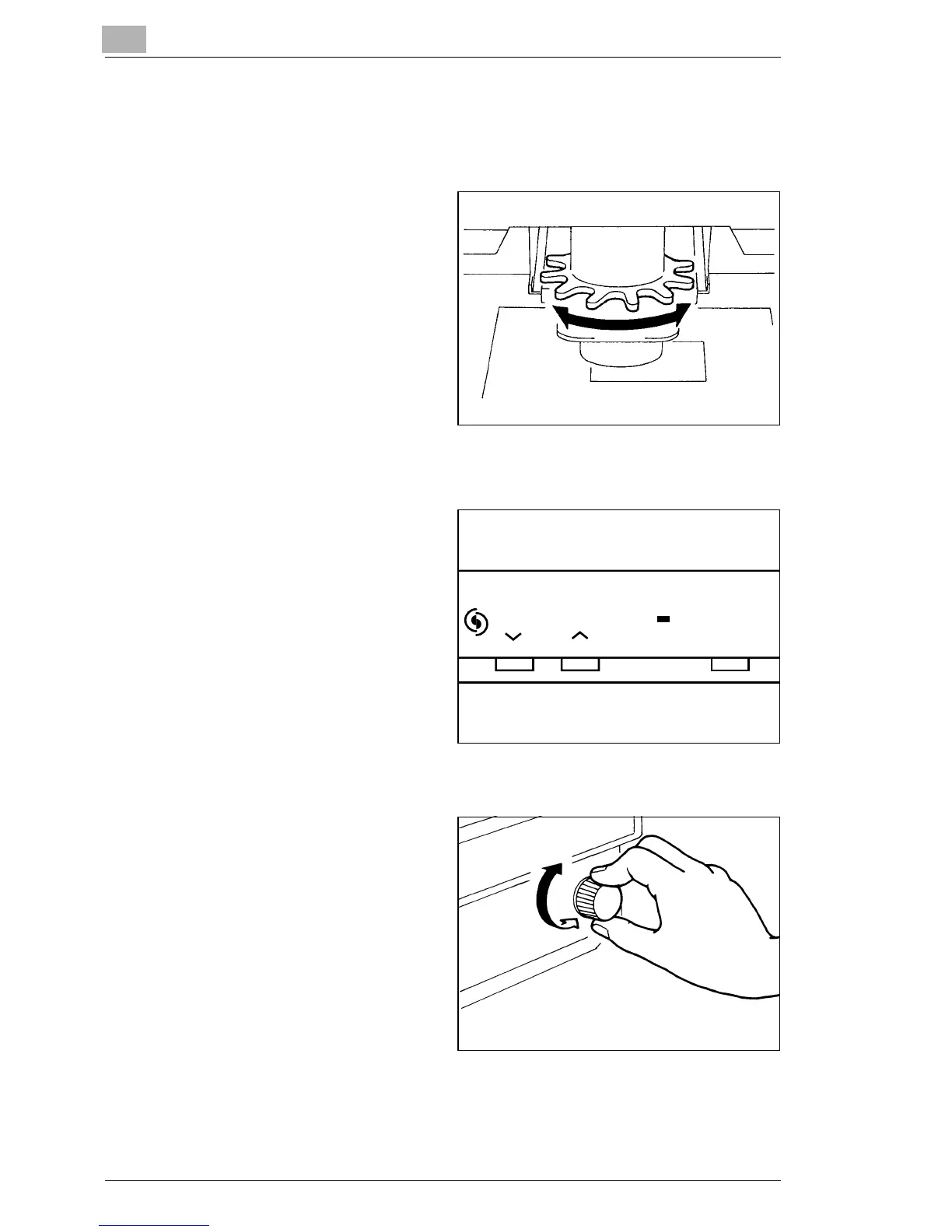
Zooming
1
Turn the Zooming Ring Dial
(blue) to bring the image on
the Screen into the print size
frame.
Focusing
1
Center the image on the
Screen and then press the
AF (Auto Focus) Key to let
the Scanner automatically
bring the image into focus.
Focus AF
* You can use the Focus
(Manual Focus) Keys to
manually adjust the focus
of the image on the
Screen.
→ See page 3-11.
Image Rotation
1
Turn the Image Rotation
Knob as necessary to turn or
correct the skew of the
image on the Screen.
* When the Image Rotation
Knob is turned while
holding down the Shift
Key, the image quickly
rotates by 90°.



 To Next Page
 Loading...







