7
Maintenance
7-6
Attention
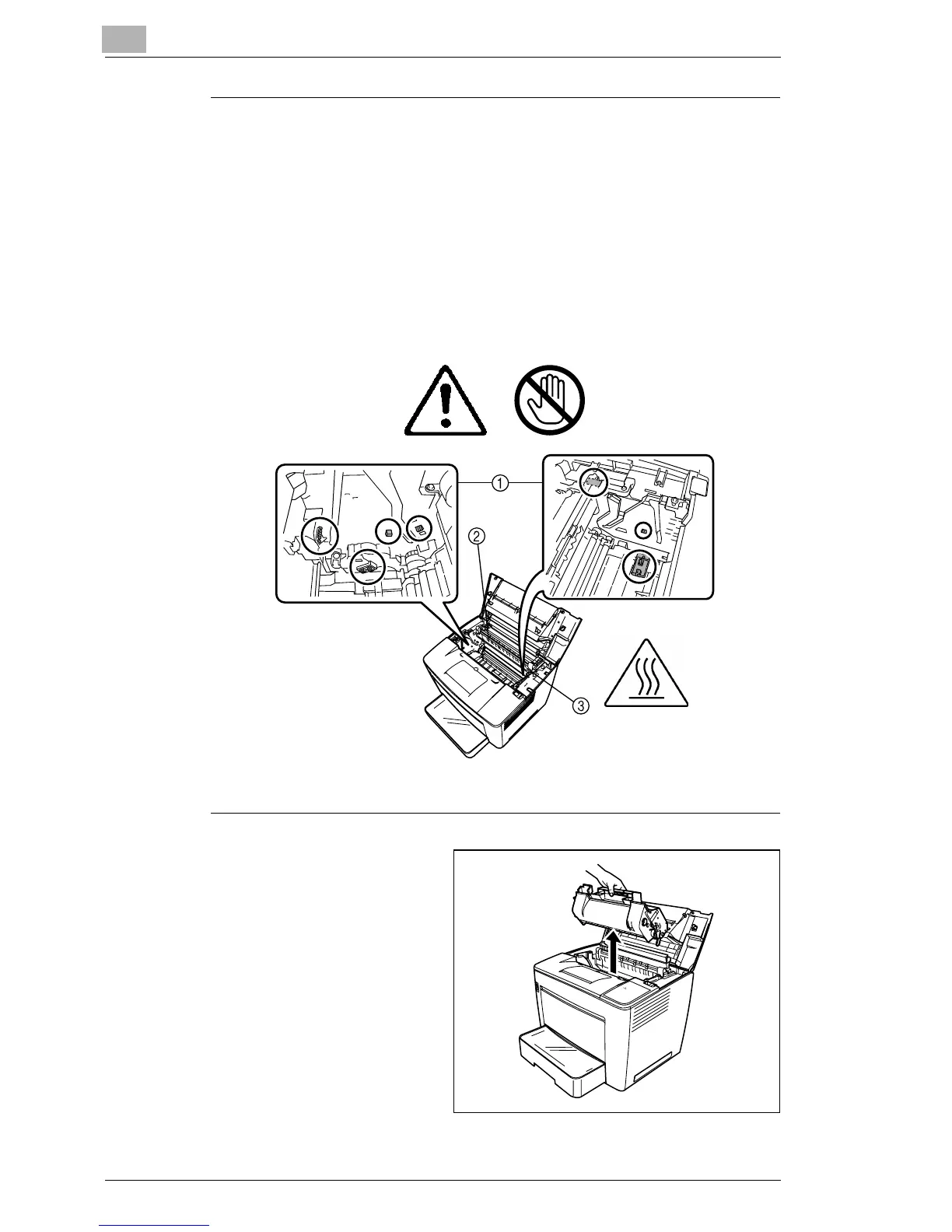
Never touch the copper or brass electrodes ➀ or electrical parts that
are located inside the top cover and underneath the toner cartridge, as
a printer malfunction can result.
Be careful not to touch ➁ around the image transfer roller (touching
certain parts in this area may result in reduced print quality) or
➂
around the fusing unit (since the inside reaches temperatures of about
392 °F (200 °C), touching any part in this area may result in burns).
3
Remove the toner cartridge
and store it in a light-
protected bag.



 To Next Page
 Loading...







