Chapter 1 Introduction 7
InterfaceElement Description
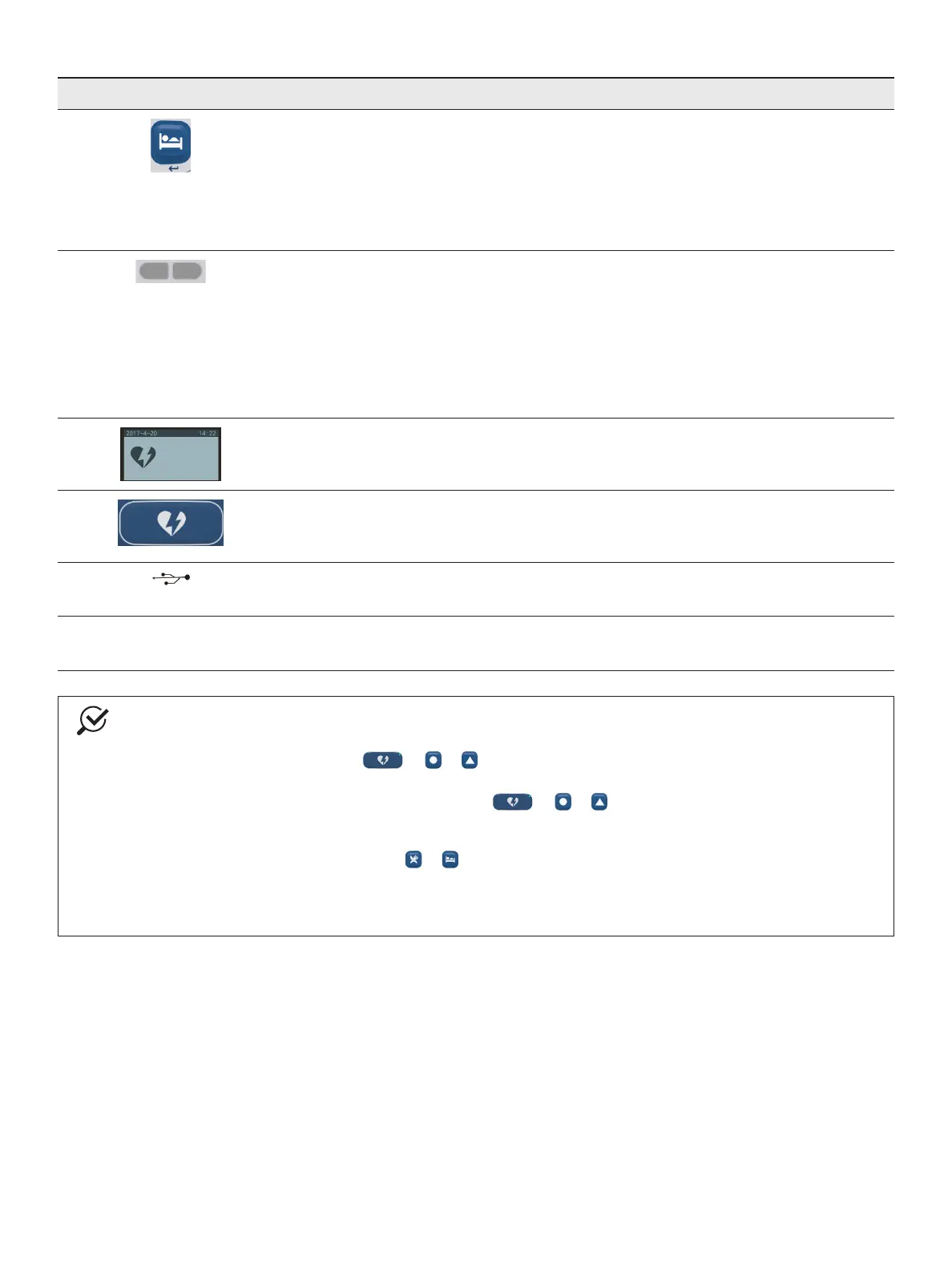
4 Multifunctional key
• Enter button
Used as the Enter button during pairing with the recorder.
• Supine event button
If the patient is supine during monitoring, press this button to start a Supine event. Press this
keyagaintoendtheSupineevent.
5 Indicator light
• Power indicator: on the right side
• Signal indicator: on the left side
Flashing blue: receiving capsule signal
Flashing red: capsule signal is lost
Yellow: data recorder is paired (prior to recording)
Green: study concluded
6 LCD
Display parameter and event information during pairing and event setting for the capsule, such as
the time, symptom, pH value, and alarm message.
7 Heartburneventbutton
If the patient suffers from heartburn during monitoring, press this button to start a Symptom event.
The recorder will return to the normal event automatically in 10 seconds.
8 USB port
Thecommunicationlinkwithacomputer.
9 Battery compartment
ThisdevicerequiresthreeAAAbatteries.
NOTE
Foraheartburnoruser-denedevent:
1. Presstheappropriatebutton( or or )tomarkthestartoftheevent.
2. The event indicator in the right corner will illuminate It will automatically return to the normal event in
10 seconds, and the event indicator will turn off: or or .
For a meal or supine event:
1. Press the appropriate event button ( or )tomarkthestartoftheevent.Theeventindicatorinthe
rightcornerwillbegintoash,indicatingthattheeventisinprogress.
2. Presstheeventbuttonagaintomarktheendoftheevent.Theeventindicatorintherightcornerwill
turn off.



 To Next Page