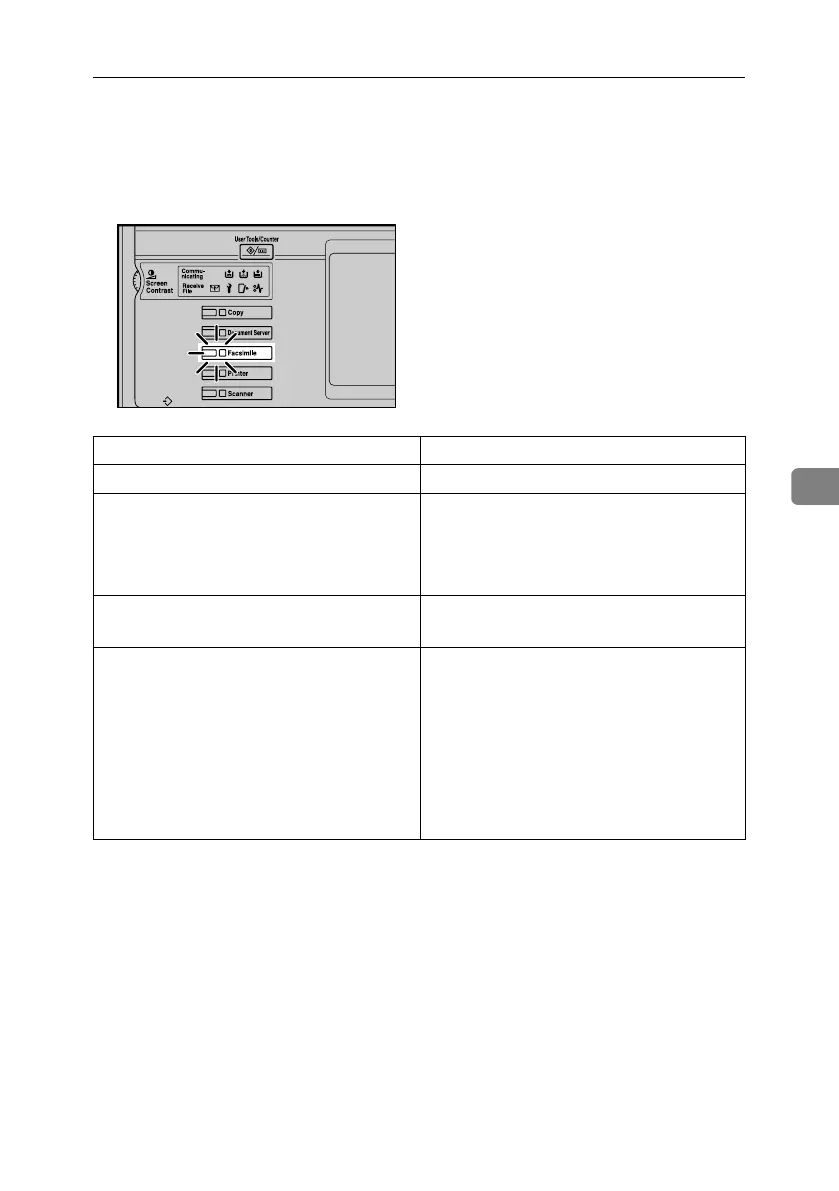
When the {Facsimile} Key Is Lit in Red
93
5
When the {Facsimile} Key Is Lit in Red
If this key is lit, press the key to enter the facsimile mode. Then, refer to the fol-
lowing table and take the appropriate action.
Problem Solutions
The paper output tray is full. Remove the paper from the tray.
A facsimile error has occurred. The facsimile has a problem. Record the code
number shown in the display and contact your
service representative. See p.95 “Error Mes-
sages and Their Meanings”. The copier will
still function normally.
Out of paper Add more paper.
“Loading Paper”, General Settings Guide
A network error has occurred. • Check the displayed message. See p.95
“Error Messages and Their Meanings”.
• Check that the machine is correctly con-
nected to the network, and that the ma-
chine is correctly set. See Network Guide.
• Consult your network administrator.
• When the key is still lit in red even if you
take the measures above, contact your ser-
vice representative.
ZLBS010N
RussianC4-EN_Combine-F_FM.book Page 93 Wednesday, April 27, 2005 2:01 PM



 To Next Page