Faxing
38
2
Mixing Scan Settings for a
Multiple Page Original
When sending an original of several
pages, you can select a different im-
age density, resolution, and original
type setting for each page.
Place the original, select the scan set-
tings for the first page, dial, and then
press the {Start} key as you would
normally. Then follow one of the fol-
lowing two procedures.
Note
❒ It is recommended that originals
be placed on the exposure glass
when mixing scan settings for a
multiple page original.
When placing originals on the exposure
glass
Note
❒ While the machine is beeping, you
have about 60 seconds (10 seconds
for Immediate Transmission) to se-
lect density, resolution, and origi-
nal type. The time remaining is
shown on the display.
A Check which pages you want to scan
with different settings.
B Remove the previous page and place
the next page.
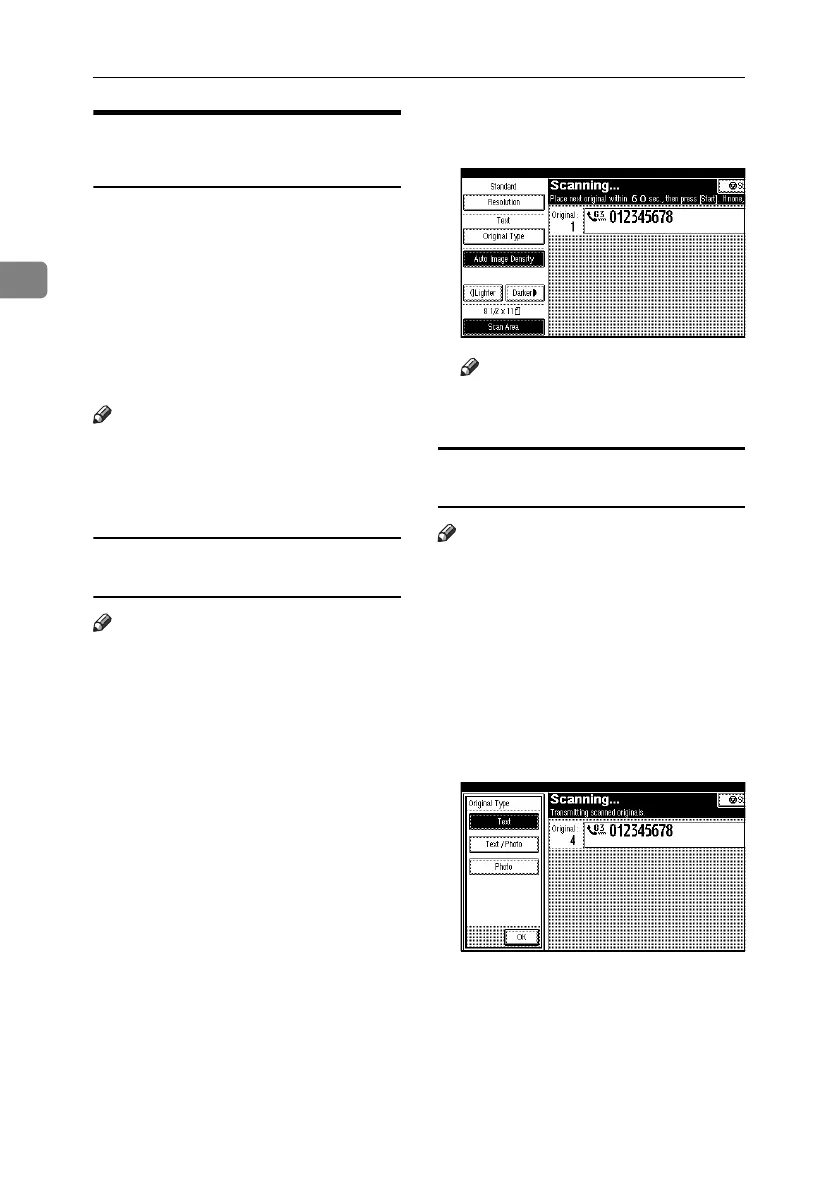
C Select the image density, resolution,
and original type.
Note
❒ Adjust the settings for each page
before you press the {Start} key.
When placing originals in the optional
Auto Document Feeder (ADF)
Note
❒ Depending on what time the scan
settings are adjusted, the settings
may not be reflected in the result-
ing operation.
A Check which pages you want to
scan with different settings.
B Select the image density, resolution,
and original type before the next
page is scanned.
RussianC4-EN_Combine-F_FM.book Page 38 Wednesday, April 27, 2005 2:01 PM



 To Next Page