Receiving Internet Fax Documents
75
3
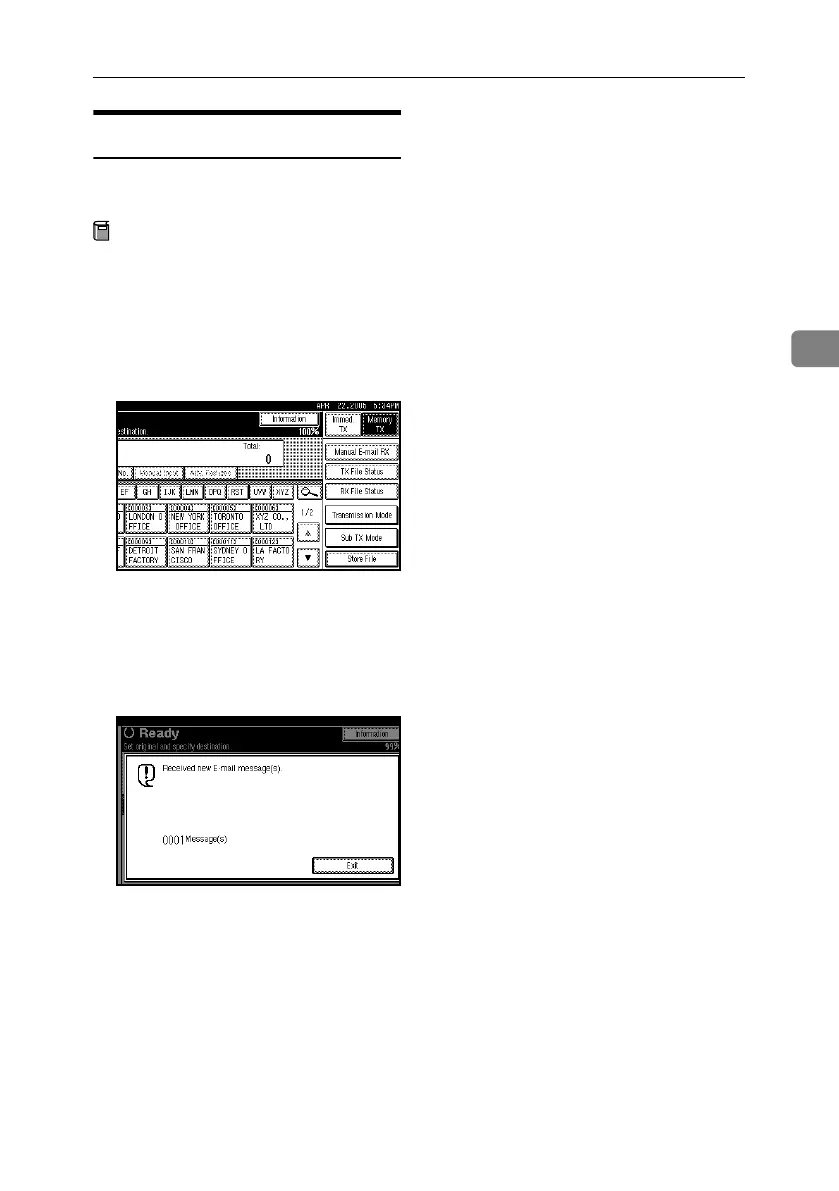
Manual E-mail Reception
The following operation allows you
to receive e-mail at all times.
Preparation
Program the Manual E-mail RX
function to a Quick Operation key
beforehand. See p.145 “General
Settings/Adjustment”, Facsimile
Reference <Advanced Features> .
A Press [Manual E-mail RX].
The machine accesses the server to
check for e-mail and receives any
new e-mails.
B Check the message, and then press
[Exit].
The standby display appears.
RussianC4-EN_Combine-F_FM.book Page 75 Wednesday, April 27, 2005 2:01 PM



 To Next Page