Programming
86
4
F Press [Exit].
G Press the {User Tools/Counter} key.
The standby display appears.
Editing
Note
❒ The following procedure explains
how to edit Own Name, as an example
of editing.
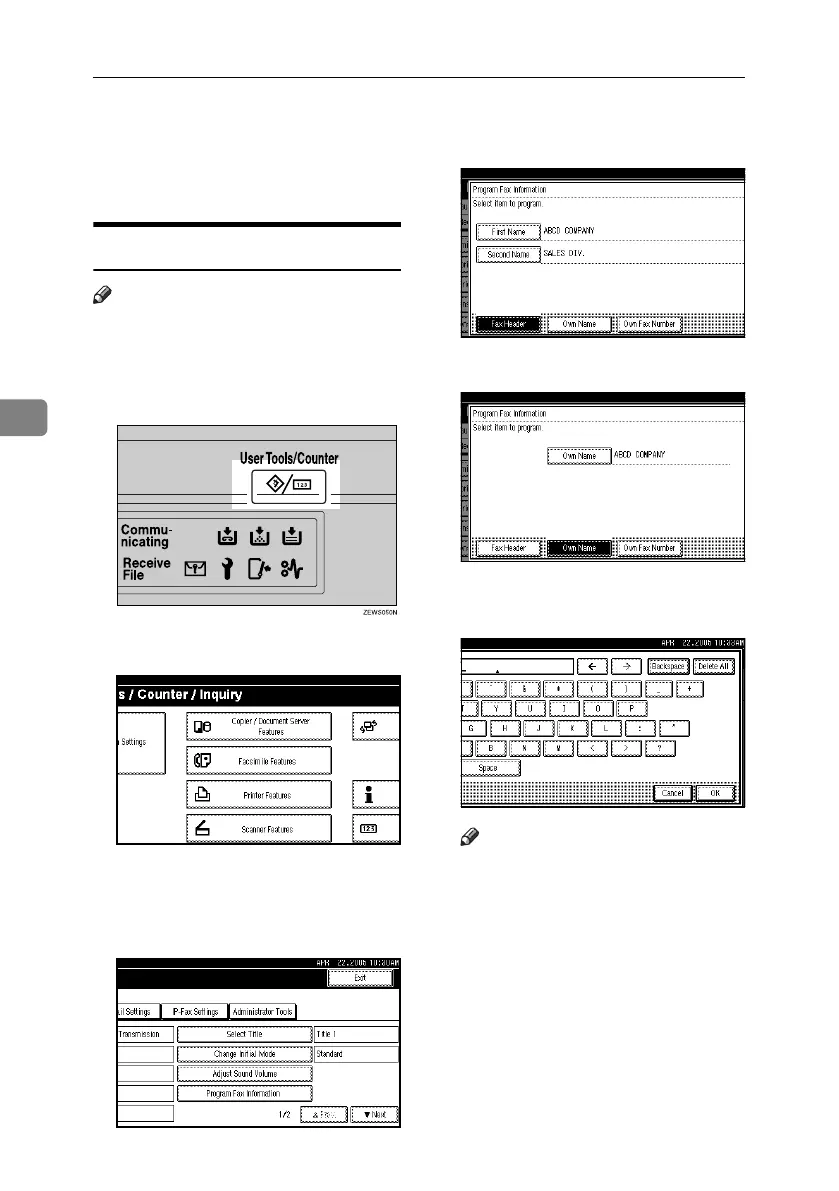
A Press the {User Tools/Counter} key.
B Press [Facsimile Features].
C Make sure the [Gen. Settings/ Adjust]
screen is displayed.
D Press [Program Fax Information].
E Press [Fax Header], [Own Name], or
[Own Fax Number] to edit.
F Press the item you want to edit.
G Press [Backspace] or [Delete All], and
then re-enter the name or number.
Note
❒ When specifying your own fac-
simile's number, press [Clear] or
the {Clear/Stop} key, and then
try again.
RussianC4-EN_Combine-F_FM.book Page 86 Wednesday, April 27, 2005 2:01 PM



 To Next Page