Faxing
54
2
I Press [OK].
Note
❒ Although one user can program
multiple e-mail addresses, only
one address can be retrieved by
the search. The address re-
trieved by the search depends
on the searching method support-
ed by the LDAP server. However,
the address programmed first is
normally retrieved.
❒ Press [Detail] to display the de-
tailed information of the select-
ed destination.
When the search is finished, the
search result appears.
J Select a destination.
Note
❒ If the required destination does
not appear, press [U] or [T] to
display it.
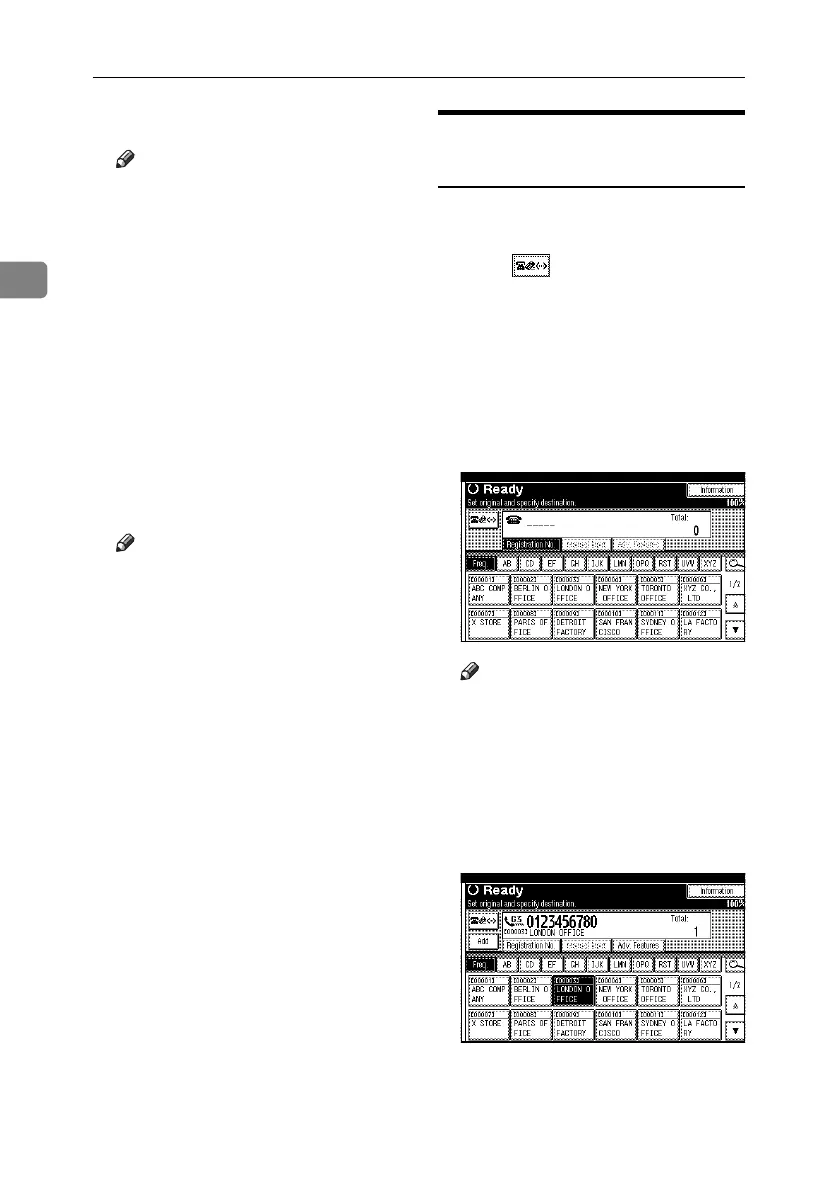
Specifying a Registration
Number
Use this procedure to select a destination
by specifying a registration number.
A Press to switch the destina-
tion between fax number, e-mail
address, and IP-Fax number.
B Press [Registration No.].
The registration number entry dis-
play appears.
C Enter a registration number using
the number keys.
Note
❒ You do not need to enter the first
zeros of a registration number
when the display prompts you
to enter five digits. If you do not
enter 5 digits, press the {#} key
to complete the entry.
The corresponding destination ap-
pears.
RussianC4-EN_Combine-F_FM.book Page 54 Wednesday, April 27, 2005 2:01 PM



 To Next Page