Reception
57
2
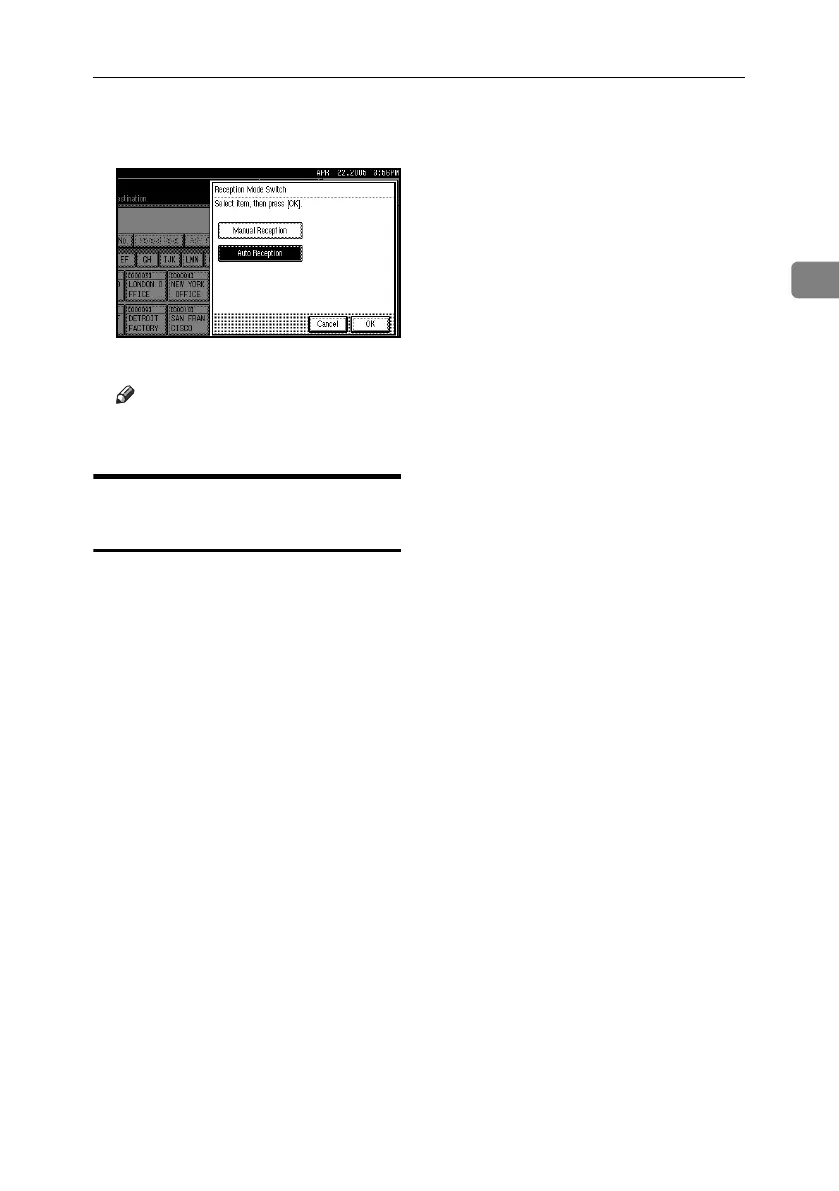
B Select the reception mode, and then
press [OK].
The standby display appears.
Note
❒ To cancel the selection, press [Can-
cel].
Receiving a Fax in Manual
Reception Mode
A When the machine rings, pick up
the optional handset or the hand-
set of the external telephone.
B If you hear beeps, press the {Start}
key or the {Start Manual RX} key.
(The {Start} key is only available
in facsimile mode when an origi-
nal is not placed.)
C Replace the handset of the exter-
nal telephone. The machine will
start receiving.
RussianC4-EN_Combine-F_FM.book Page 57 Wednesday, April 27, 2005 2:01 PM



 To Next Page