Specifying a Destination
41
2
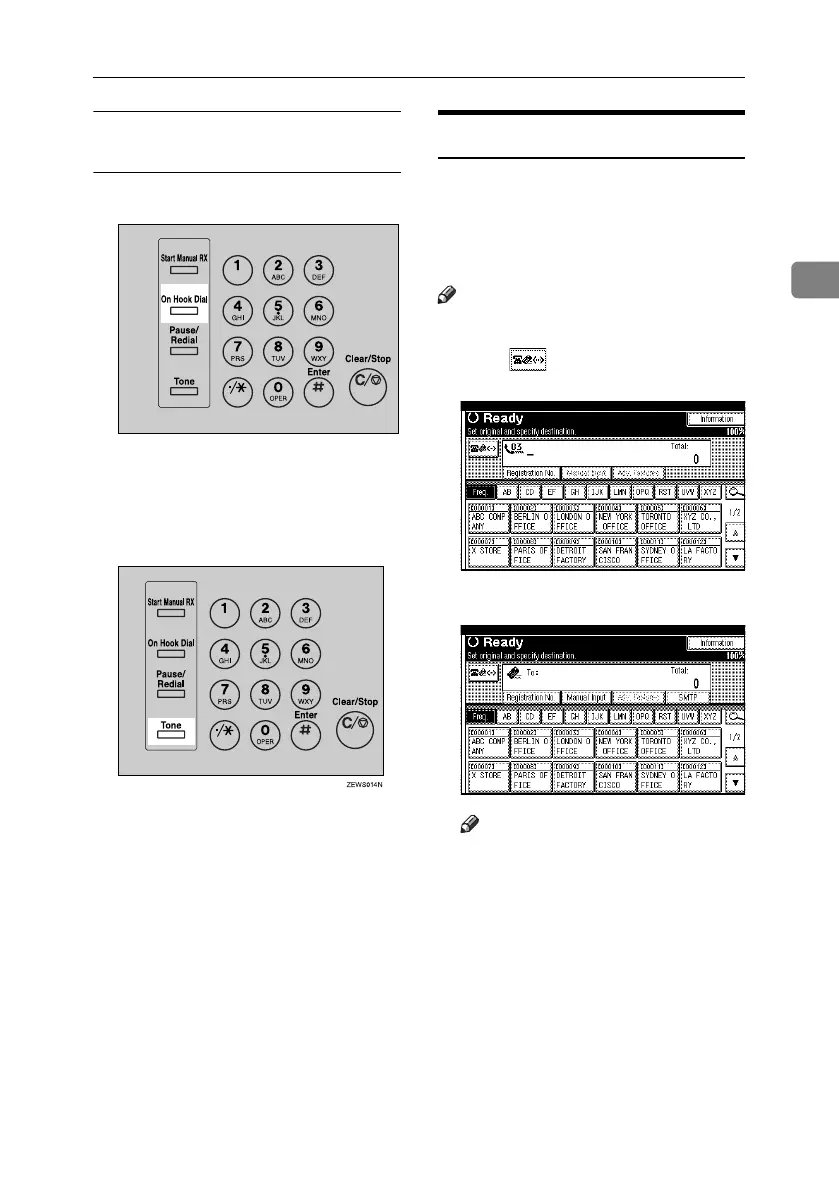
Using the {Tone} key with On Hook
Dial
A Press the {On Hook Dial} key.
B Enter the fax number using the
number keys.
C Press the {Tone} key.
D Enter the number you want to
tone dial using the number keys.
Entering an E-mail Address
When using Internet Fax transmis-
sion, specify the e-mail address in
place of the fax number. See p.59 “In-
ternet Fax Functions (by Specifying
an E-mail Address)”.
Note
❒ You can enter up to 128 characters.
A Press to switch the destination
to e-mail address.
B Press [Manual Input].
Note
❒ Depending on security settings,
[Manual Input] may not appear,
and you may be unable to enter
the e-mail address.
ZLBS070N
RussianC4-EN_Combine-F_FM.book Page 41 Wednesday, April 27, 2005 2:01 PM



 To Next Page