Initial Settings and Adjustments
87
4
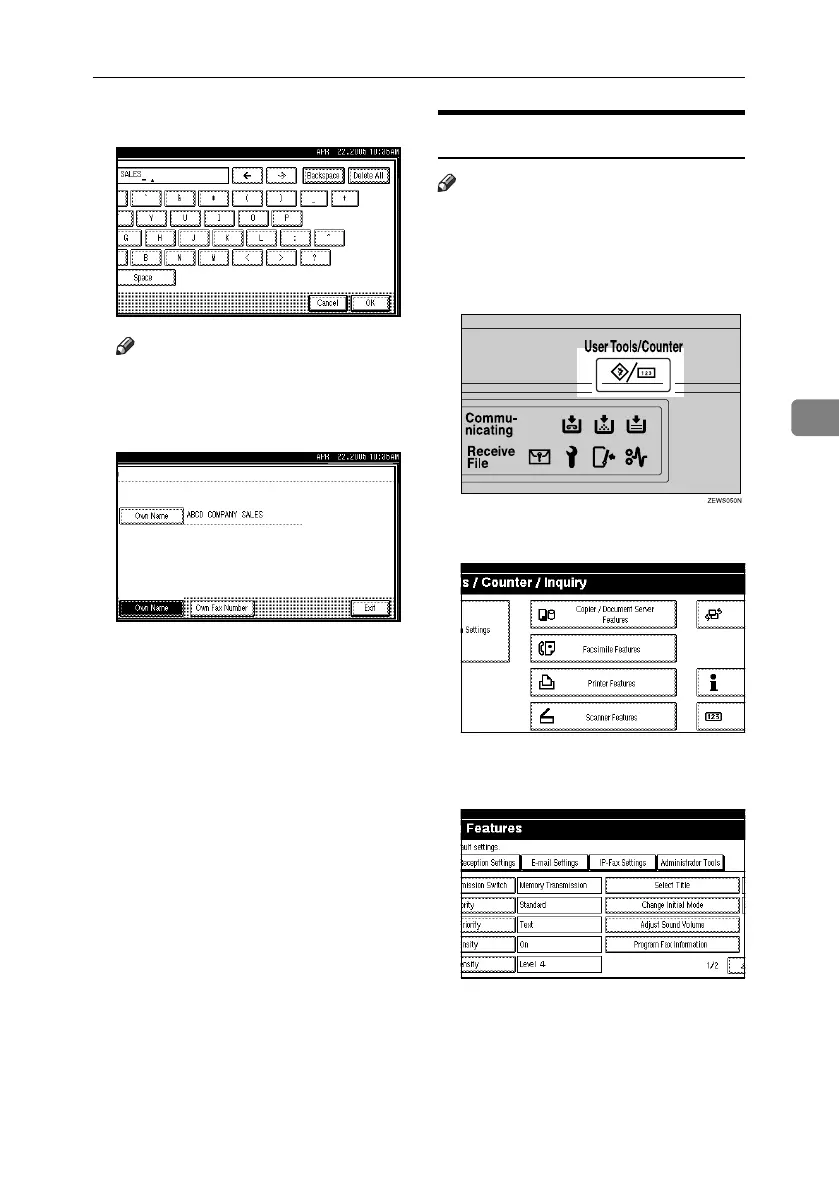
H Press [OK].
Note
❒ When specifying your own fac-
simile's number, press [OK].
I Press [Exit].
J Press the {User Tools/Counter}key.
The standby display appears.
Deleting
Note
❒ The following procedure explains
how to delete Own Name, as an ex-
ample of deleting.
A Press the {User Tools/Counter} key.
B Press [Facsimile Features].
C Make sure the [Gen. Settings/ Adjust]
screen is displayed.
RussianC4-EN_Combine-F_FM.book Page 87 Wednesday, April 27, 2005 2:01 PM



 To Next Page