Programming
88
4
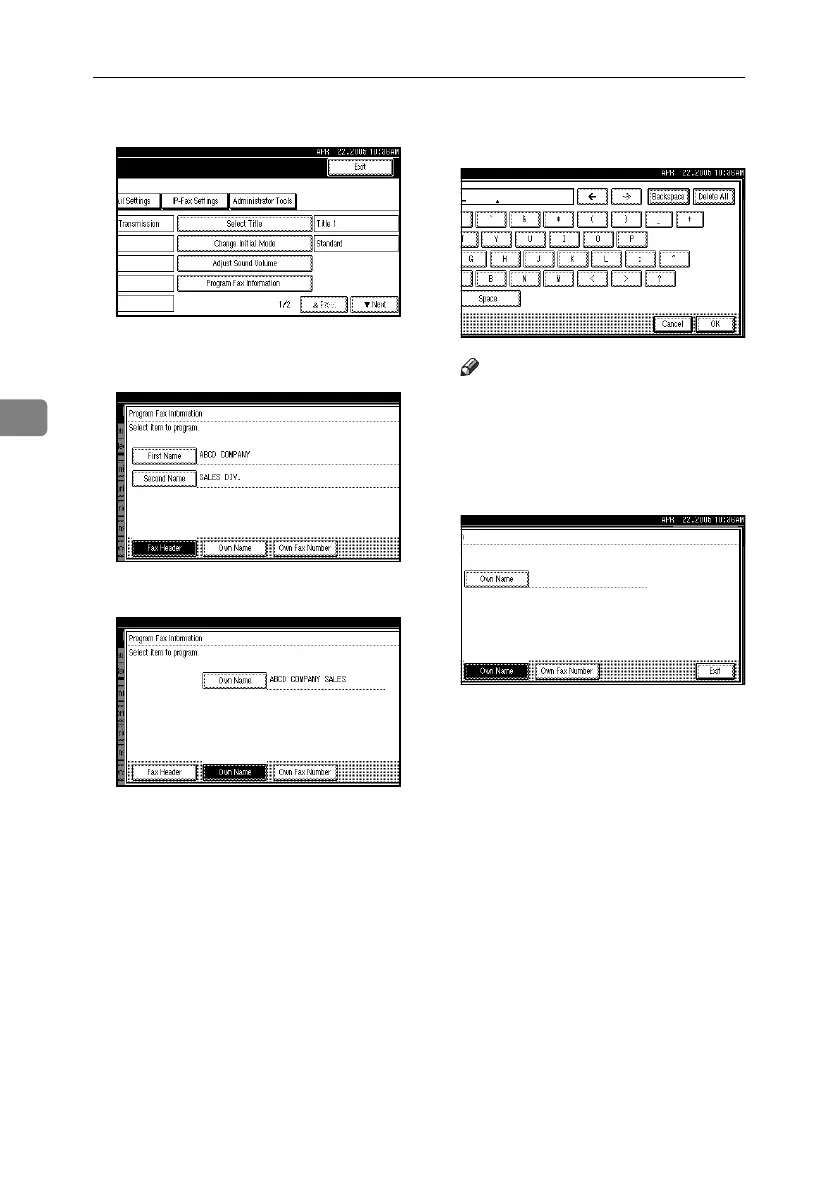
D Press [Program Fax Information].
E Press [Fax Header], [Own Name], or
[Own Fax Number] to delete.
F Press the item you want to delete.
G Press [Backspace] or [Delete All], and
then press [OK].
Note
❒ When specifying your own fac-
simile's number, press [Clear] or
the {Clear/Stop} key, and then
press [OK].
H Press [Exit].
I Press the {User Tools/Counter}key.
The standby display appears.
RussianC4-EN_Combine-F_FM.book Page 88 Wednesday, April 27, 2005 2:01 PM



 To Next Page