Faxing
42
2
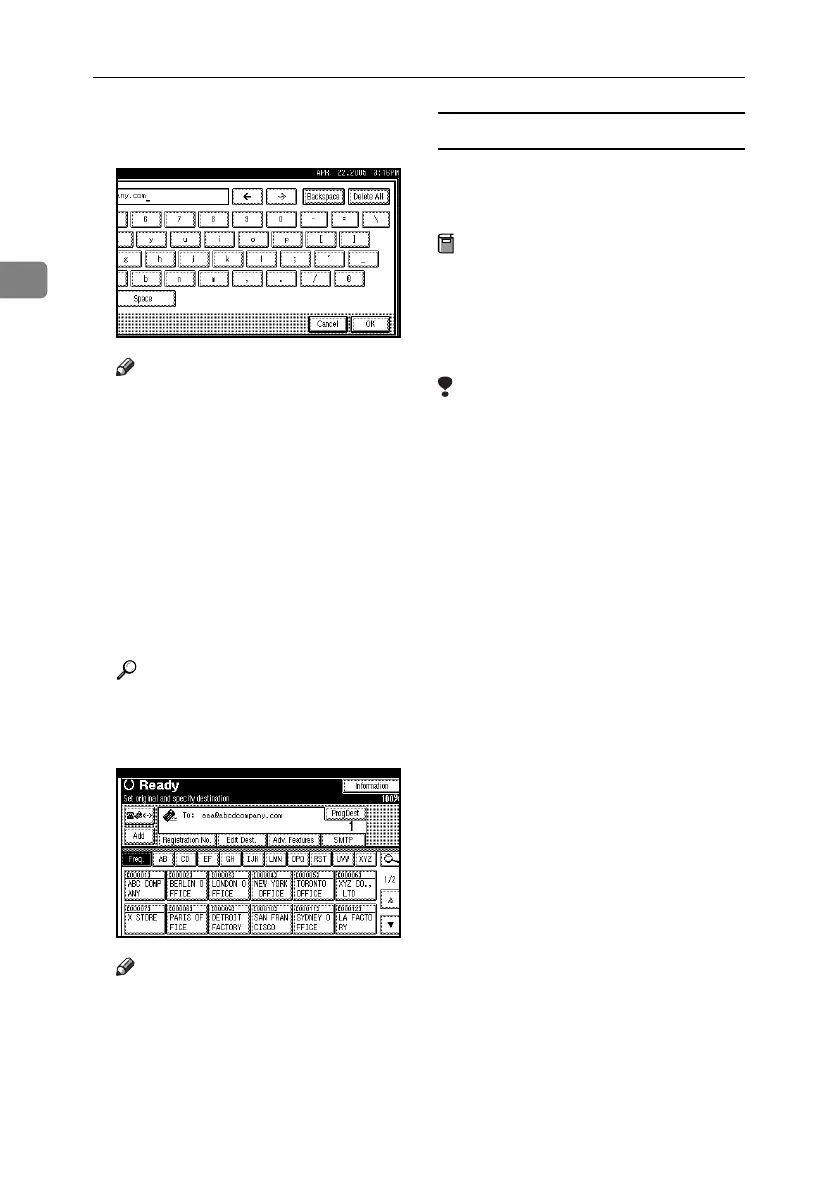
C Enter the e-mail address destina-
tion and then press [OK].
Note
❒ You can specify whether or not
to bypass the SMTP server by
pressing [SMTP]. See p.70 “By-
passing the SMTP Server”.
❒ If you enter an incorrect charac-
ter, press [Backspace] or [Delete
All]. Then, re-enter the charac-
ters correctly.
❒ To change the e-mail address af-
ter pressing [OK], press [Edit
Dest.], re-enter an e-mail ad-
dress, and then press [OK].
Reference
“Entering Text”, General Set-
tings Guide
The destination is specified.
Note
❒ Press [ProgDest] in this order to
store the entered e-mail address
in the address book. See p.45
“Registering Entered Destina-
tions to the Address Book”.
When bypassing the SMTP server
To bypass the SMTP server when
sending fax documents, specify desti-
nations as follows:
Preparation
Program the host name of the oth-
er party on the DNS server in ad-
vance. See “Using a Host Name
Instead of an IP Address”, Network
Guide.
Limitation
❒ If the other party's IP address is not
registered on the DNS server, spec-
ify the IP address at the domain
part of the e-mail address.
❖ Specify the other party's host name
Specify a destination's e-mail ad-
dress by adding the other party's
host name to the domain part of
the e-mail address. Specify the ad-
dress to the right of @ as follows:
“host name”, “. (period)”, and “do-
main name”.
xxxx@host name of the other par-
ty.domain name
Example: The other party's e-mail
address is “abc@defcompany.com”
and the host name is “HOST”;
abc@HOST.defcompany.com
❖ Specify the other party's IP address
Specify a destination's e-mail ad-
dress by changing the domain part
of the e-mail address to the other
party's IP address.
xxxx@[the other party's IP address]
Example: The other party's e-mail
address is “abc@defcompany.com”
and the IP address is “192.168.1.10”;
abc@[192.168.1.10]
RussianC4-EN_Combine-F_FM.book Page 42 Wednesday, April 27, 2005 2:01 PM



 To Next Page