Programming
84
4
❖ Own Fax Number (facsimile number
of sender)
The sender's Own Fax Number is
sent to the other party when send-
ing a fax using a G3 line. The re-
ceived facsimile number is shown
on the display of the other machine
and printed in a report. This func-
tion is available regardless of the
manufacturer of the other party's
machine.
Note
❒ You can use numbers and sym-
bols (spaces or + sign).
❒ You can register up to 20 char-
acters in Own Fax Number.
Programming
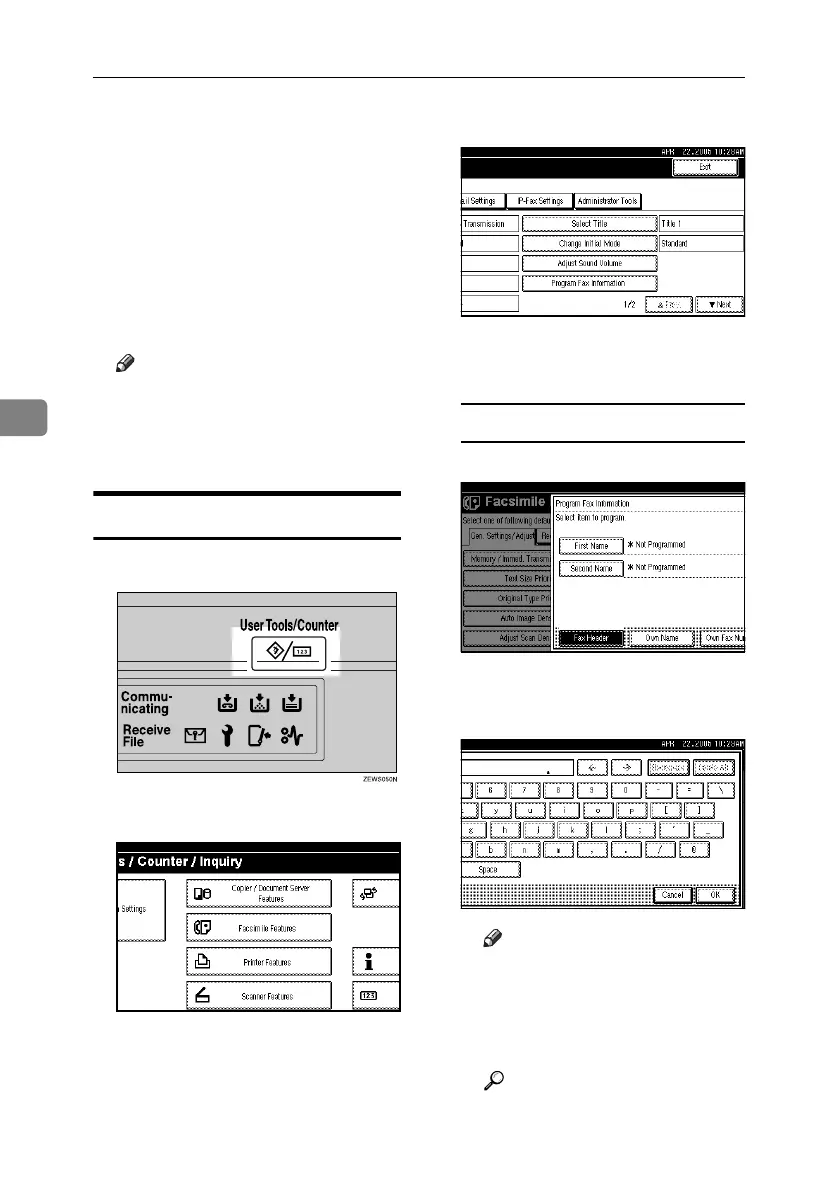
A Press the {User Tools/Counter} key.
B Press [Facsimile Features].
C Make sure the [Gen. Settings/ Ad-
just] screen is displayed.
D Press [Program Fax Information].
E Program the name and facsimile
number.
Programming a Fax Header
A Press [First Name] or [Second Name].
B Enter a fax header including your
Own Name and Fax Number, and
then press [OK].
Note
❒
You need to add your fax number
to the programmed Fax Header
in this step so that your Fax Head-
er contains both your Own Name
and your fax number.
Reference
“Entering Text”, General Set-
tings Guide
RussianC4-EN_Combine-F_FM.book Page 84 Wednesday, April 27, 2005 2:01 PM



 To Next Page