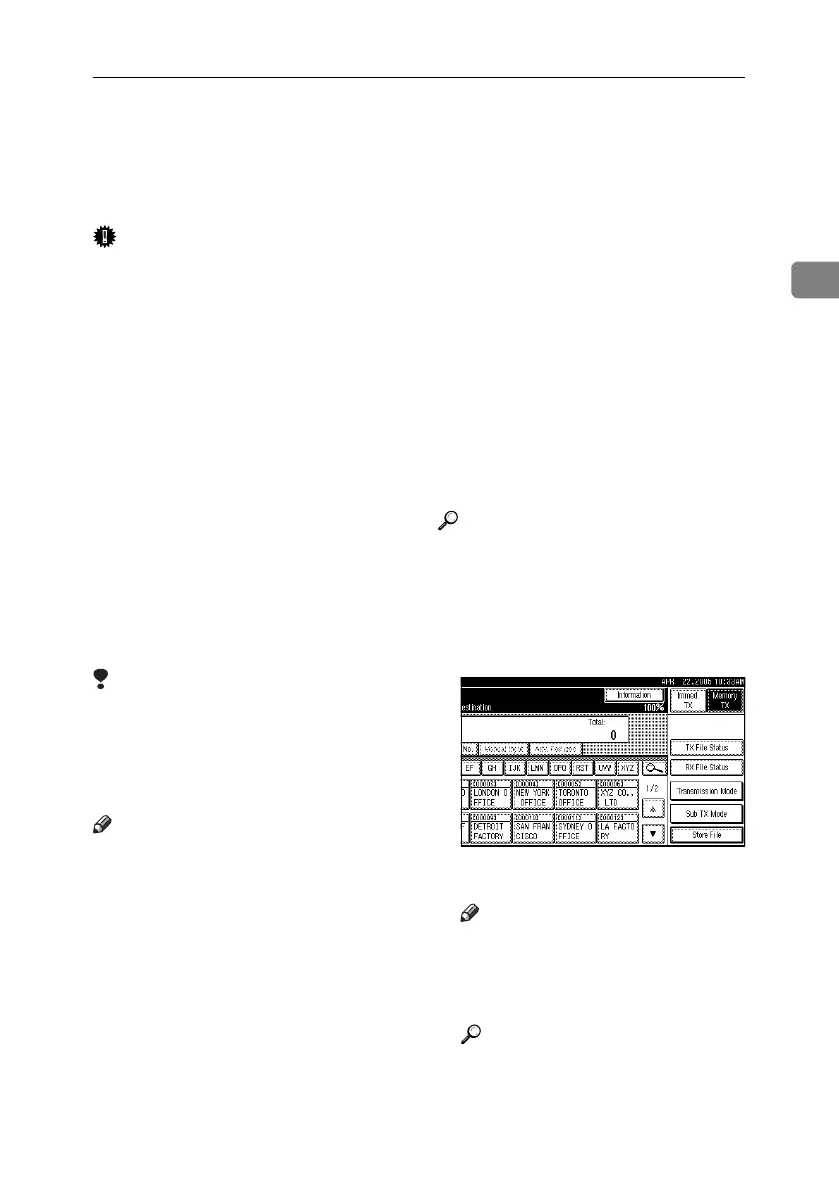
Memory Transmission
21
2
Memory Transmission
Memory transmission mode has stan-
dard fax, Internet Fax and IP-Fax.
Important
❒ If there is a power failure (the main
power switch is turned off) or the
machine is unplugged for about
one hour, all the documents stored
in memory are deleted. As soon as
the main power switch is turned
on, the Power Failure Report is
printed to help you identify delet-
ed files. Simply turning off the
power by pressing the Operation
switch does not delete stored doc-
uments. See p.202 “Turning Off the
Main Power / In the Event of Pow-
er Failure”, Facsimile Reference
<Advanced Features> .
❒ It is recommended that you call the
receiver and confirm with them
when sending important docu-
ments.
Limitation
❒ If memory is full (0% appears un-
der [Information] on the display),
Memory Transmission is disabled.
Use Immediate Transmission in-
stead.
Note
❒ Maximum number of destinations
per Memory Transmission: 500.
❒ Combined total number of desti-
nations of standby documents
stored in memory: 500.
❒ After the total number of programmed
destination numbers exceeds 500,
you can perform only Immediate
Transmission.
❒ Maximum number of documents that
can be stored for Memory Trans-
mission: 400.
❒ The number of pages you can store
in memory depends on the origi-
nal images and the scan settings.
You can store up to 320 standard
pages (ITU-T #1 chart, Resolution:
Standard, Original Type: Text).
You can store up to 2,240 standard
pages, with the optional expansion
memory installed.
❒ For details about how to confirm
the transmission result, see p.31
“Confirming Transmission”.
❒ A fax number, e-mail address and
IP-Fax number can be specified si-
multaneously.
Reference
p.63 “Sending Internet Fax Docu-
ments”
p.80 “Sending by IP-Fax”
A Make sure that [Memory TX] is se-
lected.
B Place the original.
Note
❒ The original can be placed ei-
ther into the ADF or on the ex-
posure glass, until the {Start}
key is pressed.
Reference
p.15 “Placing Originals”
RussianC4-EN_Combine-F_FM.book Page 21 Wednesday, April 27, 2005 2:01 PM



 To Next Page