Faxing
22
2
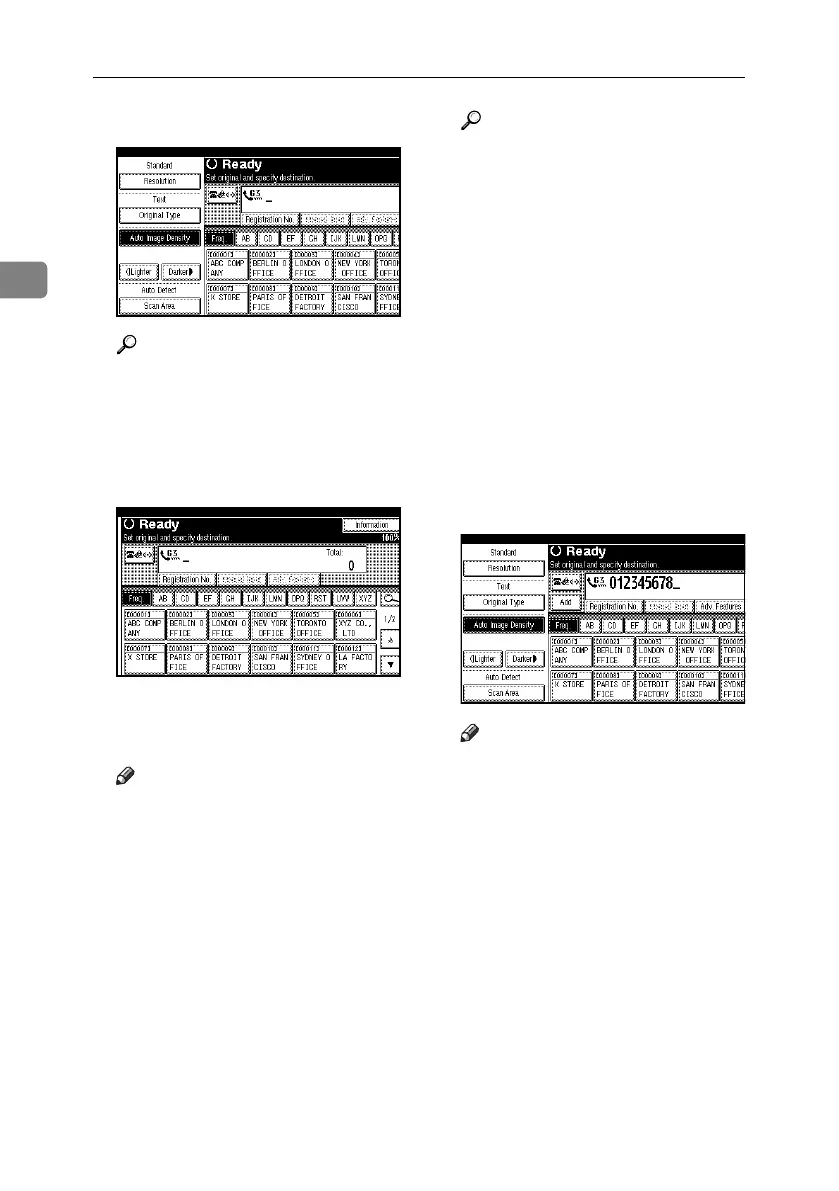
C Make the scan settings you require.
Reference
p.34 “Scan Settings”
p.35 “Original Type”
p.36 “Image Density (Con-
trast)”
D Specify a destination.
If you do not want to do a broad-
cast transmission, proceed to step
G
.
Note
❒ If you make a mistake, press the
{Clear/Stop} key, and then enter
the correct number.
Reference
p.39 “Entering a Fax Number”
p.41 “Entering an E-mail Ad-
dress”
p.43 “Entering an IP-Fax Desti-
nation”
p.45 “Using the Destination List
to Specify Single or Group Des-
tinations”
p.47 “Chain Dial”, Facsimile Ref-
erence <Advanced Features>
p.47 “Redial”, Facsimile Refer-
ence <Advanced Features>
E When sending the same original
to several destinations (broad-
casting), press [Add] to specify the
destinations.
Note
❒ You do not have to press [Add]
when adding a destination us-
ing the destination list.
❒ To be extra sure a destination is
added, in User Parameters you
can set the machine so that [Add]
must be pressed each time a
destination is added. See p.167
“User Parameters”, Facsimile
Reference <Advanced Features>
(switch 17, bit 2).
RussianC4-EN_Combine-F_FM.book Page 22 Wednesday, April 27, 2005 2:01 PM



 To Next Page