Memory Transmission
23
2
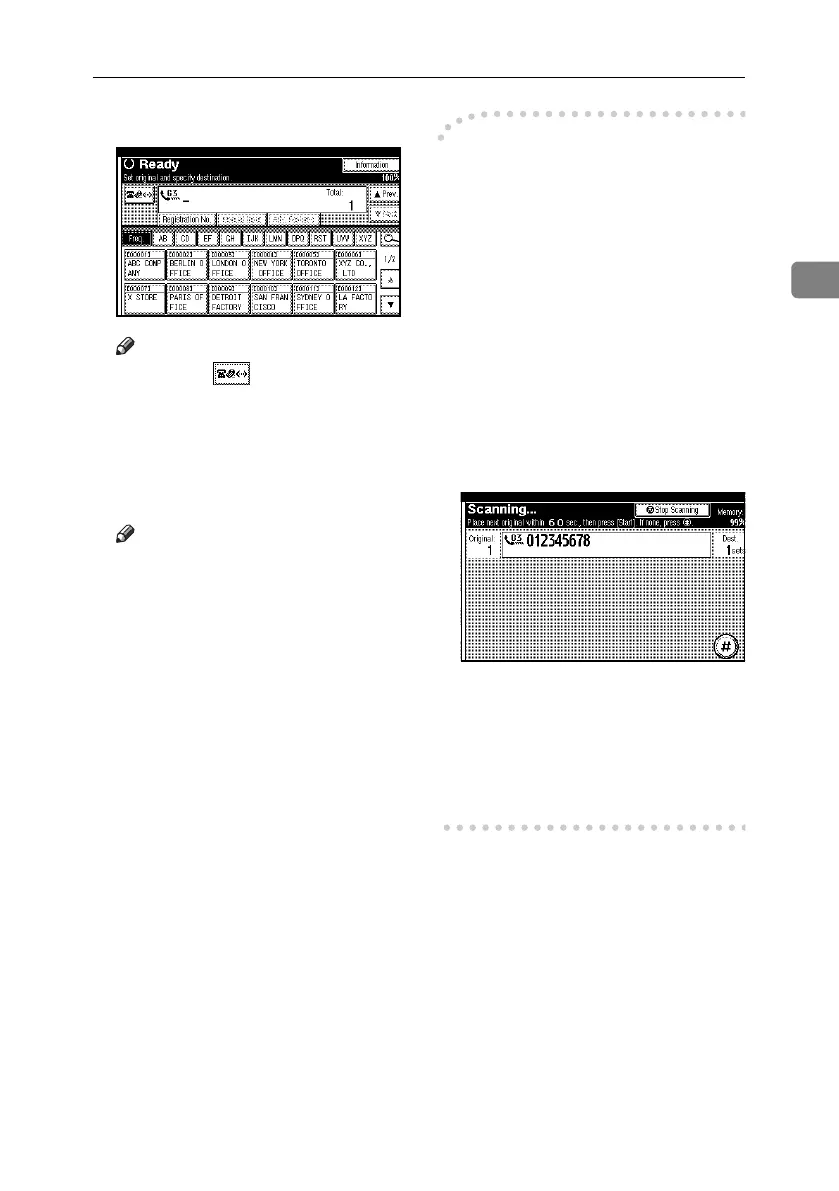
F Specify a destination.
Note
❒ Pressing switches the desti-
nation list between fax number,
e-mail address, and IP-Fax number.
❒ To specify another destination,
repeat steps
E
and
F
.
G Press the {Start} key.
Note
❒ Do not lift the ADF while using
it to scan originals.
The machine dials the destination.
After scanning, the standby dis-
play appears.
-Sending multiple originals
using the exposure glass
A Make sure that [Memory TX] is se-
lected.
B Place the first page of the original
face down on the exposure glass.
C Specify a destination.
D Make the scan settings you require.
E Press the {Start} key.
The machine starts scanning.
F Place the next original on the expo-
sure glass within 60 seconds after
the machine has finished scanning
the first original.
G Repeat steps D to F for all origi-
nals.
H Place the last original, and then
press [#].
The machine dials the destination
and starts transmission.
RussianC4-EN_Combine-F_FM.book Page 23 Wednesday, April 27, 2005 2:01 PM



 To Next Page