Faxing
40
2
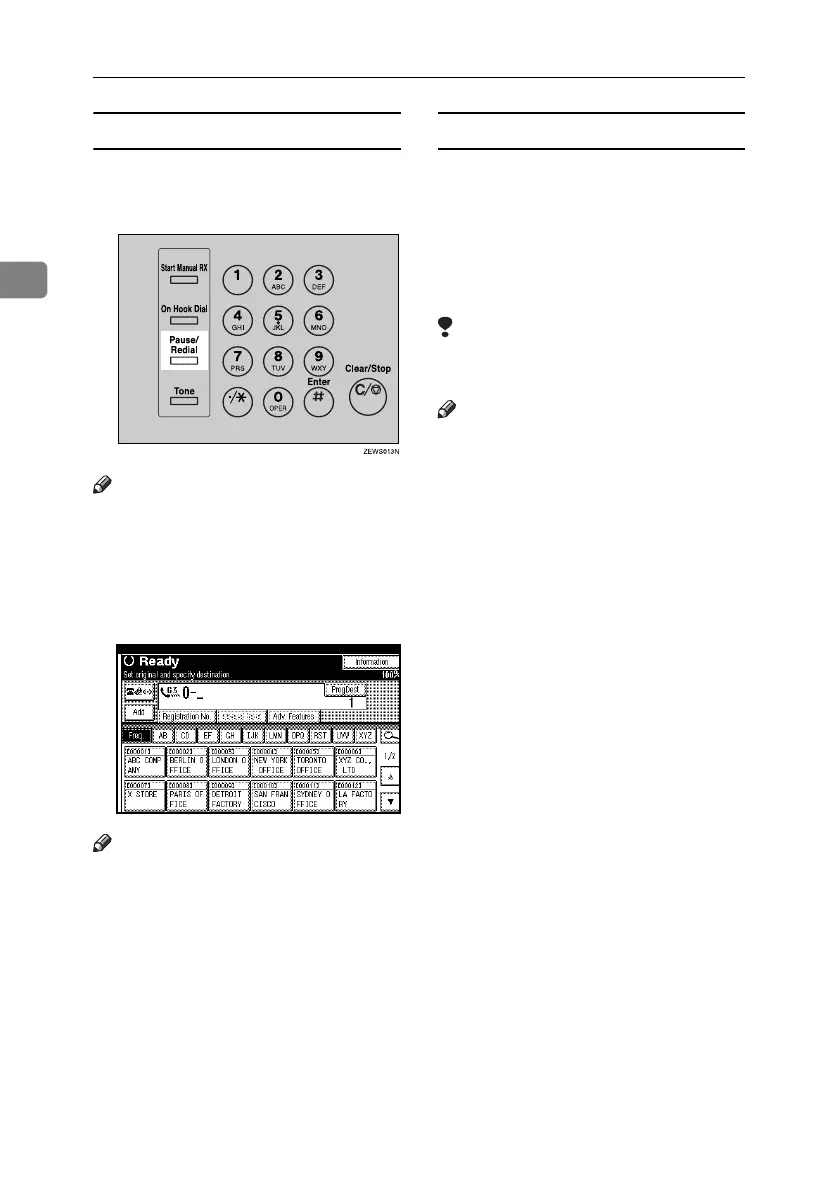
Pause
Press the {Pause/Redial} key when di-
aling or storing a number to insert a
pause of about two seconds.
Note
❒ If you press the {Pause/Redial} key
at the first digit, the Redial screen
appears. See p.47 “Redial”, Facsim-
ile Reference <Advanced Features> .
❒ A pause is shown as a “-” on the
display.
Note
❒ You can also program numbers in-
cluding pauses in the destination
list.
Tone
This function allows a machine con-
nected to a pulse dialing line to send
tonal signals (for example if you want
to use a special service on a tone dial-
ing line). When you press the {Tone}
key, the machine dials the number us-
ing tonal signals.
Limitation
❒ Certain services may be unavailable
even when using the {Tone} key.
Note
❒ A tone is shown as a “•” on the dis-
play and the next numbers are di-
aled using tonal signals.
RussianC4-EN_Combine-F_FM.book Page 40 Wednesday, April 27, 2005 2:01 PM



 To Next Page