Troubleshooting
94
5
When Toner Runs Out
When the machine has run out of ton-
er, the indicator on the display lights.
Note that even if there is no toner left,
you can still send fax documents.
Important
❒ If number of communications exe-
cuted after the toner has run out
and not listed in the automatically-
output Journal exceeds 200, com-
munication is not possible.
Limitation
❒ The Memory Storage Report, Poll-
ing RX Reserve Report, and Confi-
dential File Report are not printed.
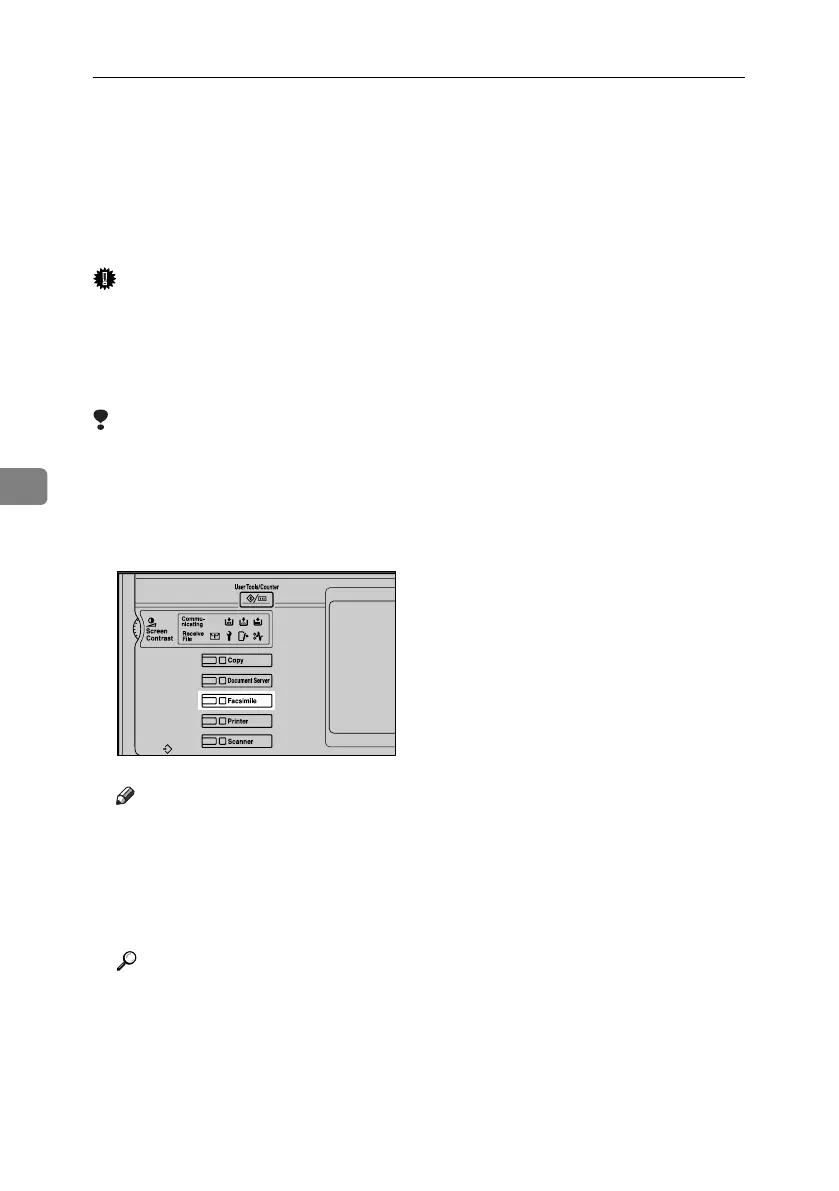
A Make sure that the machine is in
facsimile mode.
Note
❒ If the standby screen is not dis-
played, press the {Facsimile} key.
B Press [Exit], and then perform trans-
mission operation.
The error message disappears.
Reference
p.21 “Memory Transmission”
p.28 “Immediate Transmission”
ZLBS001N
RussianC4-EN_Combine-F_FM.book Page 94 Wednesday, April 27, 2005 2:01 PM



 To Next Page