Scan Settings
37
2
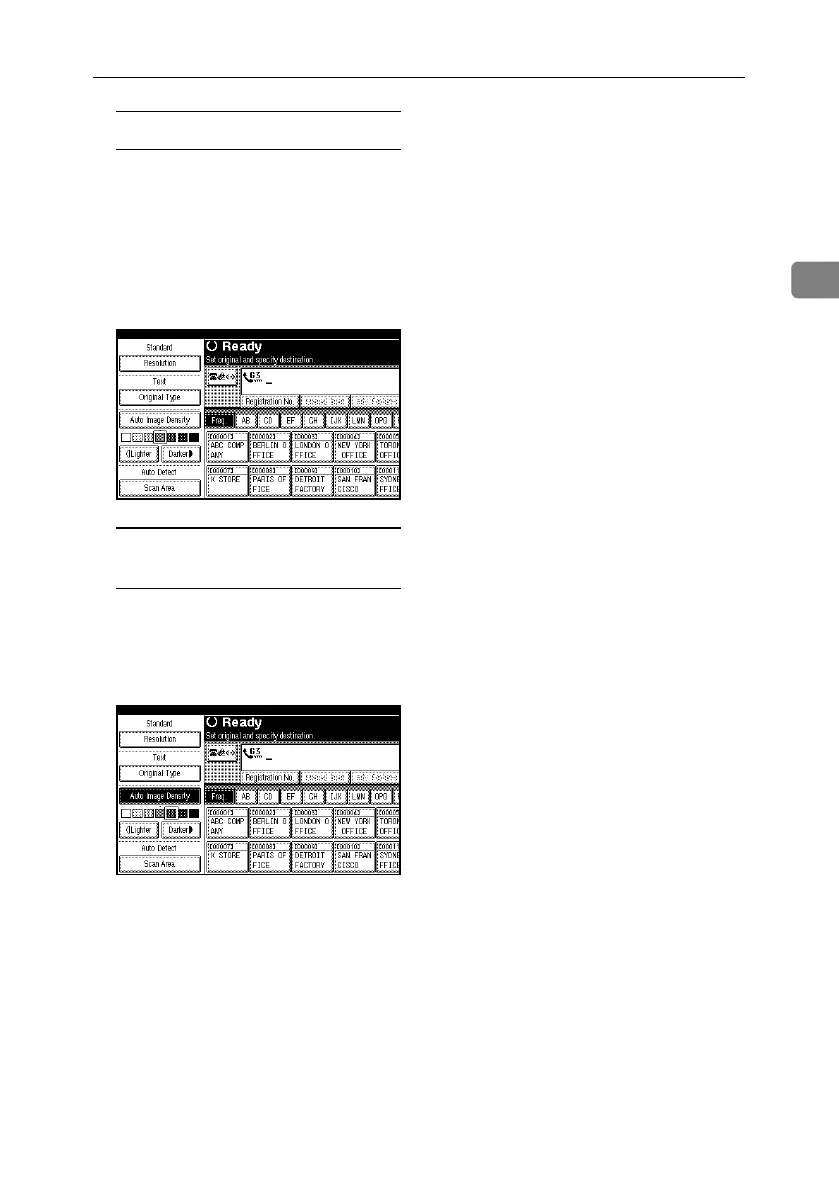
Manual Image Density
A Make sure that [Auto Image Densi-
ty] is not selected. If it is select-
ed, press [Auto Image Density] to
turn it off.
B Press [iLighter] or [Darkerj] to
adjust the density.
The square moves.
Combined Auto and Manual
Image Density
A Select the [Auto Image Density].
B Press [iLighter] or [Darkerj] to
adjust the density.
The square moves.
RussianC4-EN_Combine-F_FM.book Page 37 Wednesday, April 27, 2005 2:01 PM



 To Next Page