Using Internet Fax Functions
68
3
Reference
p.41 “Entering an E-mail Ad-
dress”
p.45 “Using the Destination List
to Specify Single or Group Des-
tinations”
p.52 “Search by LDAP Server”
p.47 “Redial”, Facsimile Refer-
ence <Advanced Features>
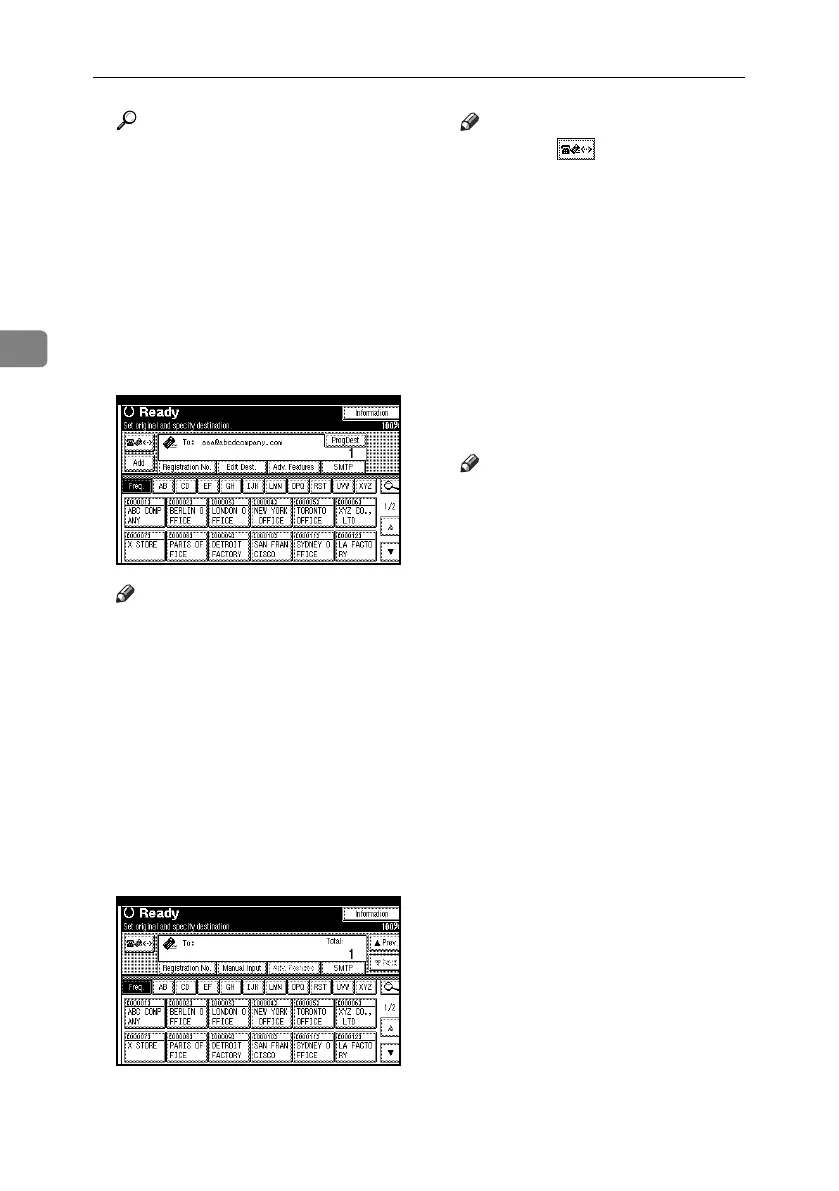
J To send the same document to
multiple destinations, press [Add].
Note
❒ It is not necessary to press [Add]
when adding destinations using
the destination list.
❒ To be extra sure a destination is
added, in User Parameters you
can set the machine so that [Add]
must be pressed each time a
destination is added. See p.167
“User Parameters”, Facsimile
Reference <Advanced Features>
(switch 17, bit 2).
K Specify the next destination.
Note
❒ Pressing switches the desti-
nation list between fax number,
e-mail address, and IP-Fax number.
❒ To add another destination, repeat
steps
J
and
K
.
L Press the {Start} key.
This starts reading the document
into memory. The e-mail send op-
eration starts after the read opera-
tion is complete. When scanning is
complete, the Communicating in-
dicator lights and transmission
starts.
Note
❒ With a large volume of docu-
ment, it may take some time be-
fore transmission starts. This is
due to the time the machine re-
quires to convert the data in
memory.
❒ To cancel transmission of an In-
ternet Fax, see p.72 “Canceling
Transmission of an Internet
Fax”.
RussianC4-EN_Combine-F_FM.book Page 68 Wednesday, April 27, 2005 2:01 PM



 To Next Page