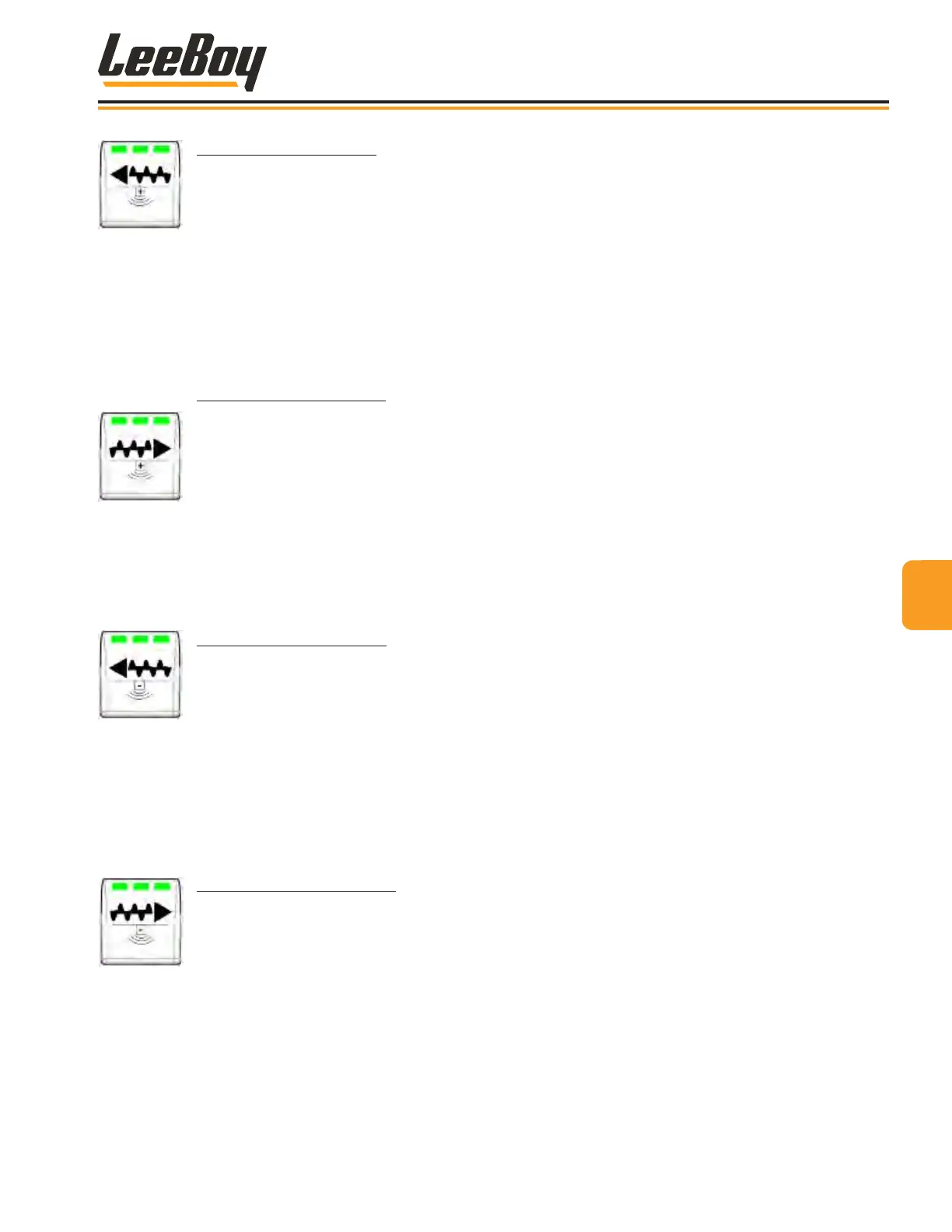
PILE HEIGHT PLUS LEFT
Use this button to increase pile height/auger speed when paving on the LEFT side. The Auger Manual/
AUTO button must rst be activated to the desired mode (shown on the following page.)
• Increases pile height when the auger is set to AUTO mode. Press and hold button to increase pile
height. The right LED light is illuminated in AUTO mode.
NOTE: The auger sonic sensor must be connected to operate in AUTO mode. (Page 4-39)
• Increases auger speed when the auger is set to Manual mode. Press and hold button to increase
auger speed. The left LED light is illuminated in Manual mode.
• If auger operation is paused, the center LED light illuminates.
PILE HEIGHT PLUS RIGHT
Use this button to increase pile height when paving on the RIGHT side. The Auger Manual/AUTO
button must rst be activated to the desired mode (shown on the following page.)
• Increases pile height when the auger is set to AUTO mode. Press and hold button to increase pile
height. The right LED light is illuminated in AUTO mode.
NOTE: The auger sonic sensor must be connected to operate in AUTO mode. (Page 4-39)
• Increases auger speed when the auger is set to Manual mode. Press and hold button to increase
auger speed. The left LED light is illuminated in Manual mode.
• If auger operation is paused, the center LED light illuminates.
PILE HEIGHT MINUS LEFT
Use this button to decrease pile height when paving on the LEFT side. The Auger Manual/AUTO
button must rst be activated to the desired mode (shown on the following page.)
• Decreases pile height when the auger is when auger is set to AUTO mode. Press and hold button
to decrease pile height. The right LED light is illuminated in AUTO mode.
NOTE: The auger sonic sensor must be connected to operate in AUTO mode. (Page 4-39)
• Decreases auger speed when the auger is set to Manual mode. Press and hold button to
decrease auger speed. The left LED light is illuminated in Manual mode.
• If auger operation is paused, the center LED light illuminates.
PILE HEIGHT MINUS RIGHT
Use this button to decrease pile height when paving on the RIGHT side. The Auger Manual/AUTO
button must rst be activated to the desired mode (shown on the following page.)
• Decreases pile height when the auger is set to AUTO mode. Press and hold button to decrease
pile height. The right LED light is illuminated in AUTO mode.
NOTE: The auger sonic sensor must be connected to operate in AUTO mode. (Page 4-39)
• Decreases auger speed when the auger is set to Manual mode. Press and hold button to
decrease auger speed. The left LED light is illuminated in Manual mode.
• If auger operation is paused, the center LED light illuminates.
44
Operation
LeeBoy Model 5300B Compact Paver 4-7



 To Next Page