DO NOT leave the operator station
unattended while the paver is in gear or in motion to
prevent serious injury or even death.
Steering and Speed ControlSteering and Speed Control
Follow the start-up procedure on Page 4-4.
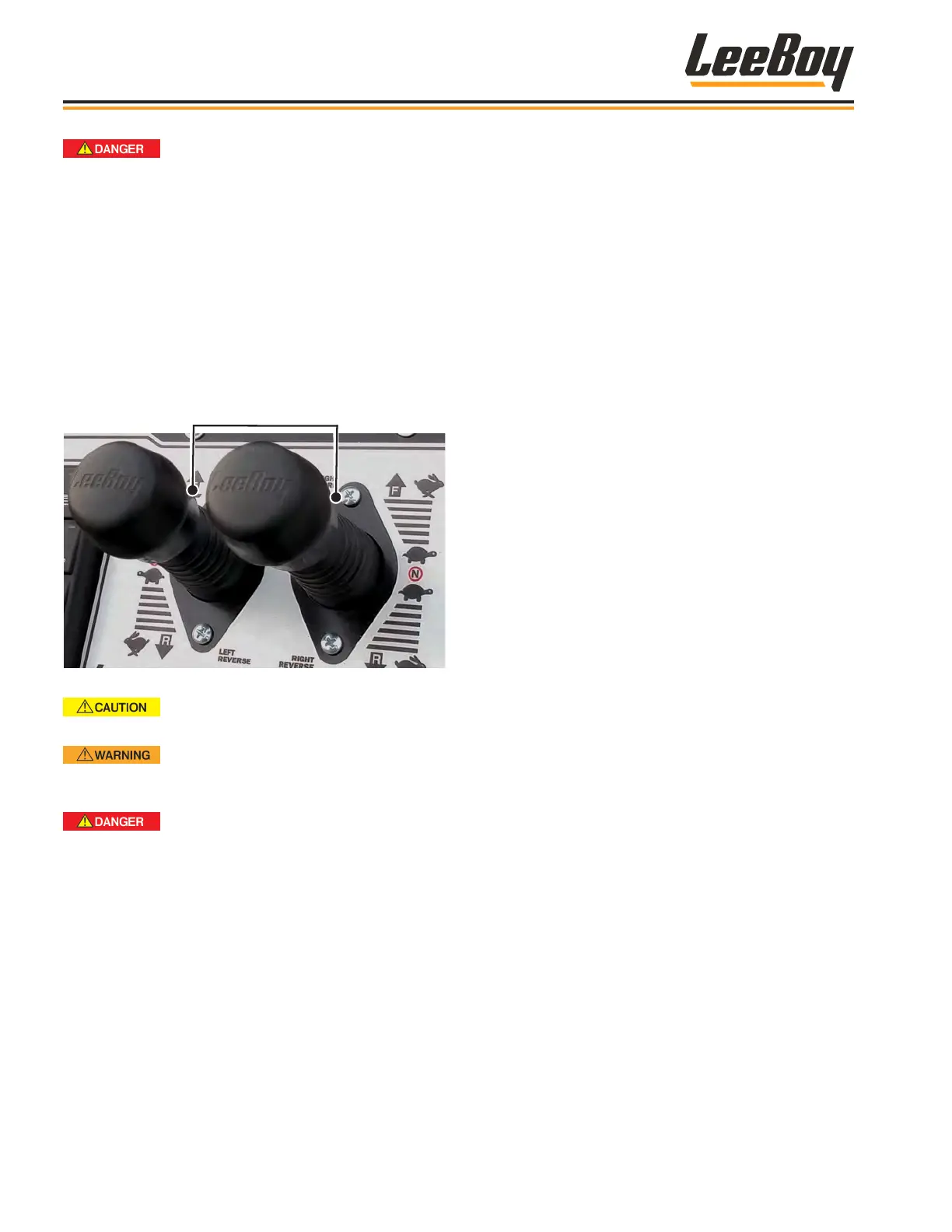
Use the joysticks on the control panel for steering and
speed control. Move the joysticks SLOWLY. Lift up on
the joystick collar and move joystick either FORWARD
or REVERSE. The joystick collar will lock back into
place in the NEUTRAL position. (Figure 4-41)
Figure 4-41. Joysticks
Be aware of the terrain, trafc and
other driving conditions. Adjust speed accordingly.
Ensure there are no people,
equipment or obstacles in the paver’s before moving
in either direction.
Rapid counter-rotation in either
direction can result in the operator being thrown
from the machine and suffer personal injury or
death. Counter-rotation occurs if one joystick is in
the extreme forward position and the other is in the
extreme rear position while the machine is in gear
and moving. Make only SLOW adjustments to the
joysticks to turn the paver right or left.
• To slow the paver, move joysticks closer to the
neutral position.
• To stop the paver, pull joysticks back to the neutral
position.
• To drive the paver forward, lift up on the joystick
collar and push joystick forward to reach the
desired speed.
• To move in reverse, lift up on the joystick collar and
move joystick backwards to reach desired speed.
• Return joysticks to the neutral position to stop
paver.
• To steer the unit to the left, SLOWLY push the right
joystick farther forward than the left joystick. The
farther the joystick is pushed, the more the paver
turns. Slow and easy adjustments are required for
safe operation.
• To steer the unit to the right, SLOWLY push the left
joystick farther forward than the right joystick. The
farther the joystick is pushed, the more the paver
turns. Slow and easy adjustments are required for
safe operation.
If you need to stop the paver:
1. Place joysticks to the neutral position.
2. Throttle back to idle using settings on the DM430
digital display screen.
3. Turn ignition key on the control panel counterclock-
wise to the OFF position and remove key.
NOTE: If the engine does not shut down when the key
is turned to OFF, press the E-Stop button on
the control panel to terminate power.
Operation
LeeBoy Model 5300B Compact Paver4-34



 To Next Page