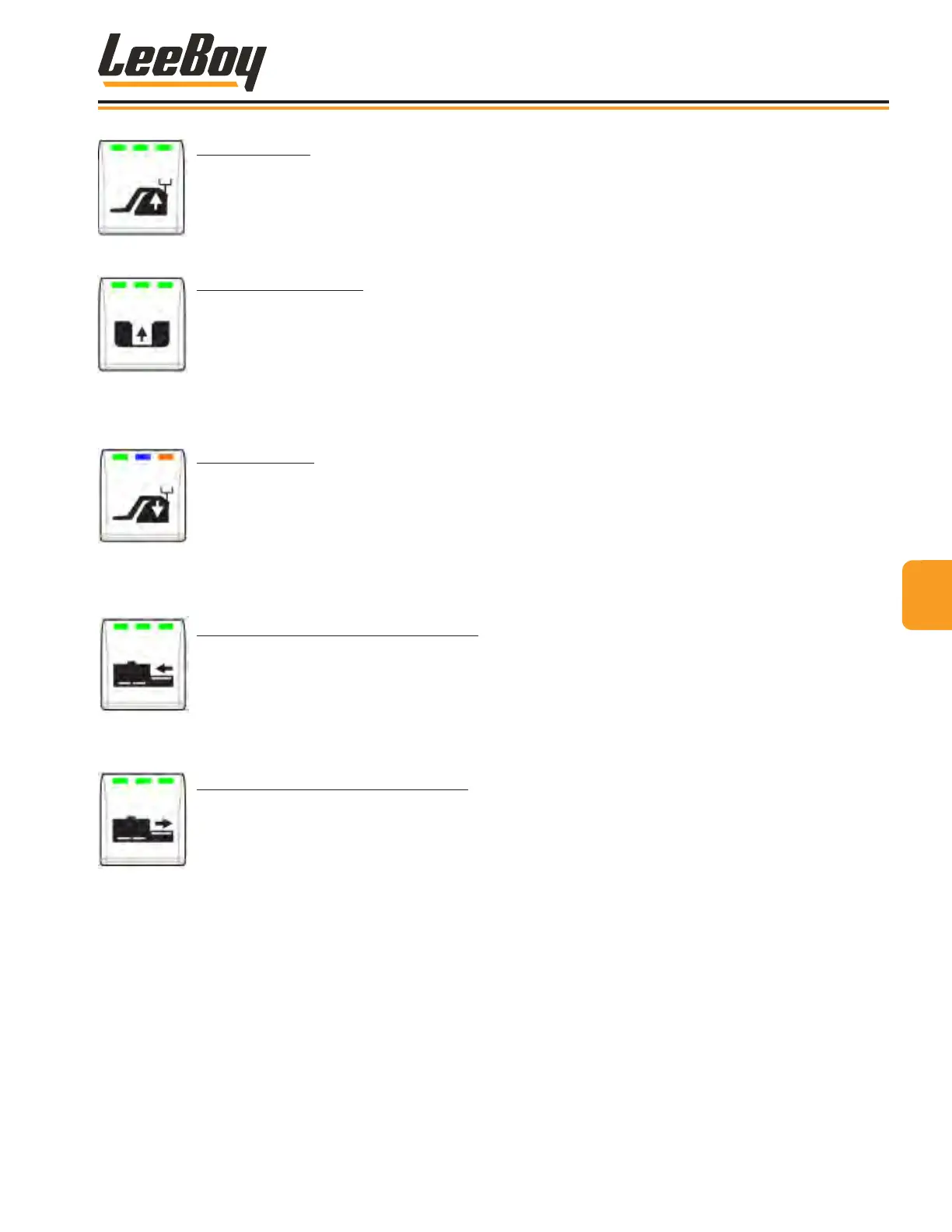
SCREED RAISE
• Press and hold button to raise the screed.
• All three LED lights illuminate green while engaged.
HOPPER WING CLOSE
After selecting the left, right or both hopper wings on the hopper wing select button, use this button to
open the selected hopper wing(s).
• Press and hold the button to close the hopper wing(s). The center LED light illuminates green
while engaged.
• This button functions whether the console is active or not.
SCREED FLOAT
This button controls oating the screed.
• Press the button to activate screed oat (the center LED light illuminates green).
• Placing the joysticks into neutral while screed oat is active moves into screed hold, and oat
resumes when joysticks are returned to the forward position. The center LED light illuminates
blue when in screed hold.
RETRACT RIGHT SCREED EXTENSION
Retracts the RIGHT screed extension.
• Press and hold button to retract the left screed extension. All three LED lights illuminate green on
the button while engaged.
•
EXTEND RIGHT SCREED EXTENSION
Extends the RIGHT screed extension.
• Press and hold button to retract the left screed extension. All three LED lights illuminate green on
the button while engaged.
44
Operation
LeeBoy Model 5300B Compact Paver 4-13



 To Next Page