Extend/Retract Screed ExtensionsExtend/Retract Screed Extensions
Extend or retract the screed
extensions on either or both
sides of the paver using the
corresponding extend or retract
buttons on the main control panel.
Arrows on each symbol point the
direction the screed mechanism
moves.
• Press and hold the corresponding button to extend
or retract the screed to desired width.
• Release button when desired width is achieved.
Electric vibrators mounted on the main
screed frame increase paving material
compaction.
• Press the button once to turn ON.
• Press the button again to turn OFF.
NOTE: The vibrator automatically turns OFF if paver
is placed in reverse or neutral.
Adjusting the ScreedAdjusting the Screed
Adjust the screed using the following procedure:
NOTE; Always heat the screed extension before
making any adjustments.
1. Move paver to the starting position for paving.
2. Extend the screed to the desired width.
NOTE: To set the asphalt depth, you can place small
starter blocks under the main screed while
you make adjustments. (Figure 4-51)
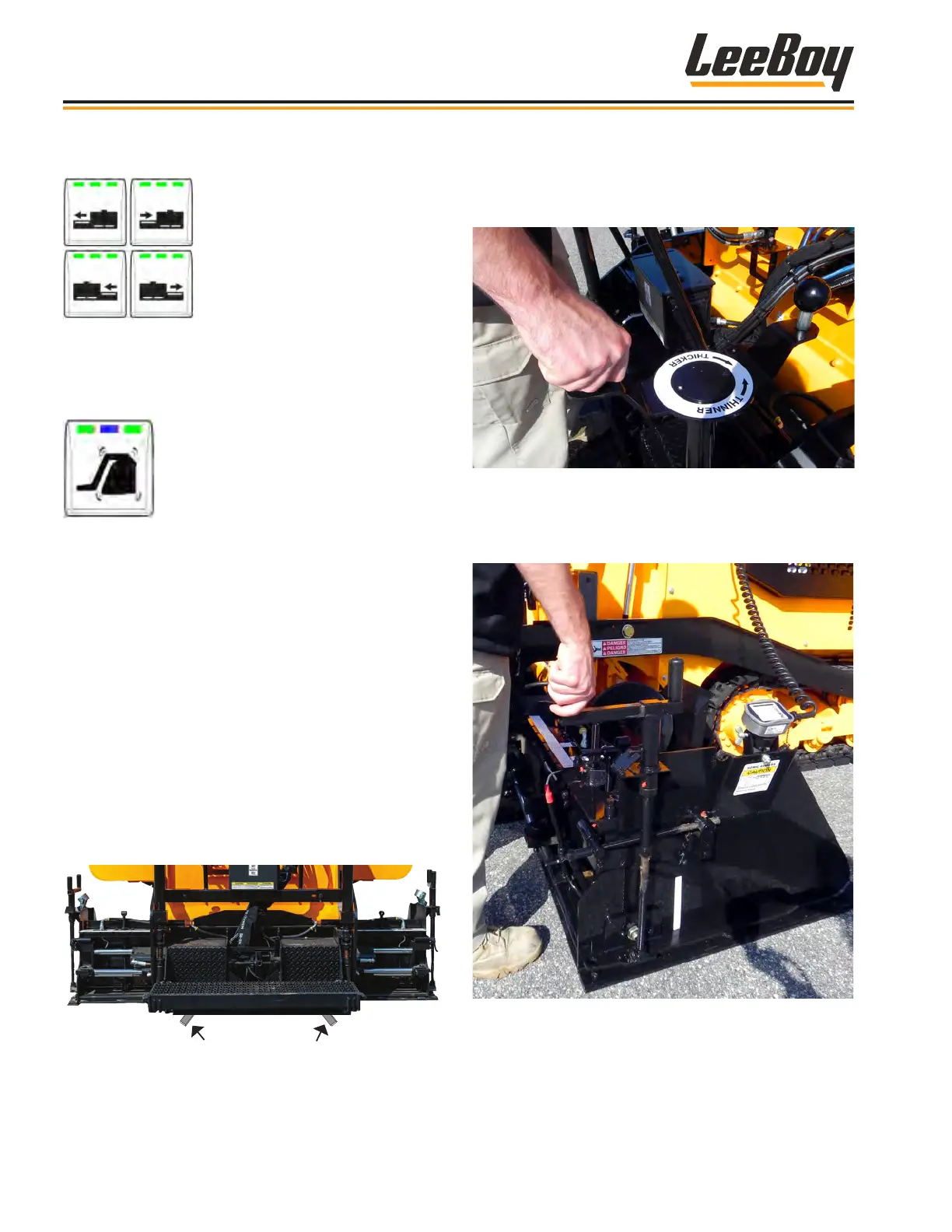
Figure 4-51. Starter Blocks Location
3. Level the screed using the ight screw. (Figure
4-52)
• Turn the ight screw one turn (clockwise) to get
started and adjust accordingly if needed.
Figure 4-52. Flight Screw Adjustment
4. On the rst pass, turn the end gate depth screw to
lower the end gate until it is about 1/4-inch below the
screed. (Figure 4-53)
Figure 4-53. End Gate Depth Screw Adjustment
Operation
LeeBoy Model 5300B Compact Paver4-42



 To Next Page