100
F418
Dimmer for energy saving lamps
MQ00594-d-EN 05/08/2014
IfthedeviceisinstalledinaMyHomesystemitcanbeconfiguredintwoways:
-PHYSICALCONFIGURATION,insertingtheconfiguratorsinposition.
-
ConfigurationviaMYHOME_Suitesoftwarepackage,downloadablefrom
www.homesystems-legrandgroup.com;thismodehastheadvantageofofferingmany
more options than the physical configuration.
For a list of the procedures and their meanings, please refer to the instruc
-
tions in this sheet and to the "Function Descriptions" help section in the
MYHOME_Suitesoftwarepackage.
1.1 Addressing
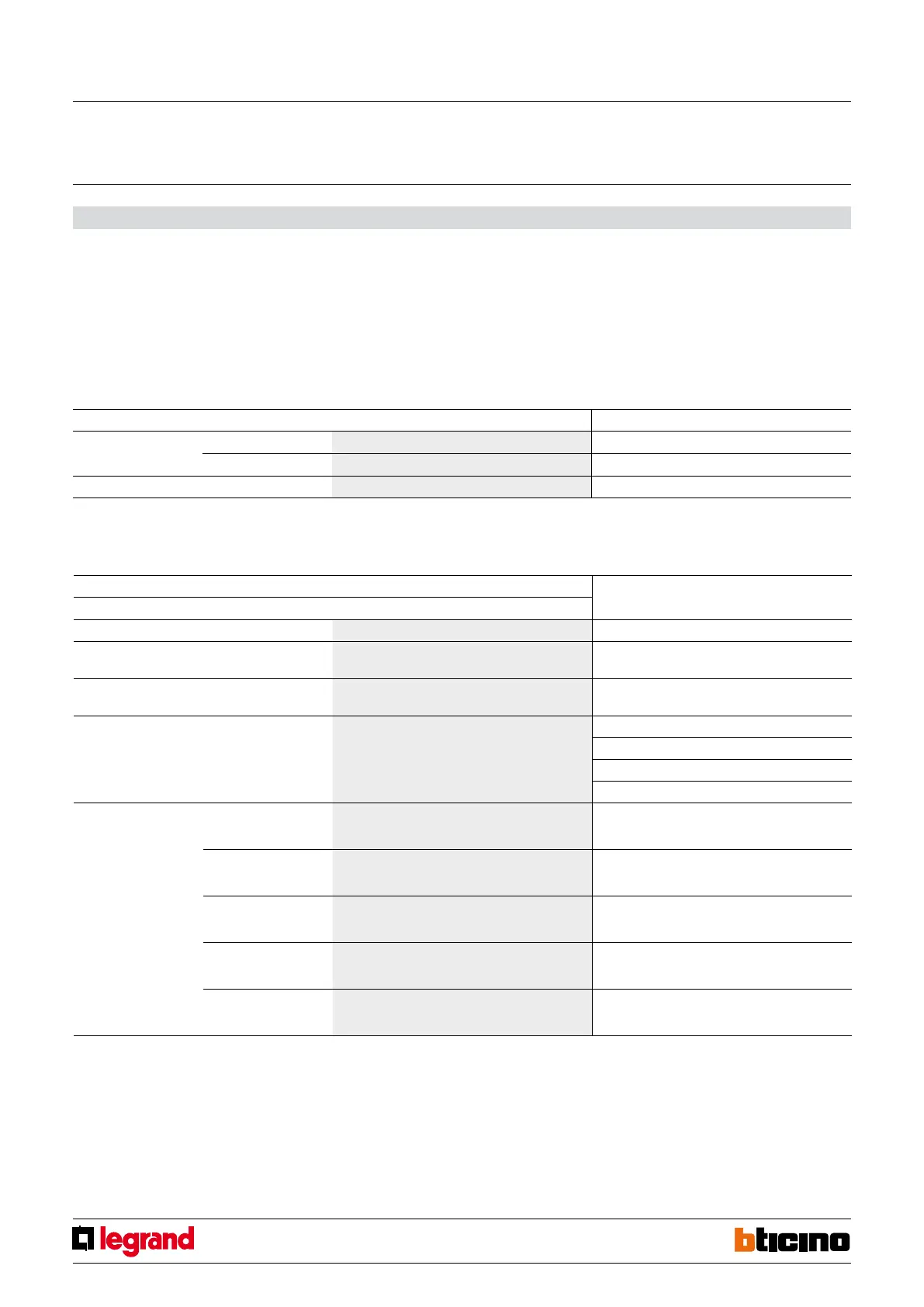
Address type Virtual configuration (MYHOME_Suite) Physical configuration
Point-to-point Room 0-10 A=1-9
Lighting point 0-15 PL=1-9
Group Group1-Group10:0-255 G=0-9
Configuration
NOTE 1): In the Master and Master PUL mode it is possible to set a 0-255 seconds OFF delay
(throughMYHOME_Suite)and1-4minutesdelaythroughthephysicalconfiguration.Onlyfor
point-to-point control. With the OFF control the Master actuator is disabled, the Slave actuator is
disabled after the time set with the configurators has elapsed.
The ON control activates at the same time the Master actuator and the Slave actuator. The fol-
lowing OFF control disables the Master actuator and keeps the Slave actuator active for the period
of time set by the configurator 1 - 4 inserted in M of the Master actuator as shown in the table.
1.2 Mode
Virtual configuration (MYHOME_Suite) Physical configuration
Function Parameter / setting
Master Actuator Master M=0
ActuatorasSlave.ReceivesacontrolsentbyaMasteractuator
which has the same address
Slave M=SLA
Button(Onmonostable)ignoresRoomandGeneralcontrols Master PUL M=PUL
Delay OFF: Master actuator with OFF control delayed on the
corresponding Slave actuator.
1)
0 - 255 M=1 1 minute
M=2 2 minutes
M=3 3 minutes
M=4 4 minutes
Selection of the type of load
used
Switching on at the minimum
level and then it sets to the
stored level
Inductive LED
TY=0 min default level=10%
Switching on at the maximum
level and then it sets to the
stored level
Inductive CFL
TY=1 min default level=37%
Switching on at the minimum
level and then it sets to the
stored level
Capacitive LED/electronic transformers
TY=2 min default level=10%
Switching on at the maximum
level and then it sets to the
stored level
Capactive CFL
TY=3 min default level=37%
Switching on at the minimum
level and then it sets to the
stored level
Halogenlamp
TY=4 min default level=1%
Tousethe"ActuatorasslavewithPULfunction"usetheMYHOME_Suitevirtualconfi-
guration.


 To Next Page