105
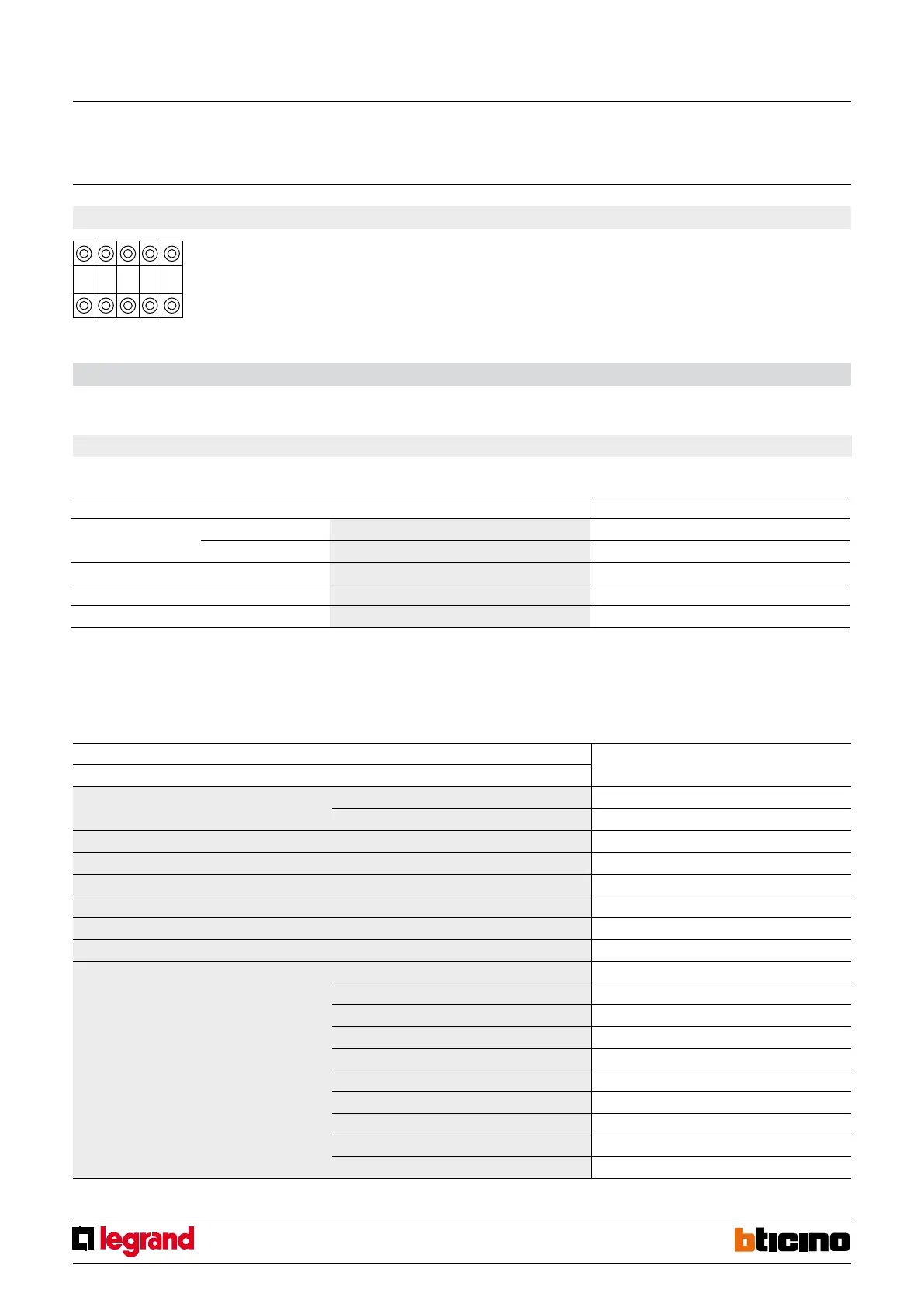
A PL1 PL2 M SPE
F428
Physical configuration
The interface includes two independent control units, identified with positions N1 and N2. The two units can send:
- Commands to two actuators for two independent loads (On, Off or adjustment) identified with the address PL1 and PL2 and the mode specified in M
or;
- A command to the F420 scenario module;
- A double command intended for a single load (motor for rolling shutter Up/Down, Open/Close curtains) identified with the address PL1 = PL2 and mode
specified M.
MQ00283-c-EN 07/06/2014
Contact interface
in DIN module
1.1 Addressing
Address type Virtual configuration (MYHOME_Suite) Physical configuration
Point-to-point Room 0-10 A=1-9
Lighting point 0-15 PL1, PL2=0-9
Room 0-10 A=AMB
Group 1-255 A=GR
General General A=GEN
With the virtual configuration, for the room, group and general controls, you can set a
light point address for the return of the load status You can also configure the "Installation
level" and the "Destination level".
missing in XLS
1.2 Mode
1.2.1 ON/OFF control:
Virtual configuration (MYHOME_Suite) Physical configuration
Function Parameter / setting
Type of contact to terminals N1 and N2 Normally open (N/O) SPE=0
Normally closed (N/C) SPE=7
Cyclic SPE=0, M=0
ON SPE=0, M=ON
OFF SPE=0, M=OFF
Cyclic (N/O contact only) SPE=1, M=7
Button SPE=0, M=PUL
ON with button at N2, OFF with button at N1 SPE=0, M=O/I
Timed ON 0.5sec SPE=0, M=8
2sec SPE=8, M=1
30sec SPE=0, M=7
1min SPE=0, M=1
2min SPE=0, M=2
3min SPE=0, M=3
4min SPE=0, M=4
5min SPE=0, M=5
10min SPE=8, M=2
15min SPE=0, M=6
For timed ON with period 0-255 hours, 0-59 minutes and 0-59 seconds use MYHOME_Suite virtual configuration
1. Light switch
Function selection
To configure the contact numbers use MYHOME_Suite virtual configuration


 To Next Page