134
ON
OFF
T1
T3
T2
T4
H4651M2
L4651M2
AM581M2
573987
067242
067553
Follow Me mode
Enables, upon powering the amplifier, activating the last source switched on.
Virtual configuration (MYHOME_Suite) Physical configuration
Function Parameter / setting
Switch back on from the last source YES YES M=0
NO Definition of the source 1-4 M=1-4
1)
NOTE 1): indicates the sound source to be activated before switching on the amplifier.
For example:
- if A=1, PL/PF = 1 and M=3 the command will control the amplifier with address A=1
and PF=1 and activate source number 3.
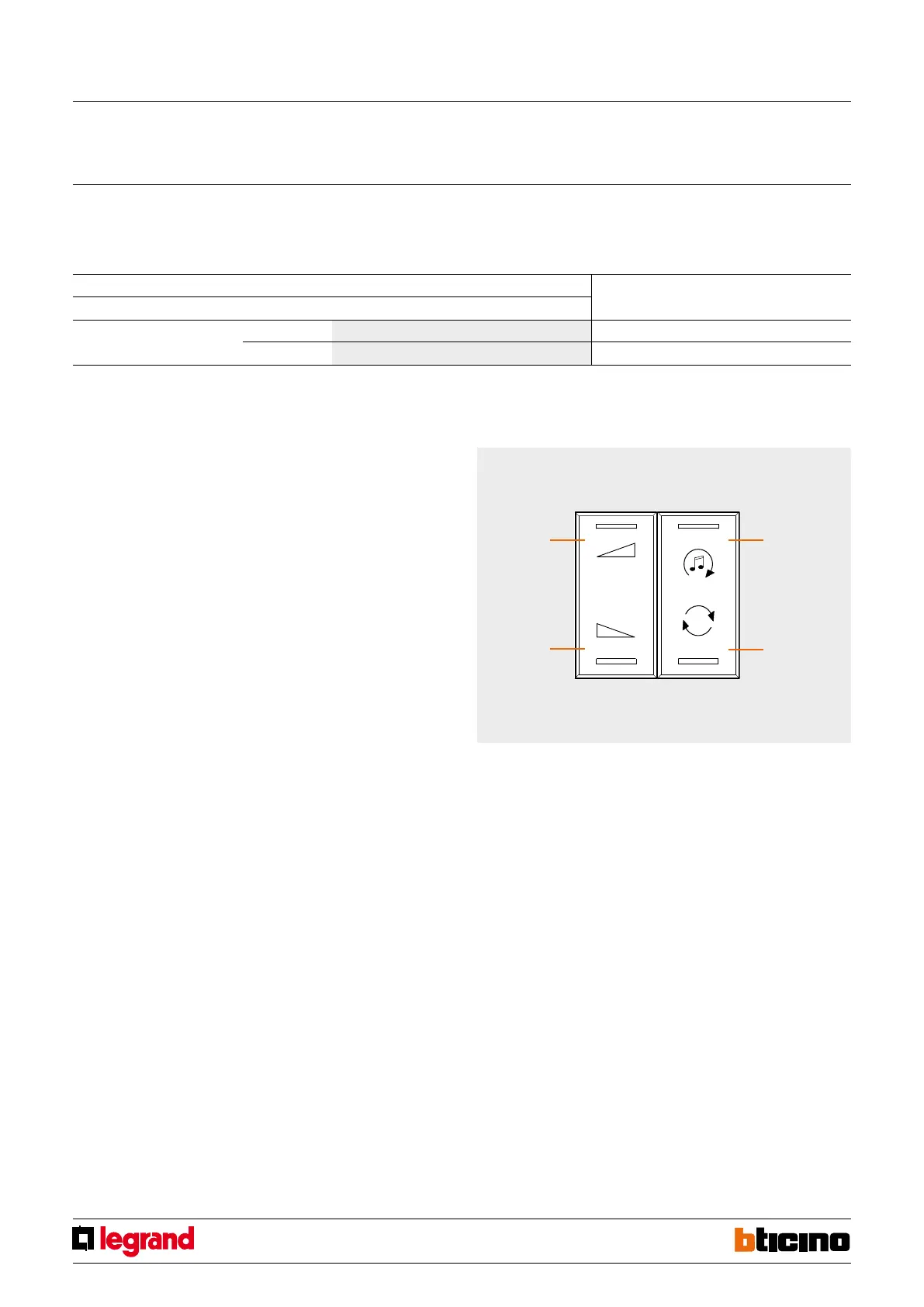
The buttons on the special control perform the following functions:
1) Briefly pressing T1 sends out the following sequence:
- sources ON, source 1 is turned on only if M=0;
- amplifier ON
2) Pressing and holding down T1:
- for point-to-point commands if the amplifier is already on only
the volume (VOL+) is controlled; if the amplifier is switched off
the switch-on sequence is sent first;
- for Room, Group and General controls only the
volume is controlled.
3) Pressing and holding down T3 controls the volume (VOL-).
Briefly pressing it sends the OFF command to the amplifier.
4) Pressing button T2 changes the source.
5) Button T4 is the control for the active source
Special control
MQ00285-c-EN 09/06/2014



 To Next Page