33
24/09/2013
+ =
N L
0672 63
H4595
LN4595
663096
665112
078427
079127
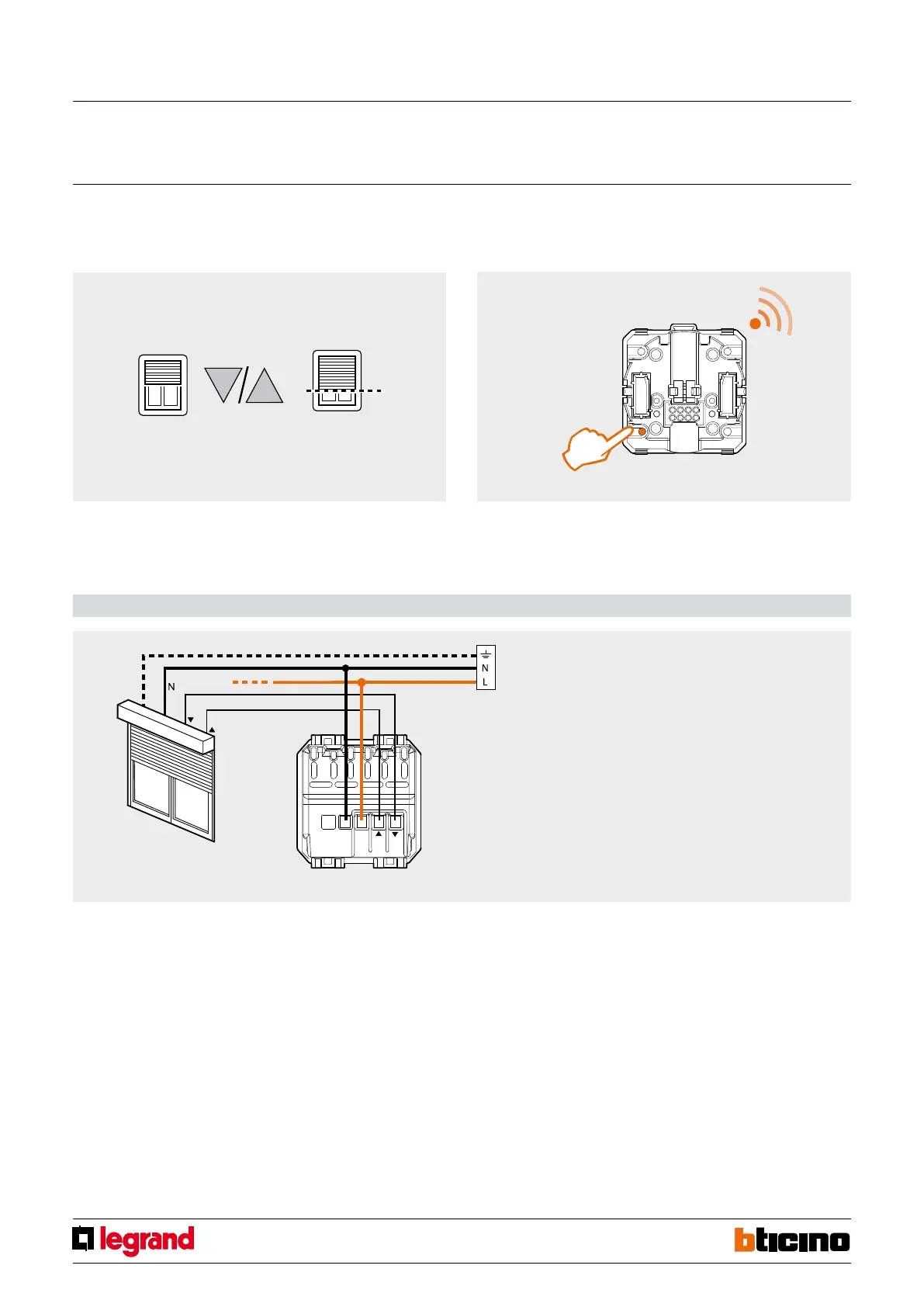
Saving the rolling shutter position:
1. Operate the UP and DOWN keys of the radio control to move the rolling shutter to
the desired position.
2. To save the desired position press the Preset key of the rolling shutter radio control
for more than 10 seconds.
3. From now on, irrespective of its position, when the Preset key of the control device
is pressed the rolling shutter will move to the previously saved position.
Wiring diagram
Important:
– Connect a load before performing any “scenario” learning
procedure.
Shutter switch RF with preset function
MQ00405-c-EN
> 10 sec.



 To Next Page