Group 6 Operation – procedures and elements Page 49
Release 3.00 Leibinger-Jet 2 se
The display (11) shows the name of the active job. The text to be printed is shown in the
field (12). The display of the text shown is updated when printing is started (e.g. when
printing counters).
6.3.1.2 Interval operation
The device must be connected to the electricity mains.
The device switches itself on automatically independently of the
ambient conditions!
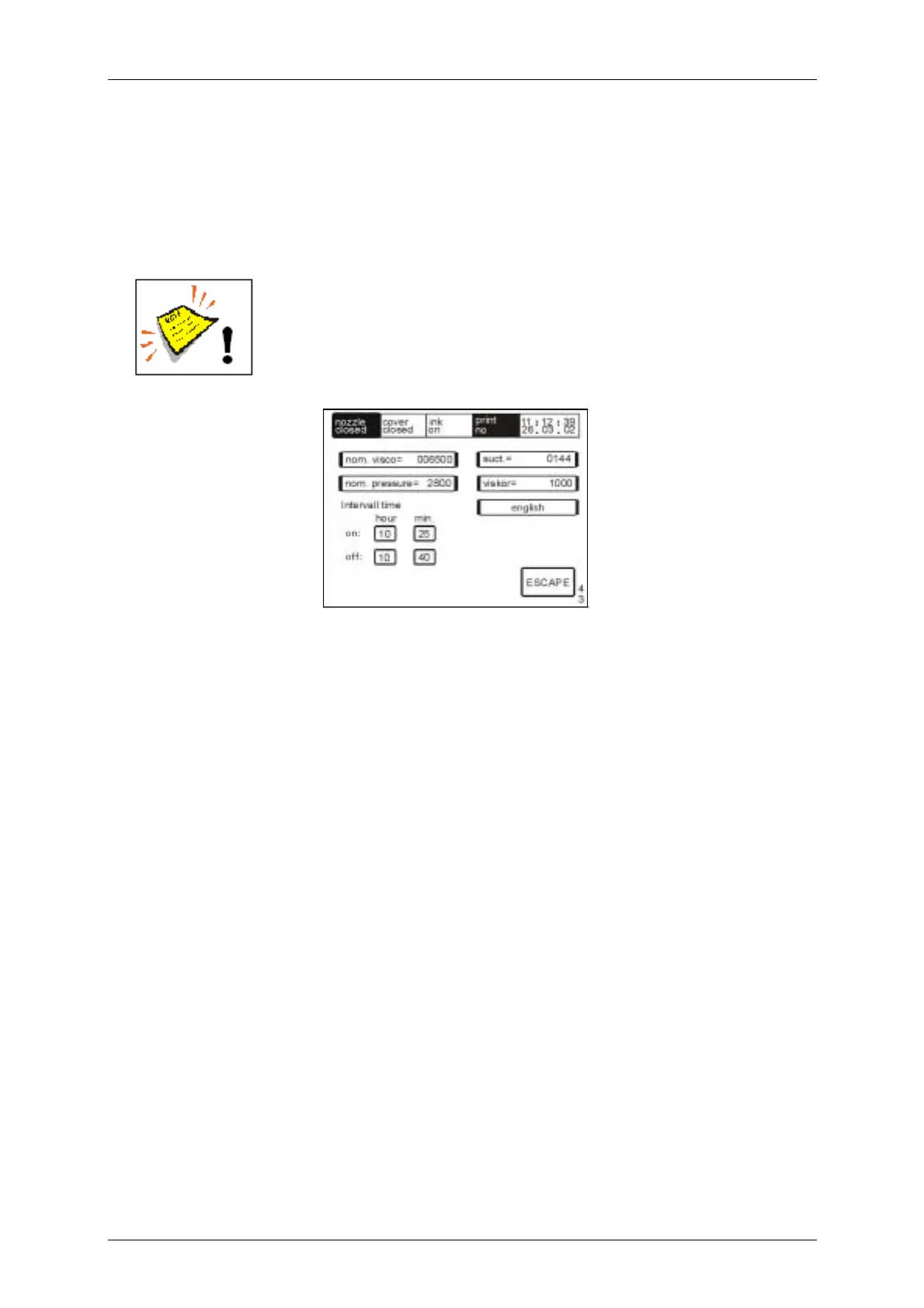
In the switched off state the integrated interval function activates the LEIBINGER-JET 2
automatically in accordance with the times set in the menu level <E43> (“Main menu !
service/test/ system parameter ! service/test & diagnostics ! hydraulic test &
parameter ! service menu“).
By means of the circulation of the ink it is ensured that in cases of extended idle periods
no drying of the ink or depositing of ink constituents results. The viscosity of the ink
remains constant.
Further information about the entry of the interval times can be found in the chapter
Hydraulic test and parameters!
E43



 To Next Page