Group 7 Data Entry Page 79
Release 3.00 Leibinger-Jet 2 se
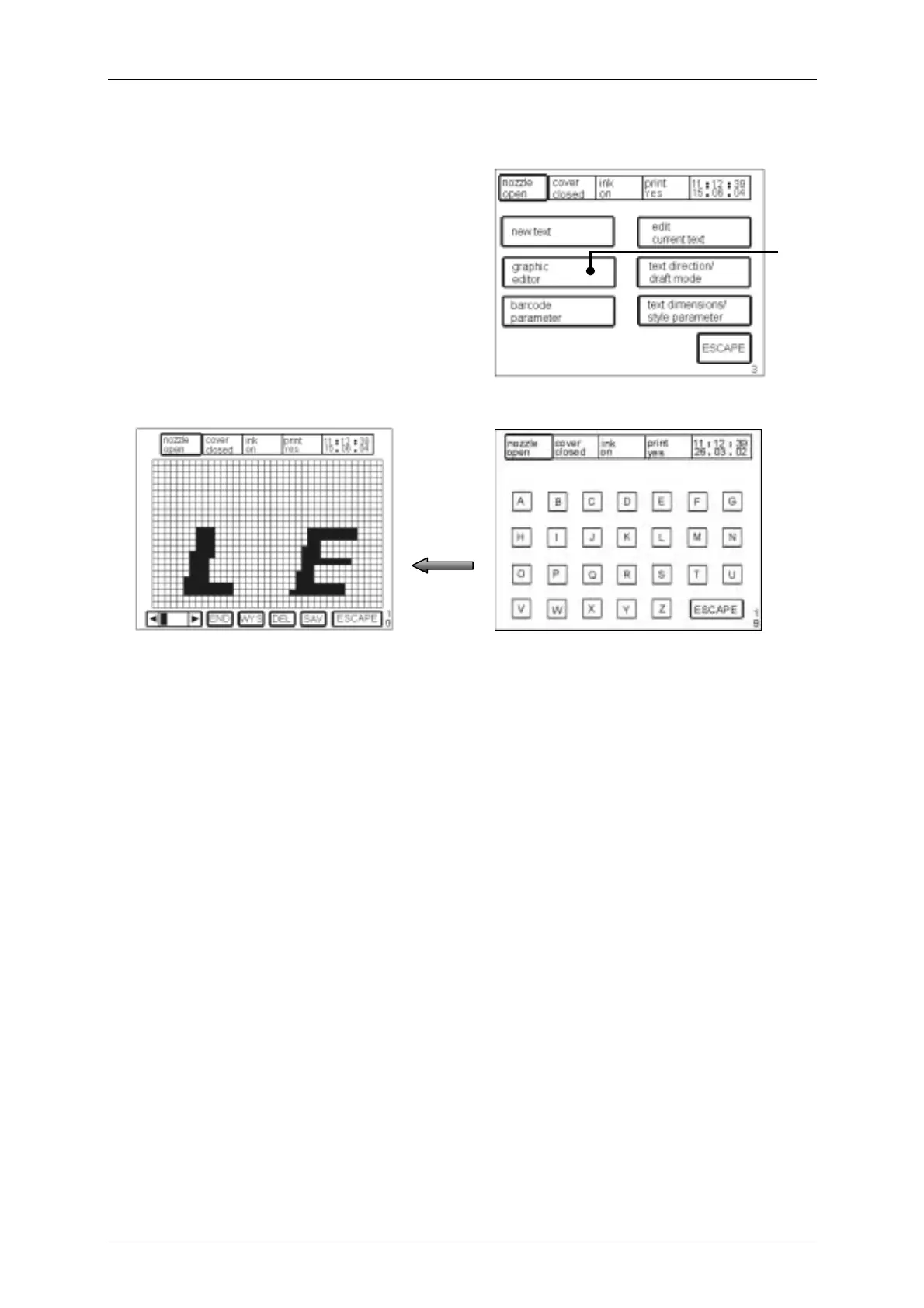
7.2.5 Graphics editor
Figure 53
With the field <graphic editor> (37) the
graphics menu <E19> is superimposed.
Graphics are deposited behind each letter
[A-Z]. By means of pressing of a symbol
the deposited graphic is displayed. The
graphic displayed can now be deleted,
altered or stored.
To alter graphics the grid on the corresponding screens is tapped on. As a result pixels
are added or deleted.
37
[E3]
[E19]
[E10]



 To Next Page