Group 7 Data Entry Page 92
Release 3.00 Leibinger-Jet 2 se
! Press the touch field <change superuser> (82) to commit the password for the
supervisor.
! The keyboard field <E50> opens to enter the password.
! Enter the requested password and confirm it with the touch field <RET> (83).
! The LEIBINGER-JET 2 changes back to the password administration menu <E7>.
The device starts always with the password level 3 (operator-
mode)! The device is on the oparator level at first even after the
first input of the supervisor password!
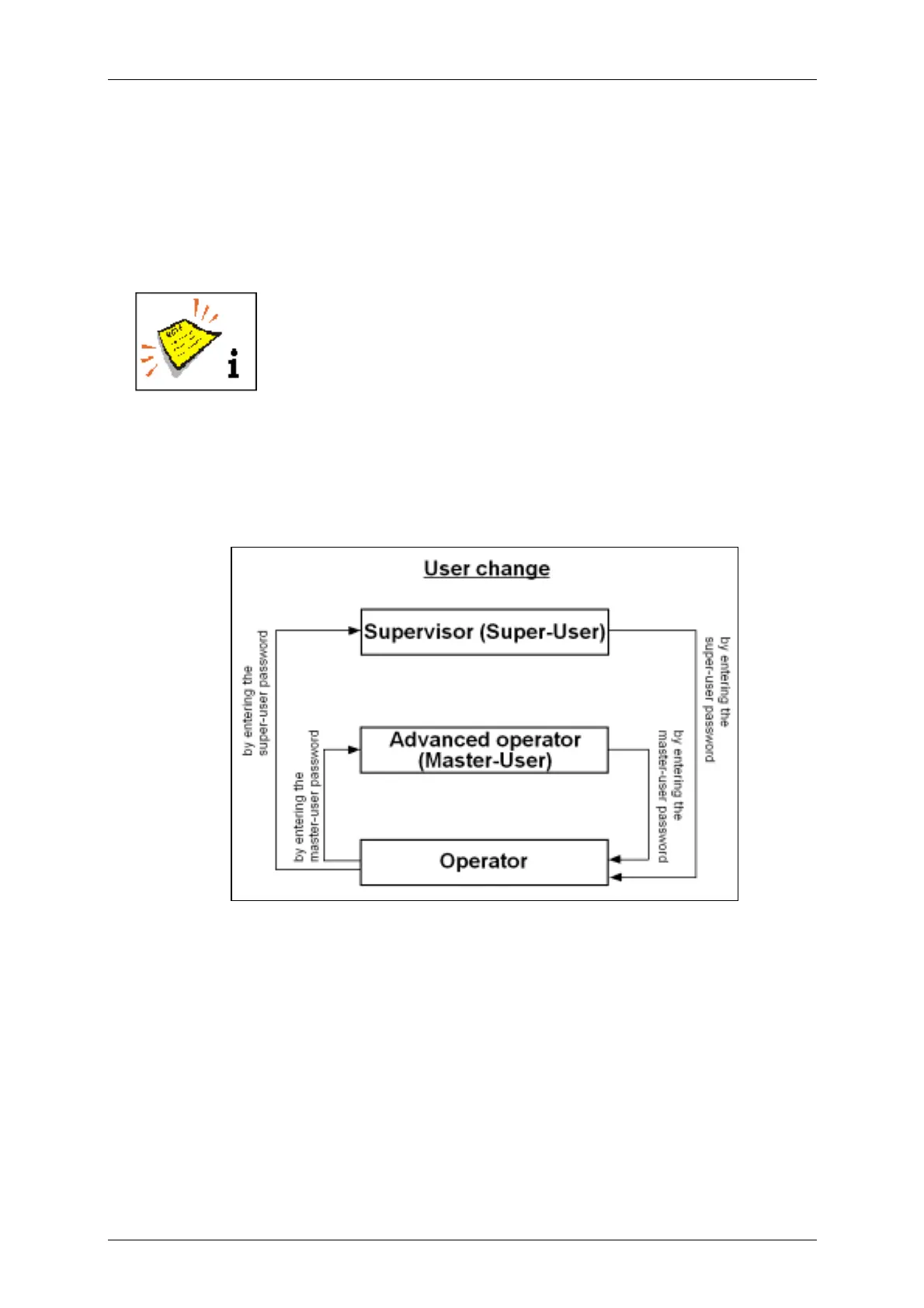
7.4.4 User change and password change
Figure 67



 To Next Page