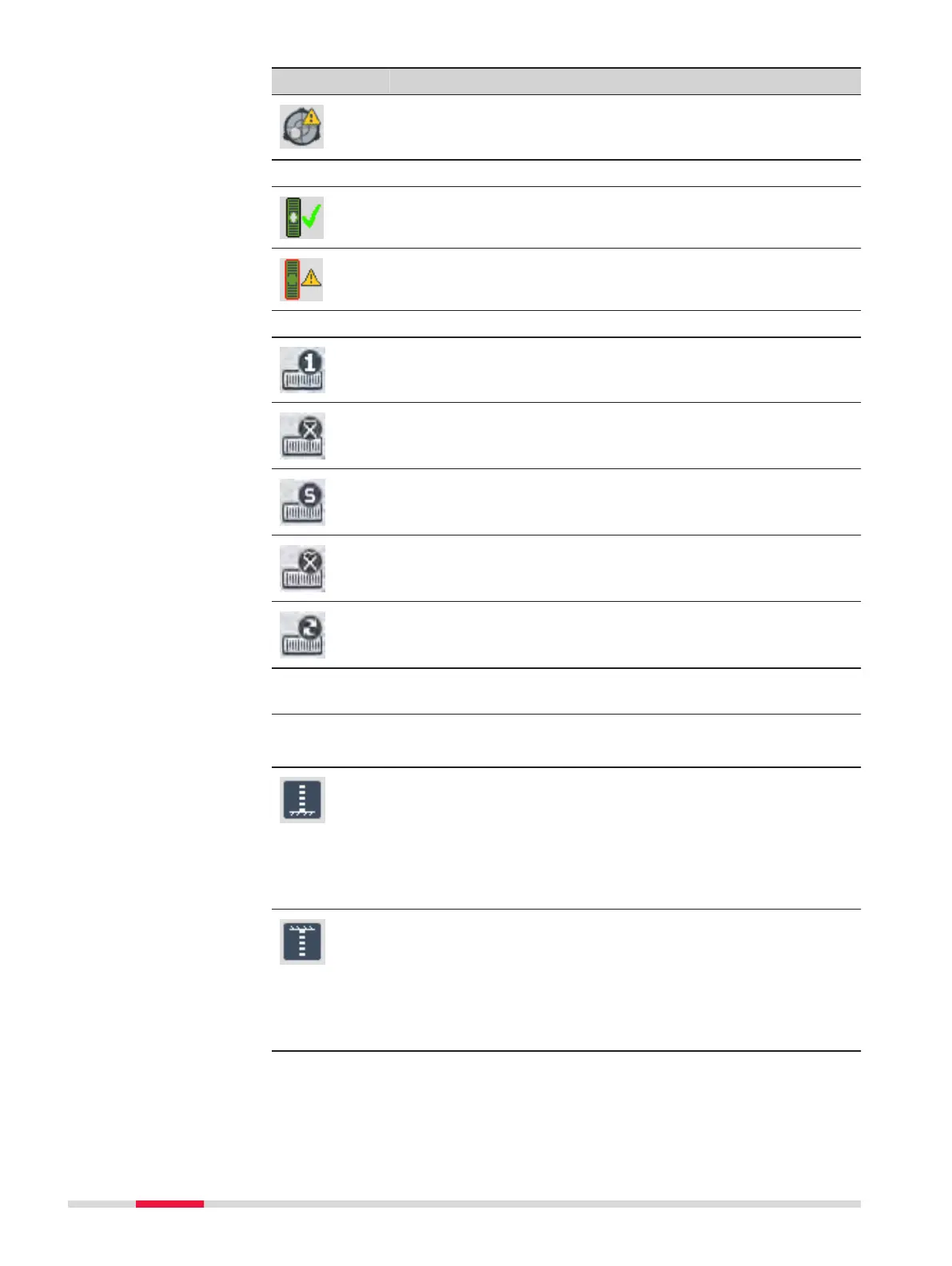
Icon Description
Instrument needs to be levelled before a measurement can
be performed. Tap the icon to open the Level & Tilt Check
screen.
Tilt Check on LS10
Instrument is levelled. Tap the icon to open the Level
screen.
Instrument needs to be levelled. Tap the icon to open the
Level screen.
Measurement Mode
Measurement mode is set to Single. Tap the icon to open
the Mode Settings screen.
Measurement mode is set to Mean. Tap the icon to open
the Mode Settings screen.
Measurement mode is set to Mean S. Tap the icon to open
the Mode Settings screen.
Measurement mode is set to Median. Tap the icon to open
the Mode Settings screen.
Measurement mode is set to Tracking. Tap the icon to open
the Mode Settings screen.
Orientation of Levelling Staff and Status of Earth Curvature Correc-
tion
☞
Within the Check & Adjust application, the earth
curvature correction is automatically set to On.
The orientation of the staff is set to upright. It is only pos-
sible to take measurements with the 0-mark at the bottom
of the staff. Tap the icon to change the orientation to
inverse.
The earth curvature correction is set to Off. Refer to 6.2
Regional Settings for details on how to set the earth
curvature correction to On.
The orientation of the staff is set to inverse. It is only pos-
sible to take measurements with the 0-mark at the top of
the staff. The measured values are negative. Tap the icon to
change the orientation to upright.
The earth curvature correction is set to Off. Refer to 6.2
Regional Settings for details on how to set the earth
curvature correction to On.
22 User Interface



 To Next Page