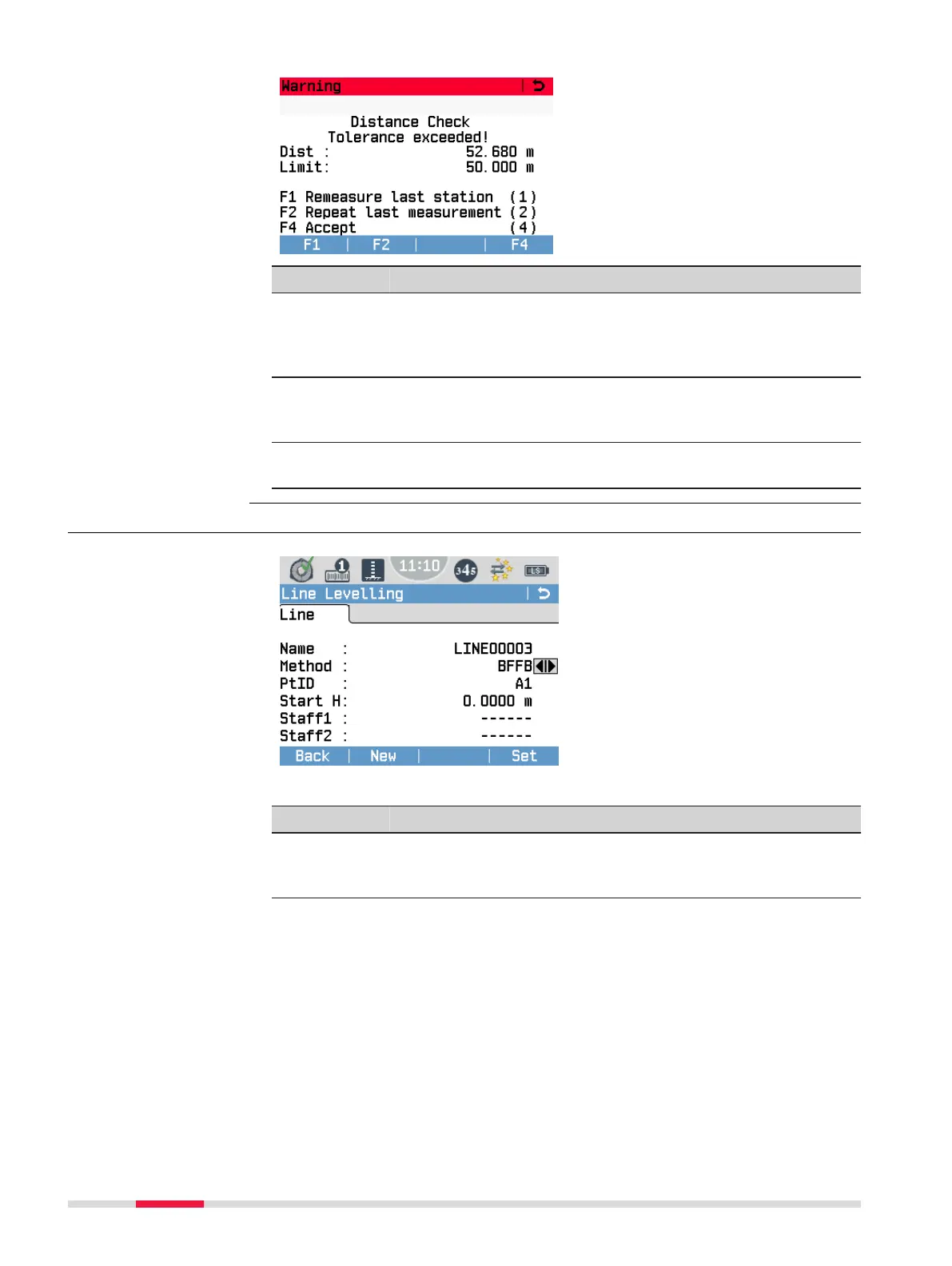
Example of warning message
screen. The title of the screen
describes which type of tolerance
has been exceeded, e.g. the dis-
tance tolerance.
Option Description
F1 If you select F1 Remeasure last station (1), the instru-
ment assumes that all setup points of the levelling staff are
still clearly identied and unchanged. All prior measurements
for this station are deleted and have to be remeasured.
F2 If you select F2 Repeat last measurement (2), only the
last measurement on this station is deleted and has to be
remeasured.
F4 If you select F4 Accept (4), the instrument ignores the
warning message and stores the measurement.
7.4.4 Setting a Line and a Method
New
To create a line. Only available if
the job already contains one or
more lines.
List
To view a list of available points
within the job. Only available if you
create a line or if the job contains
no line at all.
Set
To set the selected line and
method and continue with the pro-
gram.
Field Description
Name Name of the current line.
If the job is empty, a new line name is automatically created
and displayed.
Warning message
“Tolerance
exceeded!”
Line
64 Programs



 To Next Page