Before starting to work, the instrument has to become acclimatised to the
ambient temperature. Take at least 15 minutes into account or approximately
2 minutes per °C of temperature difference from storage to working environ-
ment.
14.3 Adjusting Line of Sight Error
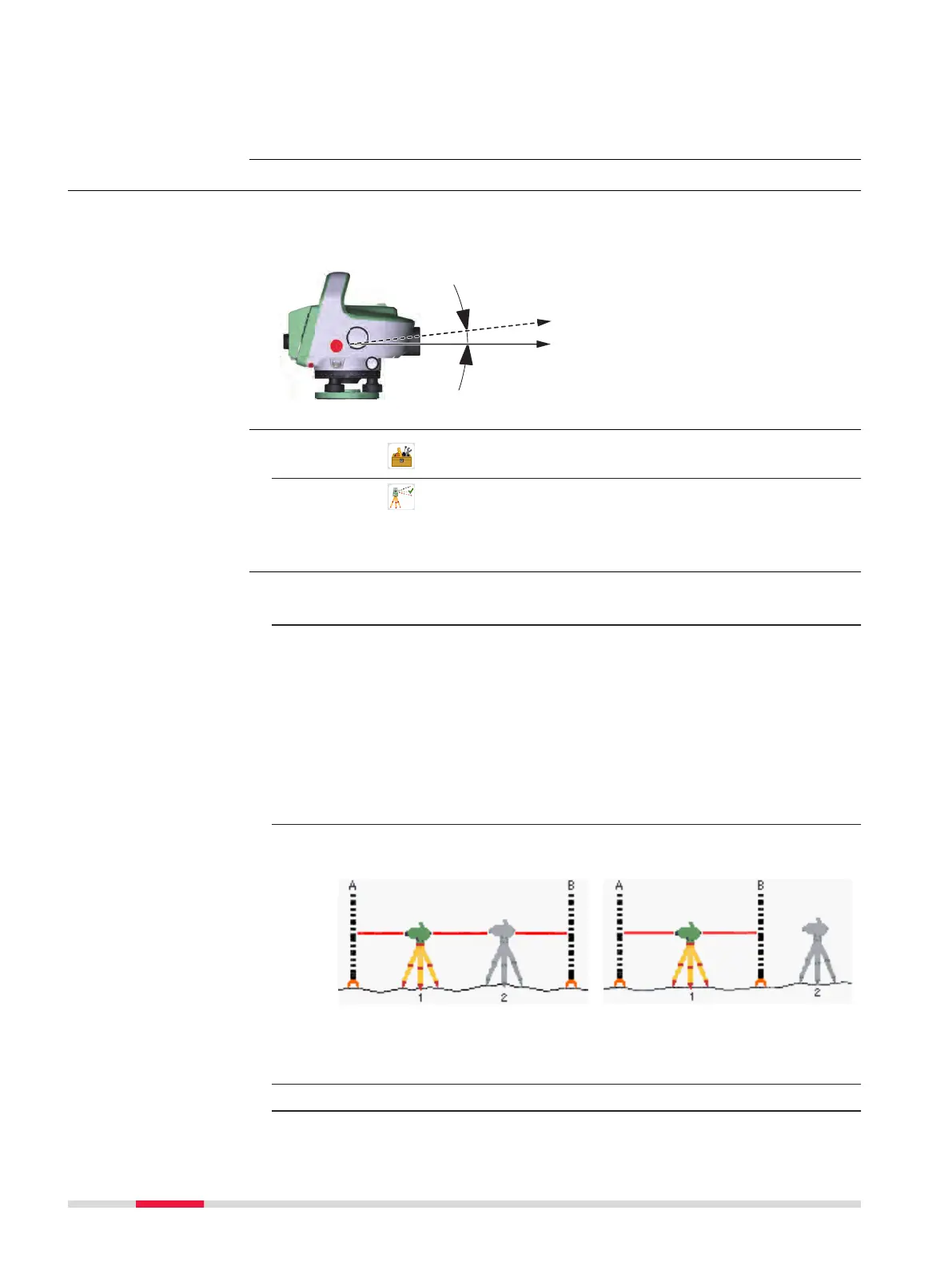
The line of sight error (collimation error) is the vertical angle (α) between the
actual line of sight and the truly horizontal line of sight. It is determined by a
level test.
1.
Select Tools from the Main Menu.
2.
Select
Adjust from the Tools Menu.
An information page is displayed. Select Cont to display the Check
& Adjust Menu.
1. Press F1 or tap on F1 Line Of Sight to start the adjustment of the
collimation error.
2. On the page General, the current collimation error is displayed in
arc seconds.
Select one of the available adjustment methods. A and B are the
levelling staff positions, x is the instrument position. Each method
covers two procedures.
•
The method A x Bx covers the classic "From the centre" proced-
ure and Kukkamäki. Refer to Adjustment method “A x Bx”.
•
The method A x x B covers Förstner and Näbauer. Refer to
Adjustment method “A x x B”.
Press F4 or Cont.
3. An information page shows you how the instrument has to be set
up depending on the selected adjustment method.
A x x B method
A x Bx method
Set up the instrument at the rst position (station 1) and level the
instrument with the digital bubble.
4. Press F4 or Cont.
☞
Line of sight error
Access
Check and adjust
step-by-step
98 Check & Adjust



 To Next Page