An information message is displayed when you exit the Q-Level program
without measuring a foresight in this setup. The information message guides
you to measure the required foresight so that the station storage can be com-
pleted. Example: The “line” measured contains one station with a single back-
sight and several intermediates or set out points.
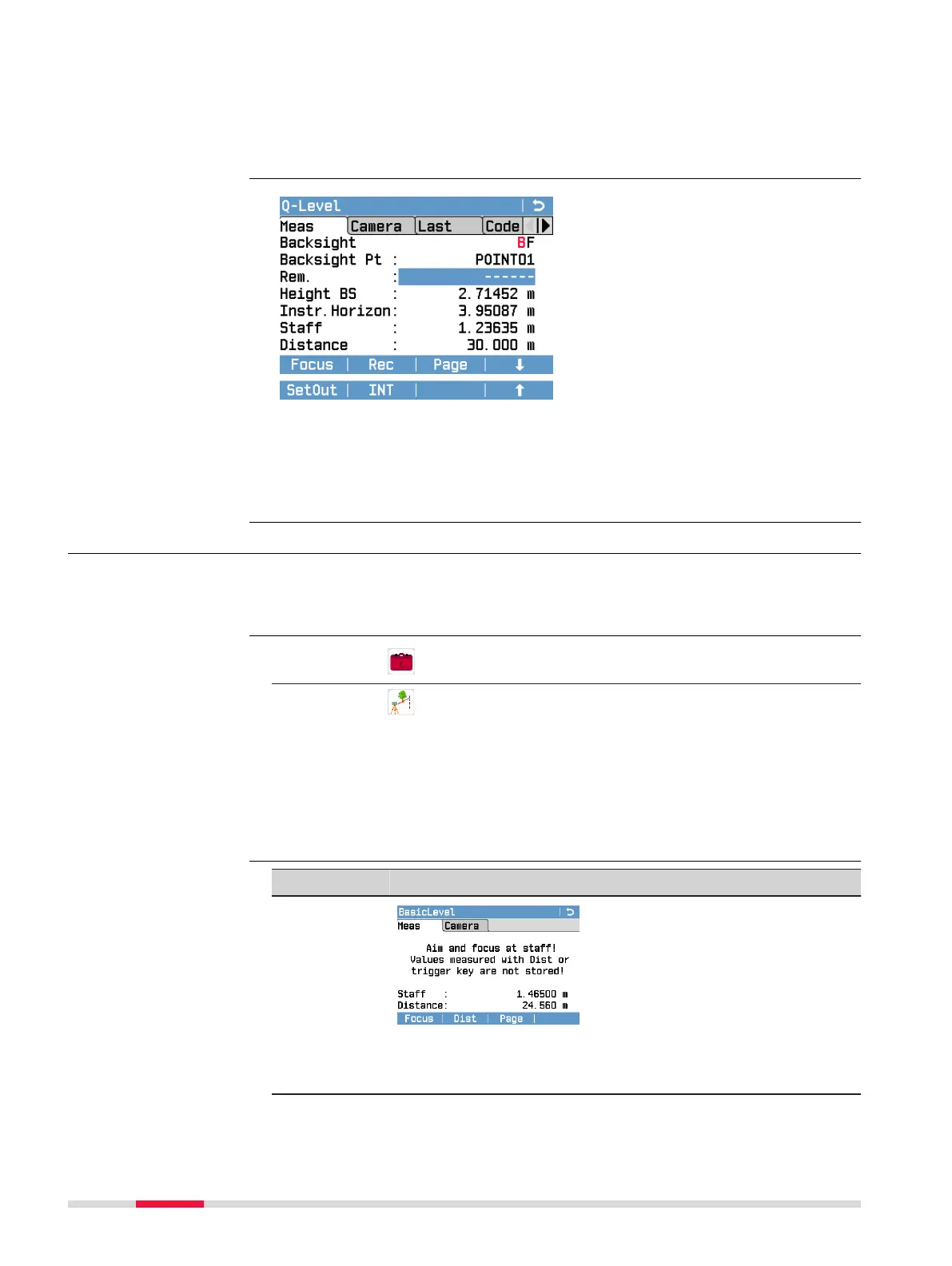
Focus
To automatically focus the tele-
scope (only LS15).
Rec
To save the measured values and
switch to the foresight screen.
SetOut
To switch to the Set Out Height
screen.
INT
To survey intermediate points.
Before measuring the backsight point, you can edit the eld Rem. in order to
enter a remark concerning the measurement.
Press the trigger key to measure the backsight point. The measured values are
displayed in the elds Instr.Horizon, Staff and Distance.
7.3 BasicLevel Program
The BasicLevel program allows you to take an unlimited number of single or
multiple measurements without storing the data. The program is intended for
general levelling purposes.
1.
Select Programs from the Main Menu.
2.
Select BasicLevel from the Programs Menu.
☞
You can also access the BasicLevel program from within other level-
ling programs, for example LineLevel or Q-Level.
Advantage:
The BasicLevel program allows staking the levelling staff to the next
position which helps to equalise the sum of fore- and backsights in
the level loop.
Page Description
Meas
This page displays the output elds for the current measure-
ment.
To take a measurement, tap Dist or press the trigger key.
Backsight display
Description
Access
Available pages within
the BasicLevel pro-
gram
58 Programs



 To Next Page