9 Coding
Codes contain supplementary information about recorded points and are
stored as code blocks together with the measurements. Both, coding with and
without a codelist is supported.
With the help of coding, points can be assigned to a particular group of
information to simplify later processing.
A codelist can be created:
•
on the instrument.
•
in Innity.
Codelists can be imported and exported via USB memory stick. Refer to 13.2
Exporting Data and 13.3 Importing Data.
Number of codes supported in codelists:
•
Up to 500, when created in Innity.
•
Up to 200, when created on the instrument.
Codes are always stored as free codes (WI41-49), that means that codes are
not directly linked to a point. They are stored before or after the measure-
ment depending on the setting made.
A code is always recorded for each measurement as long as a code is high-
lighted within the page Code. To stop recording a code, ensure that no code
eld is highlighted within the page Code.
For permanent recordings of points or a reset of the code recording after
storing a point, refer to 6.3 Data Settings.
Direct Access to Codelists
•
Select
Manage from the Main Menu.
•
Select Codes from the Manage Menu.
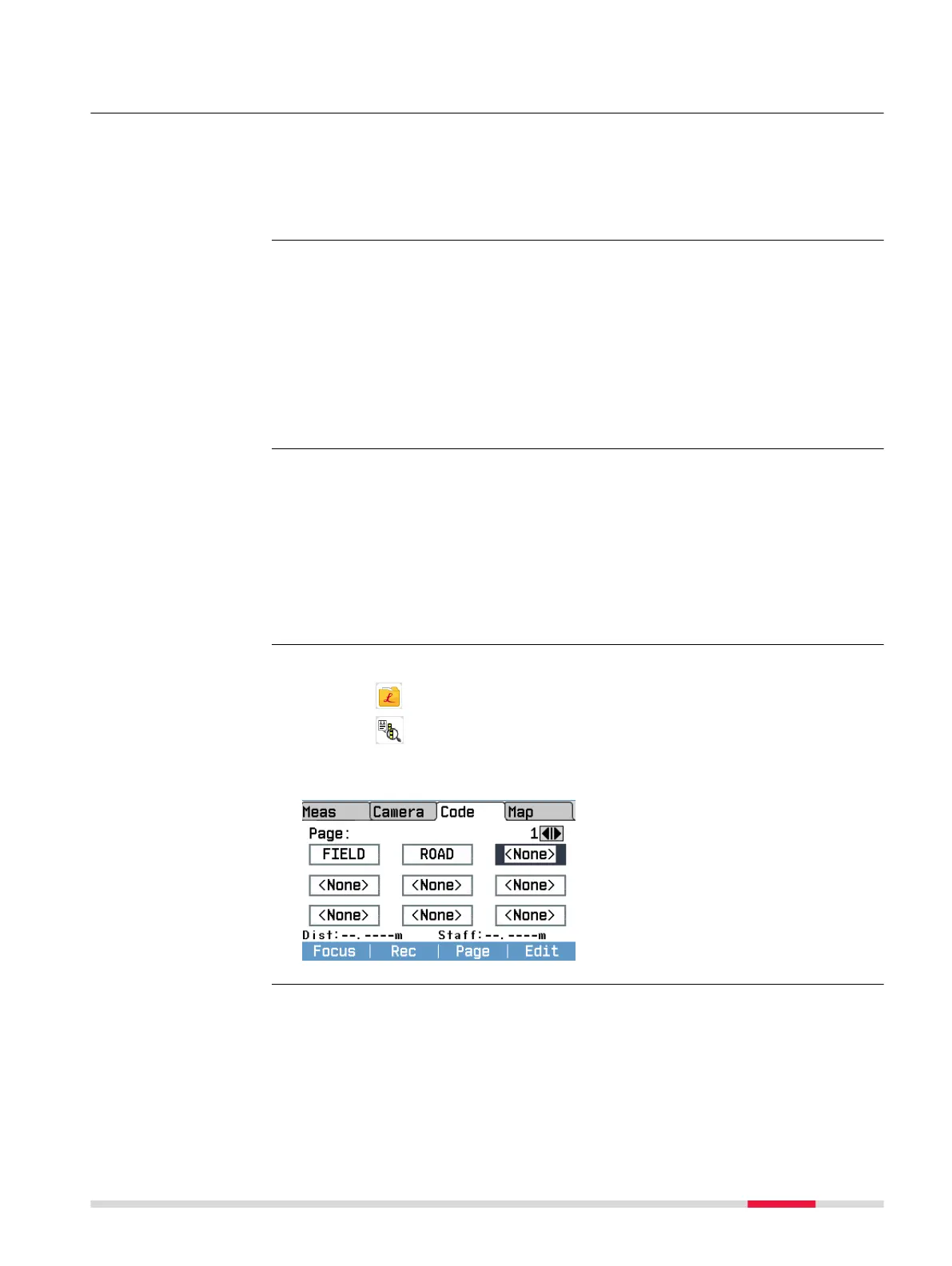
Access from within a program
•
Open the Q-Level or the Line-
Level program.
•
Within the program, press Page
to change to the page Code.
•
Press Edit to open the Manage
Codes screen.
Description
Creating a Codelist
GSI coding
Access
Coding 75



 To Next Page