8 Favourites
Favourites can be accessed by pressing the Favourites key from any
measurement screen.
The Favourites key opens the Favourites Menu and a function can be selec-
ted and activated.
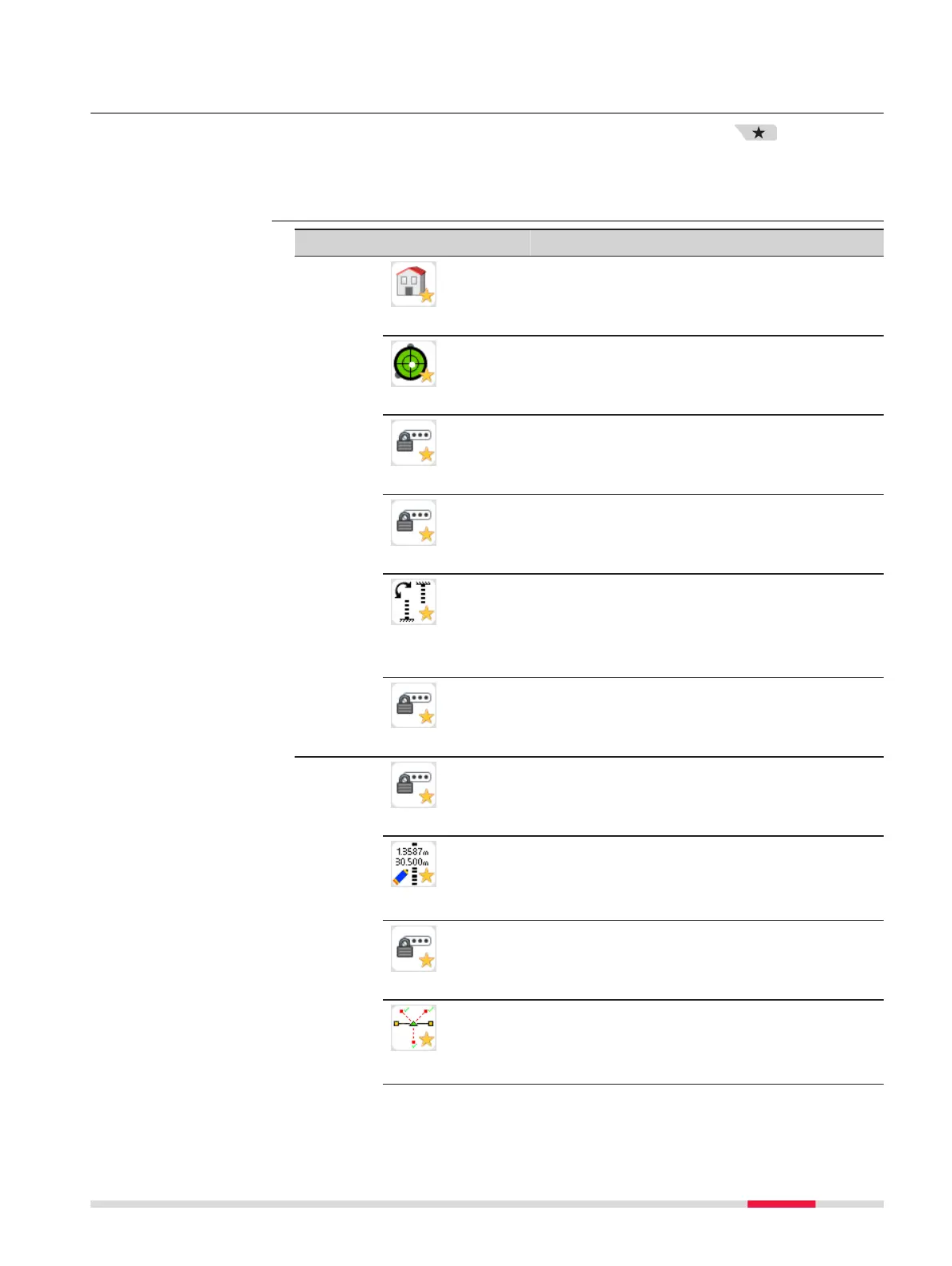
Favourite Description
Work
Home
Returns to the Main Menu.
Level
Opens the Level & Tilt Check screen. Refer
to For LS15: Precise levelling with the digital
level bubble step-by-step.
PIN
To lock the screen with a PIN. Refer to 12.4
Instrument Protection with PIN.
Free Code
Opens screen to view, create or delete
codes. Refer to 9 Coding.
INV
Changes the orientation of the levelling staff
(upright or inverse). Note that the selected
earth curvature correction setting remains
unchanged. To change the earth curvature
correction refer to 6.2 Regional Settings.
View Meas
To view measurement data for a selected
job. Refer to 13 Data Management.
Apps
Adjust
Opens the LineAdjust program. Refer to 14
Check & Adjust.
Man.Input
To manually enter staff readings and dis-
tances between staff and instrument. Refer
to 5.4 Manual Input Screen for Optical
Height Reading.
SetOut
Opens the SetOut screen. Refer to SetOut
application within 7.2.2 Measurement Pro-
cedure for Q-Level.
Interm
To activate the Intermediate point measuring
function. Refer to Survey intermediate
points within 7.2.2 Measurement Procedure
for Q-Level.
Description
Favourites
Favourites 73



 To Next Page